page21
BASIC ADJUSTMENT SETTINGS
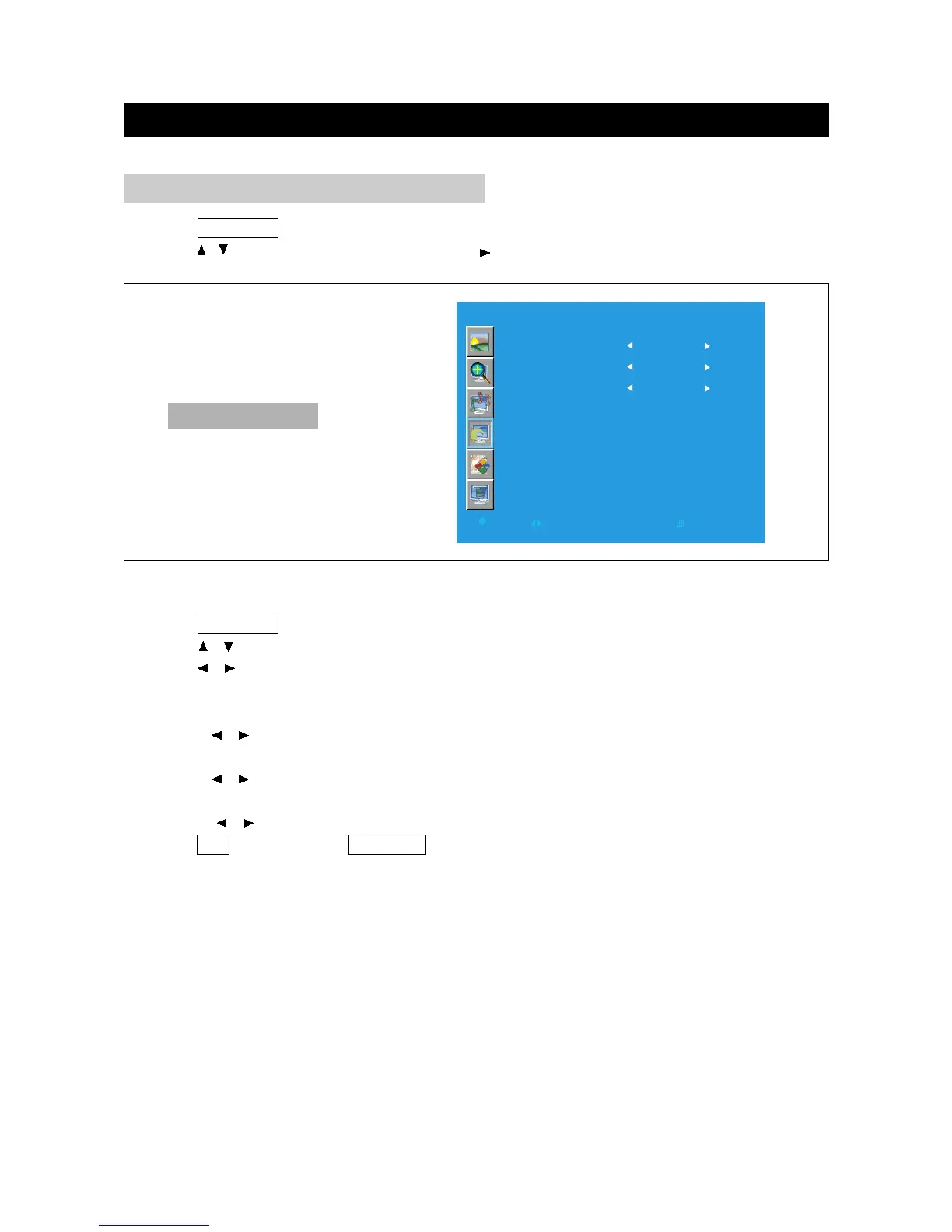
MTS
This function is to select a MTS mode.
1. Press TV MENU to bring up the TV menu screen.
2. Press / to select ’’MTS’’ in Source menu.
3. Press / to select a MTS mode.
①When mono TV signal is received, only mono is available.
②Mono + SAP mode
Press / to shift between: mono and sap .
③Stereo mode
Press / to shift between: stereo and mono .
④Stereo + SAP mode
Press / to shift among: mono , stereo and sap .
5. Press OK to return; press TV MENU to exit.
1. Press TV MENU to enter LCD menu.
2. Press / to select "Source", and then press to enter "Source" menu.
SOURCE (ONLY TV MODE)
MTS
SKIP
ANTENNA
AUTO SEARCH
SELECT
MONO
EXIT
OFF
CATV
SOURCE
MOVE RETURNOK
TV Mode



 To Next Page