BASIC ADJUSTMENT SETTINGS
page23
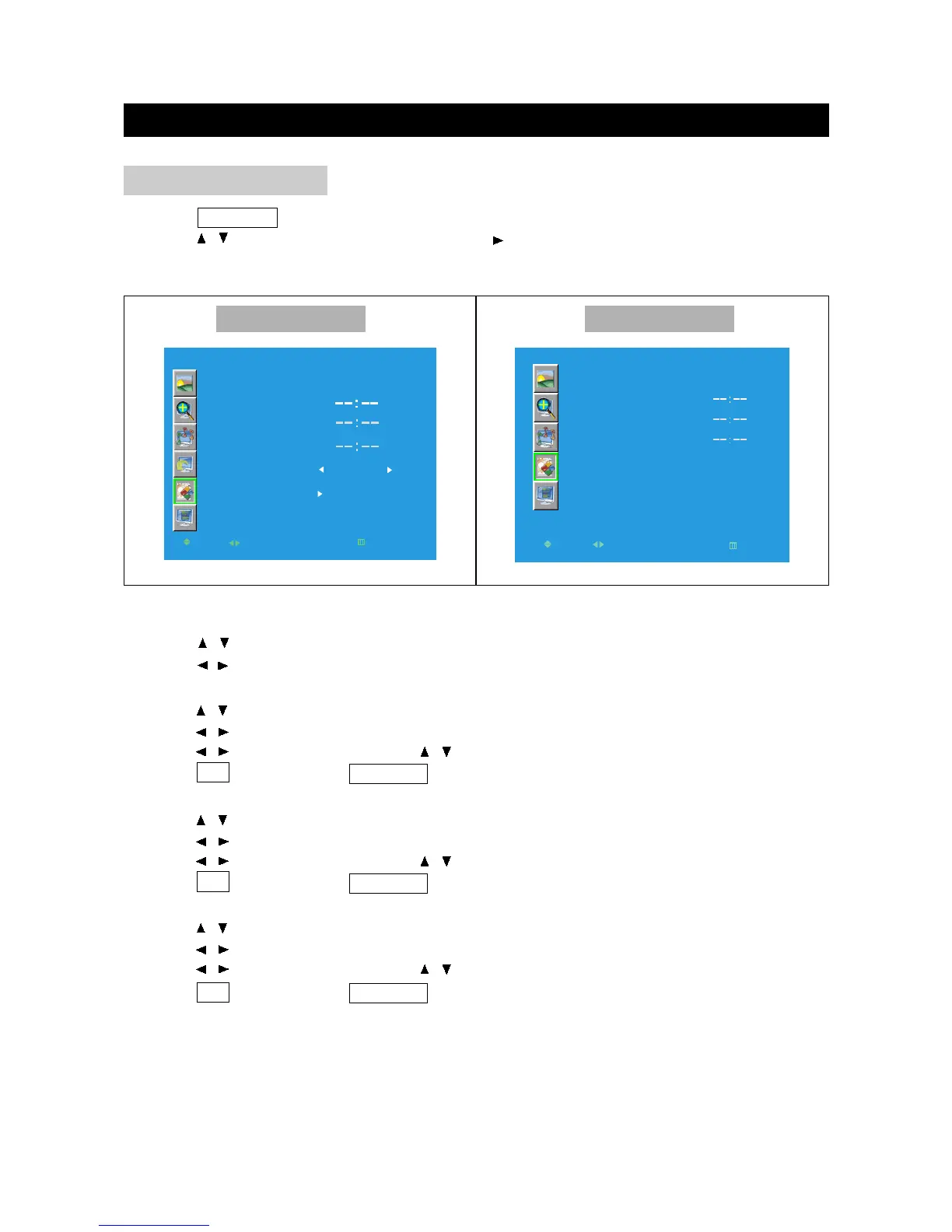
1. Press TV MENU to enter LCD menu.
2. Press / to select "Function", and then press to enter "Function" menu.
FUNCTION
FUNCTION
FACTORY
CLOCK
TIME ON
TIME OFF
MOVE
SELECT
RETURN
EXIT
OK
RECALL
Other Mode PC Mode
Factory Recall
a. Press / to select Factory Recall in Function menu.
b. Press / to confirm, then the Factory Recall will be reset.
Clock
a. Press / to select Clock in Function menu.
b. Press / to confirm to enter clock menu.
c. Press / to move the cursor, press / to select numbers.
d. Press OK to return; press TV MENU to exit.
Time On
a. Press / to select Time On in Function menu.
b. Press / to confirm to enter Time On menu.
c. Press / to move the cursor, press / to select numbers.
d. Press OK to return; press TV MENU to exit.
Time Off
a. Press / to select Time Off in Function menu.
b. Press / to confirm to enter Time Off menu.
c. Press / to move the cursor, press / to select numbers.
d. Press OK to return; press TV MENU to exit.



 To Next Page