BASIC ADJUSTMENT SETTINGS
page24
You system is equipped with an internal closed caption decorder close caption is the system
which allow you to view conversations, narration, and sound effects in TV programs and home
videos as subtitles on your display.
Closed Caption (Only in TV mode)
1. Press / to select "Closed Caption" in " Function" menu .
2. Press / to select the closed caption.
3. Press OK to return to the previous menu; press TV MENU to exit.
Parent Control
1. Press / to select "Parent Control" in " Function" menu .
2. Press / to enter the Parent Control, and the password menu displays.
3. Enter the password with numbers. (the factory reset password is 0000).
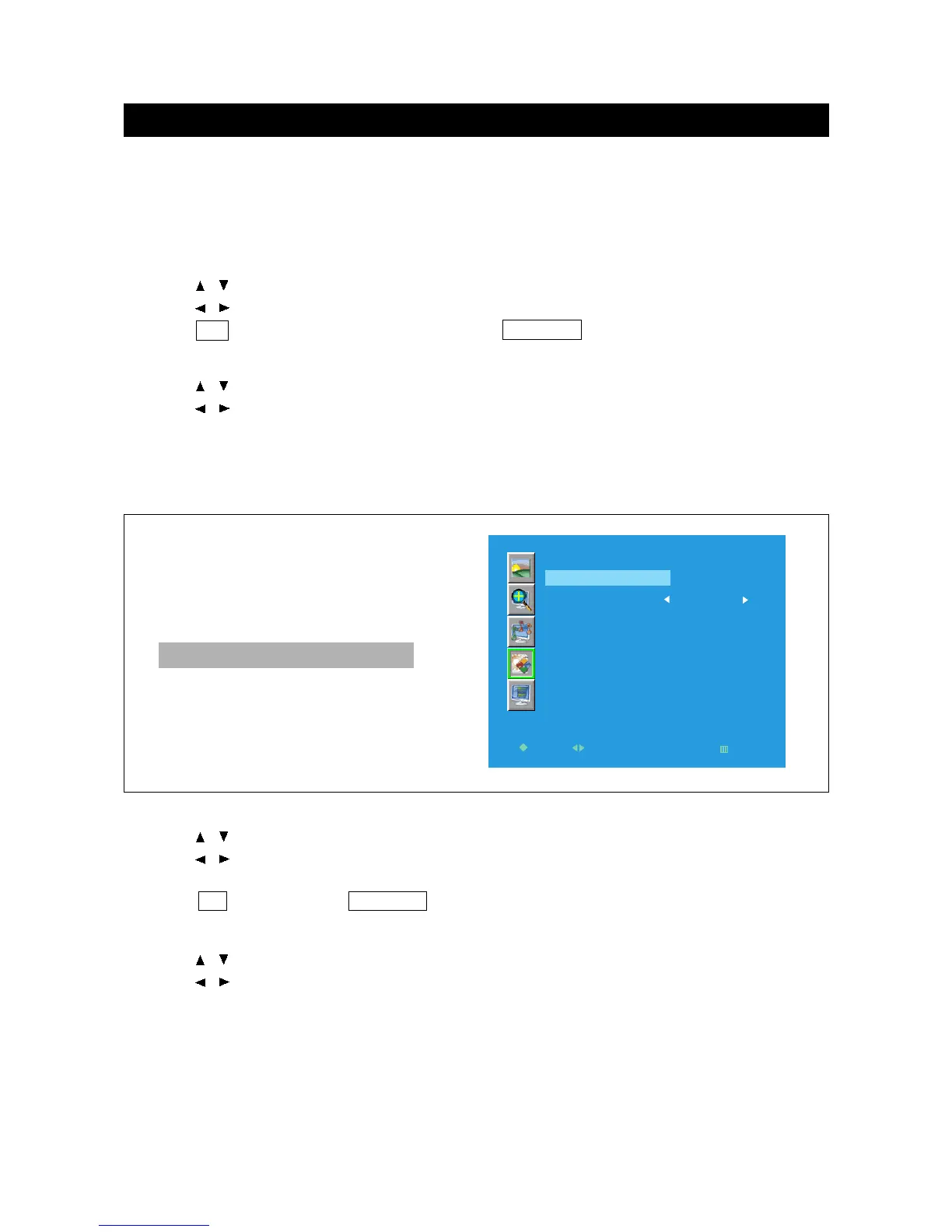
After entering the password, it will display the following menu.
NOTE: Only in TV, AV, and S-Video mode, Parent Control is available.
Change Password
1. Press / to select "Change Password" in " Parent Control" menu .
2. Press / to enter the Change Password menu.
3. Enter your new password with numbers and input it again then it will display Change success .
4. Press OK to return; press TV MENU to exit.
Other Mode
V-Chip
1. Press / to select "V-Chip" in " Parent Control" menu .
2. Press / to select "V-Chip" to on or off.
Note: Only when the V-Chip is set to ON the settings made in TV Rating and Movie Rating
will be work.



 To Next Page