1. Press POWER button on the front panel to turn on the TV set. The POWER indicator
lights up green.
2. If the STANDBY indicator still lights up red, press POWER on the remote control to turn
the TV set on.
WATCHING TV
page13
TURNING ON THE POWER
1. Press POWER on the remote control, the image on the screen disappears and the
STANDBY indicator lights up red.
NOTE: Weak electric power is still consumed even when the power is turned off.
TURNING OFF THE POWER
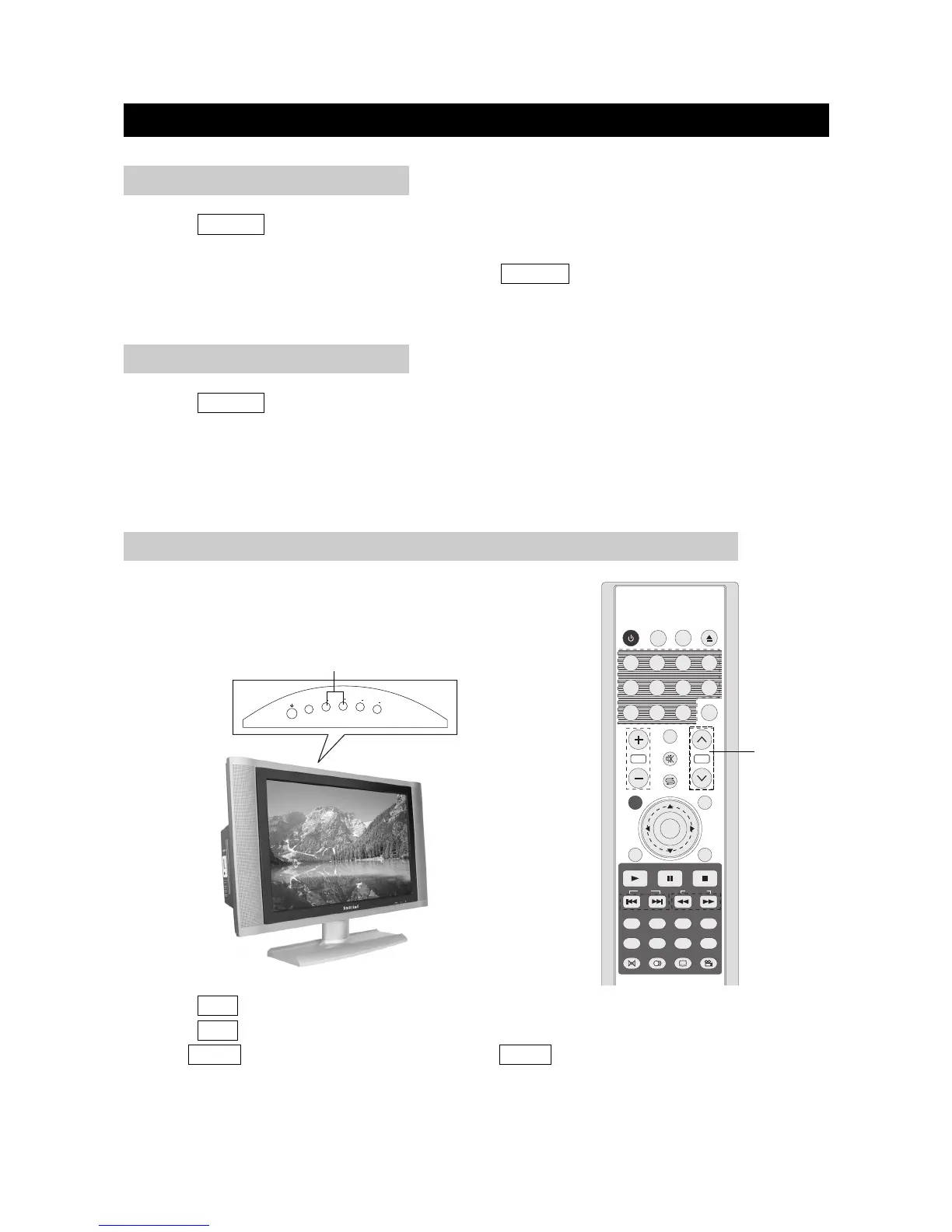
1. Press CH+ to increase channel number.
2. Press CH- to decrease channel number.
NOTE: CH+/- on the TV set operates the same as CH+/- on the remote unit.
CH+/-
You can change channels in several ways.
Using CH+/- on the remote unit
SIMPLE BUTTON OPERATIONS FOR CHANGING CHANNELS



 To Next Page