You can use menu, buttons to control the printers and check the status from the status windows in the main
user interface. Please go to the user’s manual of Printer Control Software for detailed information about its
usages and functions.
3. Update The Firmware
Follow these steps when you need to update the firmware of the Printer Control Software:
1. Turn on the printer and open Printer Control Software;
2. Select Update Firmware < Update < Tools menu;
3. Select the firmware file for your printer type and click OK to update;
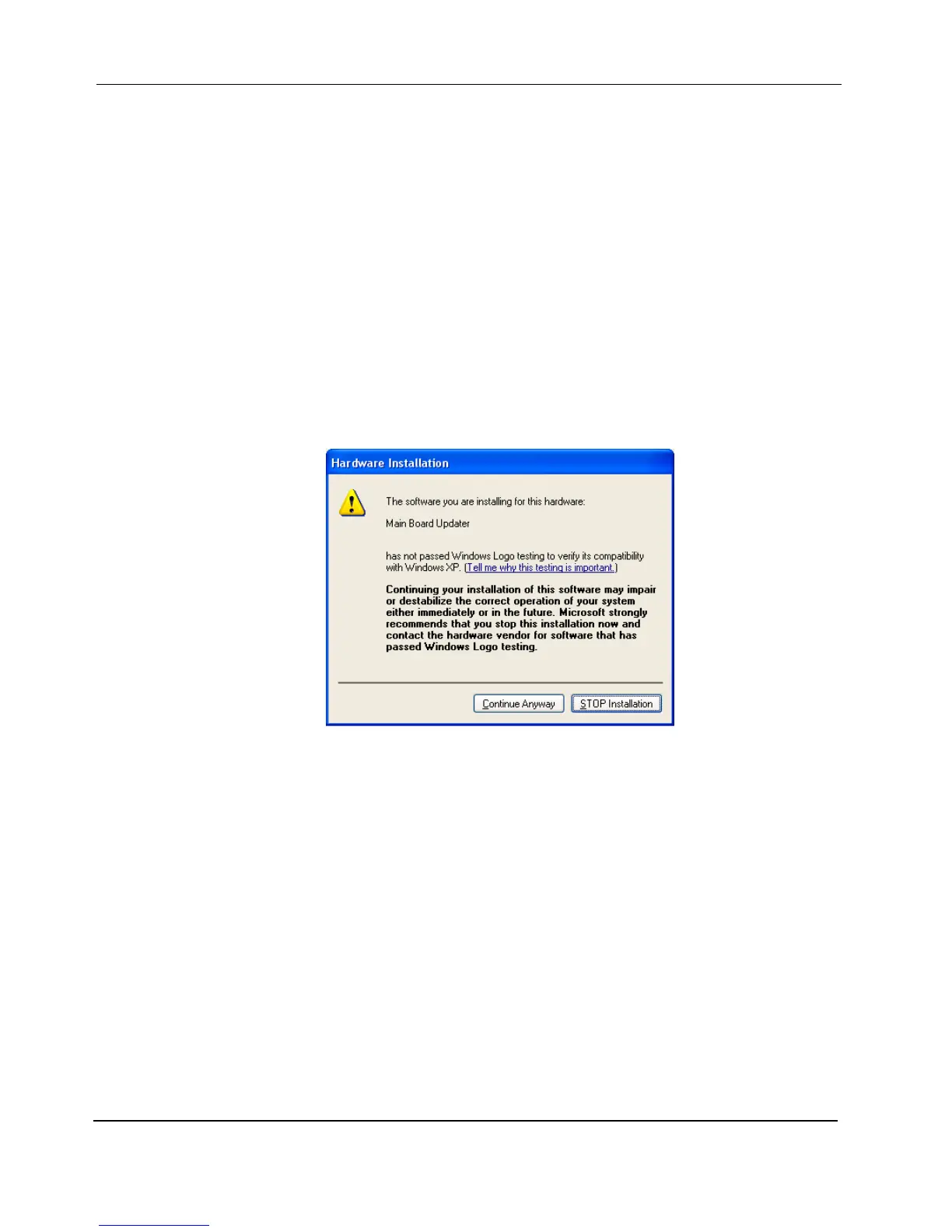
4. If you are using Windows XP and it prompts up the following dialog, click the “Continue Anyway”
button:
5. Power off the printer when the computer prompts you to restart the printer;
6. Turn on the printer after 3 seconds.


 To Next Page