7. Click button Apply.
Note: Long-range Calibration function is not applicable to TL series printer.
8. Click button Finish to end the calibration and close the dialogue; click button Back to go back the last step;
and click button Cancel to close the dialogue without saving any setting.
7-9-4 VERTICAL ALIGNMENT
Vertical alignment can help to make sure the all the printheads are well aligned in the vertical direction, which
means the first nozzles of all printheads are in one line.
Follow these steps to do the vertical alignment:
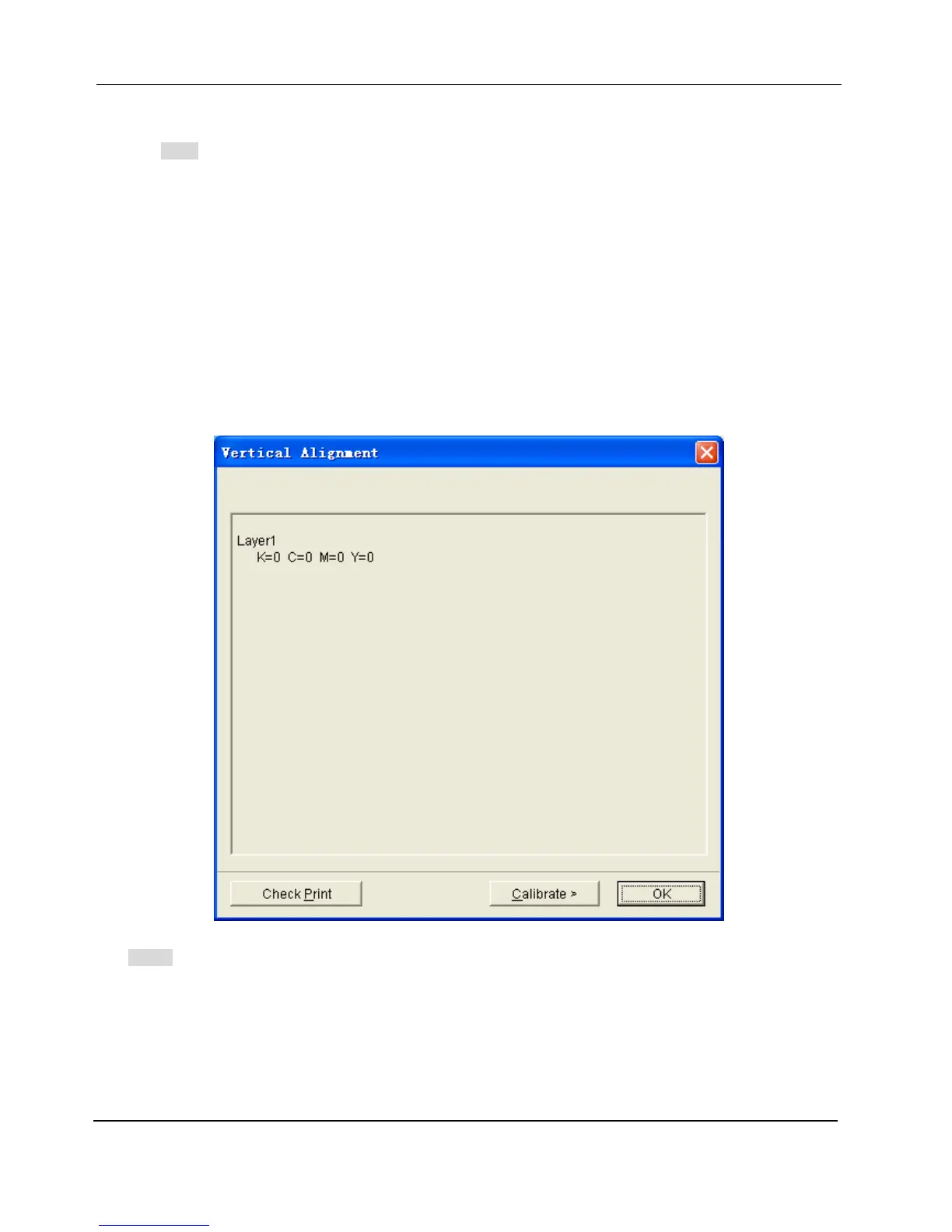
1. Choose the Vertical Alignment command from the Adjust menu, the Vertical Alignment dialogue pops up.
Note:
The values of the colors displayed are the current calibration value.


 To Next Page