Live Data Mode
LIVE DATA PLAYBACK
112 3140d
When recorded Live Data is played
back, all available PIDs are shown,
even if you have customized the
Live Data selections.
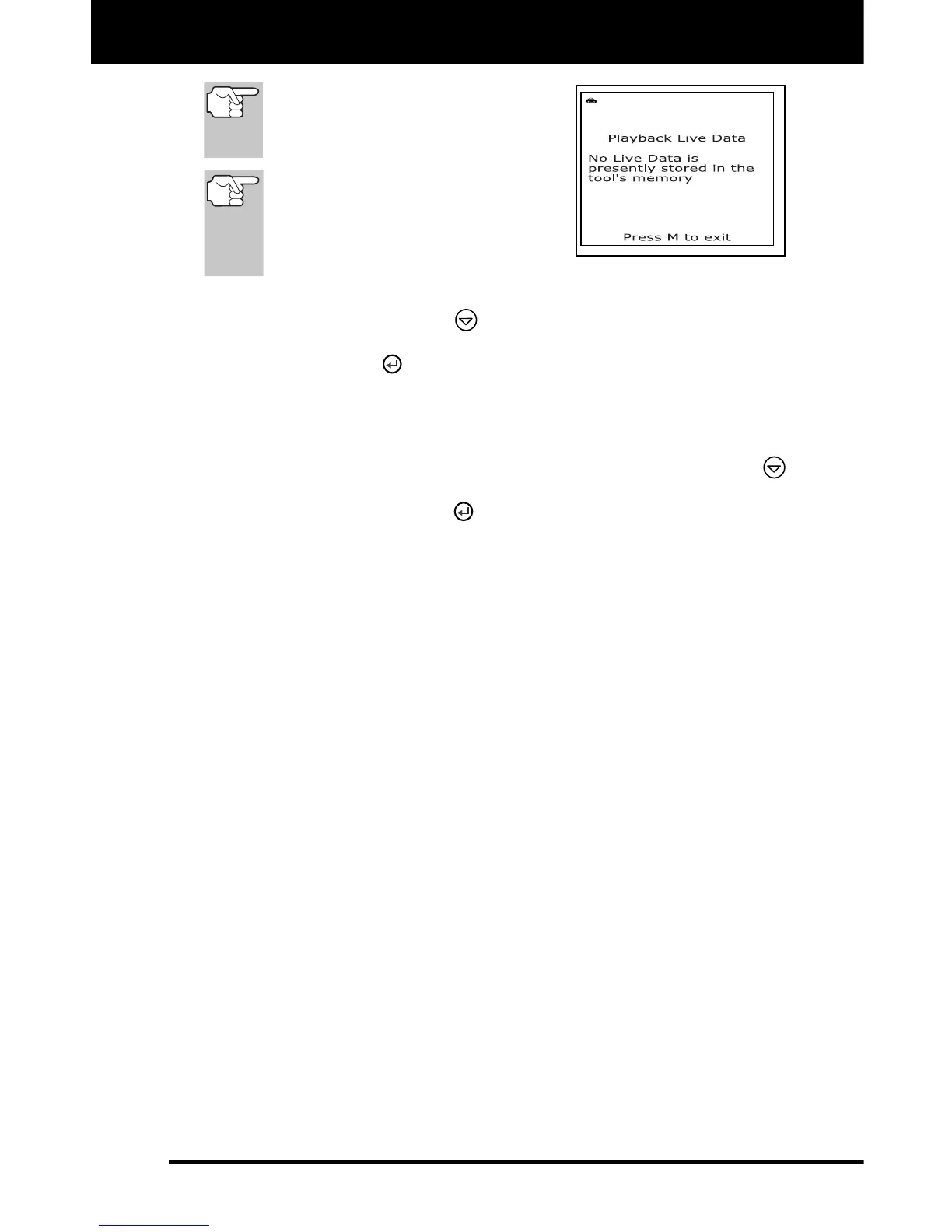
If there is no Live Data currently
stored in the scan tool's memory,
an advisory message shows on
the display. Press the M button to
exit the "Live Data Playback" mode.
5. When you have viewed all PID information for the current frame of
Live Data, use the DOWN
button to scroll to the end of the PID
list. Highlight Next Frame or Previous Frame, as desired, then
press the ENTER
button.
6. When you have finished viewing the recorded Live Data, exit the
“Live Data Playback” mode using the appropriate procedure shown
below:
If the scan tool is connected to a vehicle, use the DOWN
button to scroll to the end of the PID list, highlight Exit Playback,
then press the ENTER
button.
If the scan tool is not connected to a vehicle, press the M button.



 To Next Page