Using Scan Tool Memory
VIEWING DATA IN MEMORY
126 3140d
When you retrieve DTCs from a vehicle, the data is saved to the scan
tool’s memory.
Each time you retrieve DTCs, existing data in the scan tool's
memory is overwritten with the new data.
VIEWING DATA IN MEMORY
When you turn the scan tool on while NOT connected to a vehicle, and
data is currently saved in the scan tool's memory, the scan tool enters
Memory mode. You can view DTCs and Live Data stored in the scan
tool's memory.
1. With the scan tool NOT connected to a vehicle. press and release the
POWER/LINK
button to turn the scan tool on.
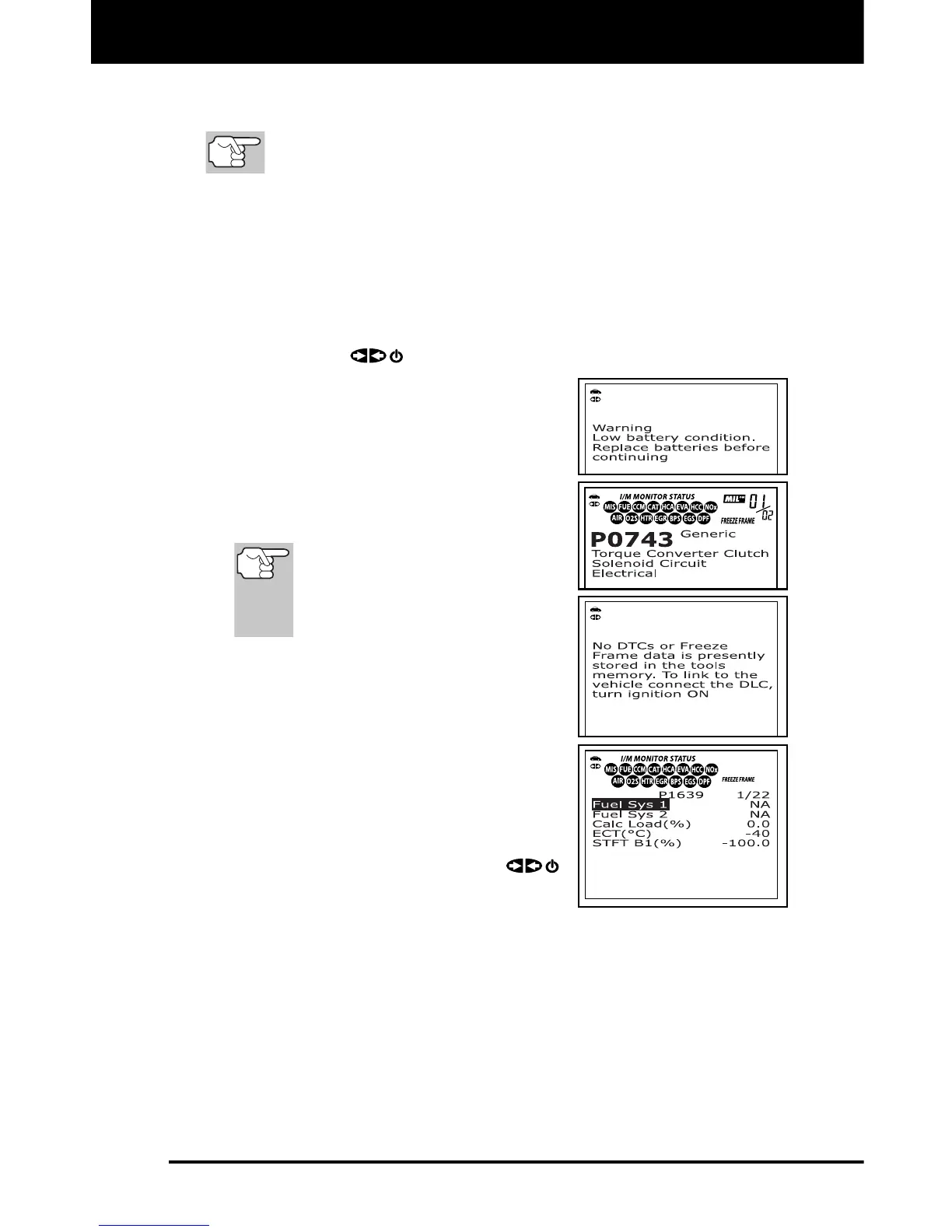
If the scan tool’s batteries are low, a
warning message displays. Replace
the batteries before continuing.
2. To view DTCs in the scan tool's memory,
press the DTC/FF
button.
The scan tool displays the "priority"
DTC.
If there are no OBD2 DTCs
currently stored in the scan
tool's memory, an advisory
message shows on the
display.
Press the DTC/FF
button to scroll
through all stored DTCs and to view
Freeze Frame Data (if available).
When all OBD2 DTCs have been
displayed and the DTC/FF
button is
pressed, the scan tool displays the
first DTC stored in memory.
3. When you have finished viewing data in
the scan tool's memory, press and
release the POWER/LINK
button to turn the scan tool off.



 To Next Page