Chrysler/Jeep OBD1 Systems
CODE RETRIEVAL PROCEDURE
60 3140d
Retrieving and using Diagnostic Trouble Codes (DTCs) for
troubleshooting vehicle operation is only one part of an
overall diagnostic strategy.
CODE RETRIEVAL PROCEDURE
Never replace a part based only on the DTC
definition. Each DTC has a set of testing procedures,
instructions and flow charts that must be followed to
confirm the location of the problem. This information
is found in the vehicle’s service manual. Always refer to
the vehicle’s service manual for detailed testing
instructions.
Check your vehicle thoroughly before performing
any test. See BEFORE YOU BEGIN on page 31 for details.
ALWAYS observe safety precautions whenever working on a
vehicle. See Safety Precautions on page 3 for more informa-
tion.
1. Locate the vehicle’s Data Link Connector (DLC). See Data Link
Connector (DLC) on page 59 for connector location.
Some DLCs have a plastic cover that must be removed before
connecting the scan tool’s cable connector.
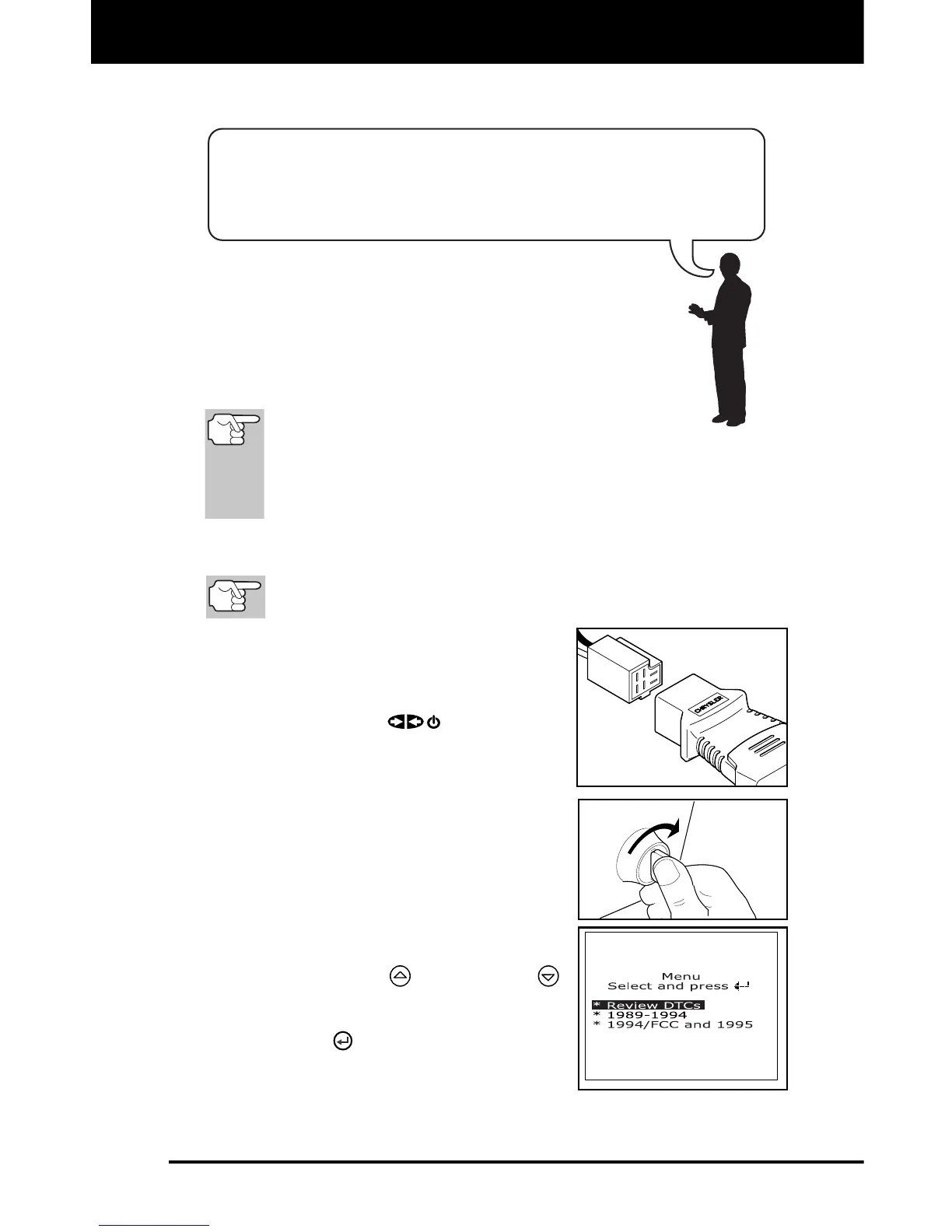
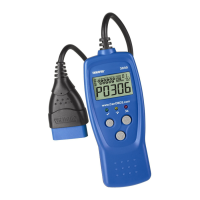
2. Connect the scan tool cable (with the
Chrysler Connector Cable Adaptor
attached) to the scan tool, then connect
the adaptor to the vehicle’s DLC. Press
the POWER/LINK
button to turn
the scan tool ON.
Set the parking brake, and make
sure all vehicle accessories are
turned off.
3. Turn the ignition ON. DO NOT start the
engine.
The Chrysler OBD1 Menu displays.
4. To view codes in the scan tool’s
memory:
Use the UP and DOWN
buttons, as necessary, to highlight
Review DTCs, then press the
ENTER
button.


 To Next Page