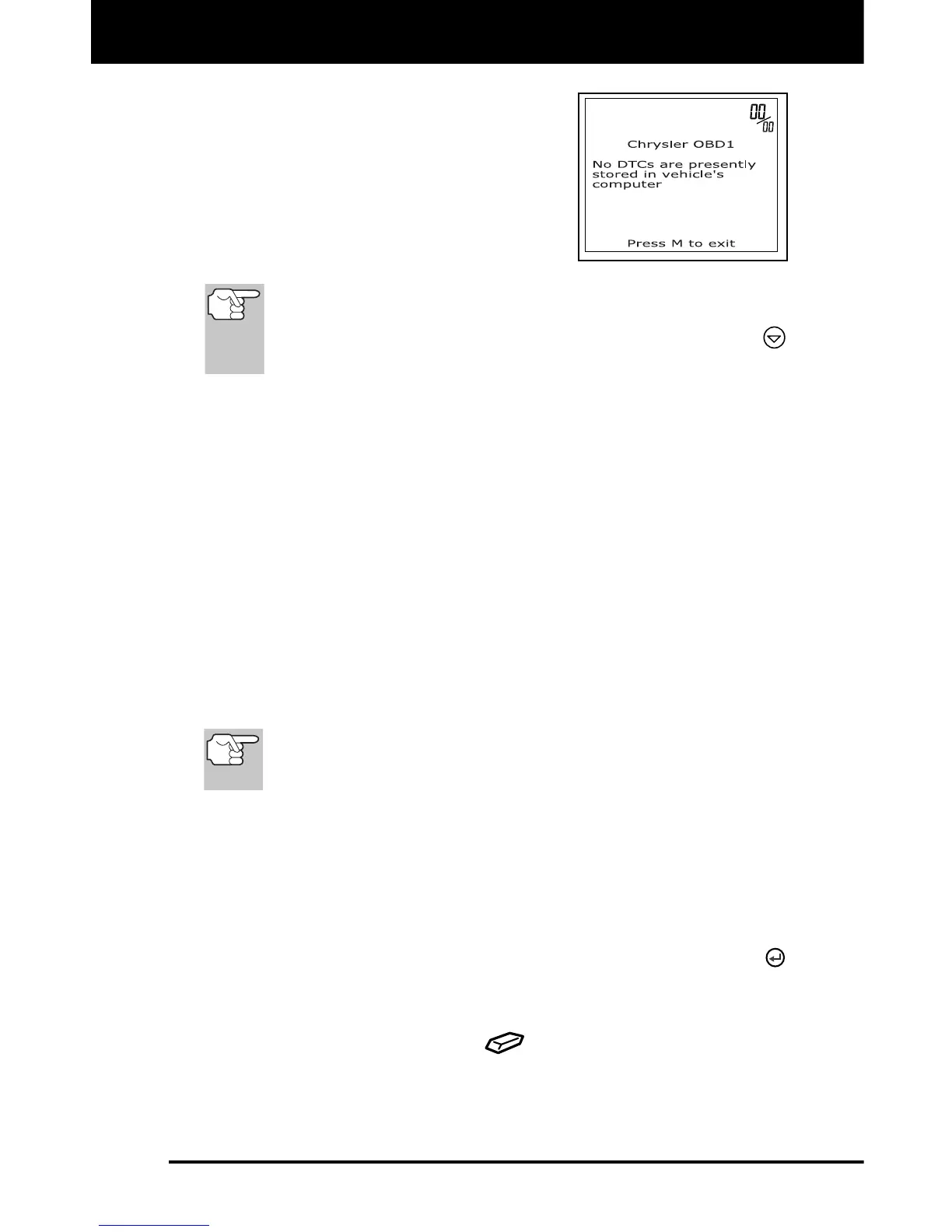
Chrysler/Jeep OBD1 Systems
ERASING DTCs
62 3140d
The scan tool will display a code
only if codes are present in the
vehic
le's computer memory. If no
codes are present, a "No DTC's are
presently stored in the vehicle's
computer" message is displayed
.
9. If more than one code was retrieved
press the DTC/FF button, as ne
cessary,
to display additional codes one at a time.
In the case of long code d
efinitions, a small arrow is shown in
the upper/lower right-hand corner of the code display area to
indicate the presence of additional information. Use the
button to view the additi
onal information.
10. Disconnect the scan tool from the vehicle and turn the ignition key
OFF.
11. To prolong battery life, the scan tool automatically shuts "Off" after
approximately three minutes of no button activity. The DTCs
retrieved will remain in the scan tool's memory, and may be viewed
at any time. If the scan tool’s batteries are re
moved, or if the scan
tool is re-linked to a vehicle to retrieve codes, any prior codes in its
memory are automatically clear
ed.
12. Follow the testing and repair procedures outlined in the vehicle's
service repair manual to correct "hard" DTCs. Codes should be
addressed and eliminated in the order they were received, erasing
and retesting after each repair is made to be sure the fault was
elim
inated.
ERASING DTCs
When the scan tool's ERASE function is used to erase
DTCs from the vehicle's on-board computer, manufacturer
specific data (where applicable) is also erased.
If you plan to take the vehicle to a service center for repair, DO NOT
erase the codes from the vehicle's computer. If the codes are erased,
valuable information that might help the technician troubleshoot the
problem will also be erased.
Erase DTC’s from the computer’s memory as follows:
1. Connect the scan tool to the vehicle’s DLC. Press the ENTER
button to continue.
2. Turn the igni
tion ON. DO NOT start the engine.
3. Press and release the ERASE
button. A confirmation message
shows on the LCD display.



 To Next Page