Ford OBD1 Systems
CODE RETRIEVAL PROCEDURES - KOER TEST
78 3140d
- Verify the ignition is ON.
- Check the cable connections at the scan tool and at the
vehicle’s DLC.
- Turn the ignition OFF, wait 10 seconds, then turn back ON to
reset the computer.
- Press the ENTER
button to continue.
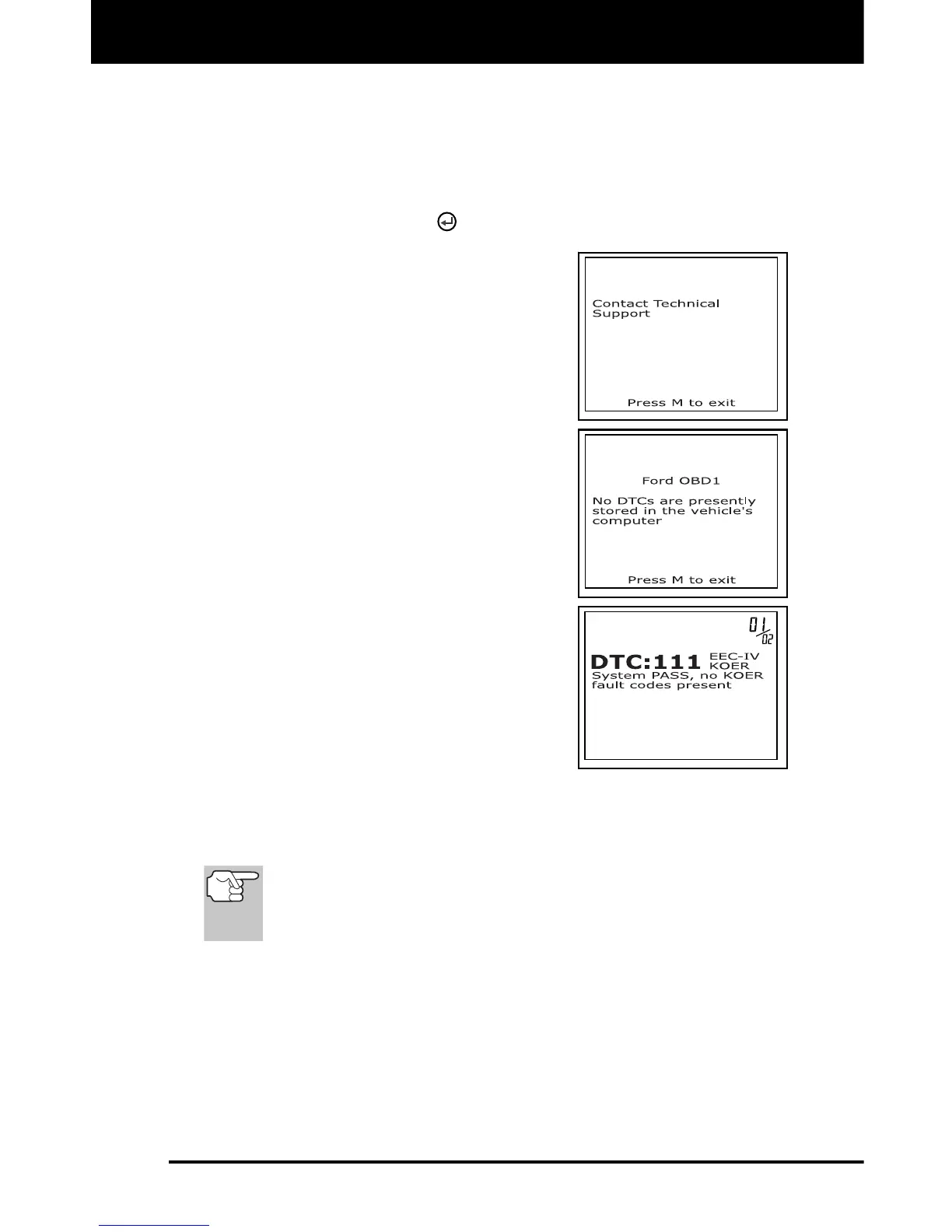
If the scan tool cannot link to the
vehicle’s computer after three
attempts, the message “Contact
Technical Support” displays.
- Press the M button to return to
the Ford OBD1 Menu.
- Turn the ignition off, and
disconnect the scan tool.
- Contact Technical Support for
assistance.
The scan tool will display a code
only if codes are present in the
vehicle’s computer memory. If no
codes are present, a “No DTC’s are
presently stored in the vehicle’s
computer” message is displayed.
10. If no problems are found during the
KOER Self-Test, the computer sends a
"PASS code" (code 11 or 111) to the
scan tool. Code 11 or 111 indicates that
all the relays and actuators and their
related circuits that were tested during
the KOER Self-Test are OK, and no
faults were found.
11. After the scan tool retrieves all the KOER Self-Test DTCs, turn the
engine off, and disconnect the scan tool from the vehicle's test
connectors. The DTCs retrieved are now stored in the scan tool's
memory.
All retrieved DTCs will remain in the scan tool's memory. If the
KOER Test procedure is performed again, DTC's from a prior
test will automatically clear and will be replaced by the most
current DTCs retrieved.
12. All KOER codes that are retrieved by the scan tool during the KOER
Self-Test represent problems that are present now (at the time the
test is performed). The related vehicle problems that caused the
codes to be sent must be repaired using the procedures described
in the vehicle's repair manual.
13. After all repairs have been completed, repeat the KOER Self-Test.



 To Next Page