Chapter: Assemble the load string
82 M10-17313-EN
Remove the base adapter
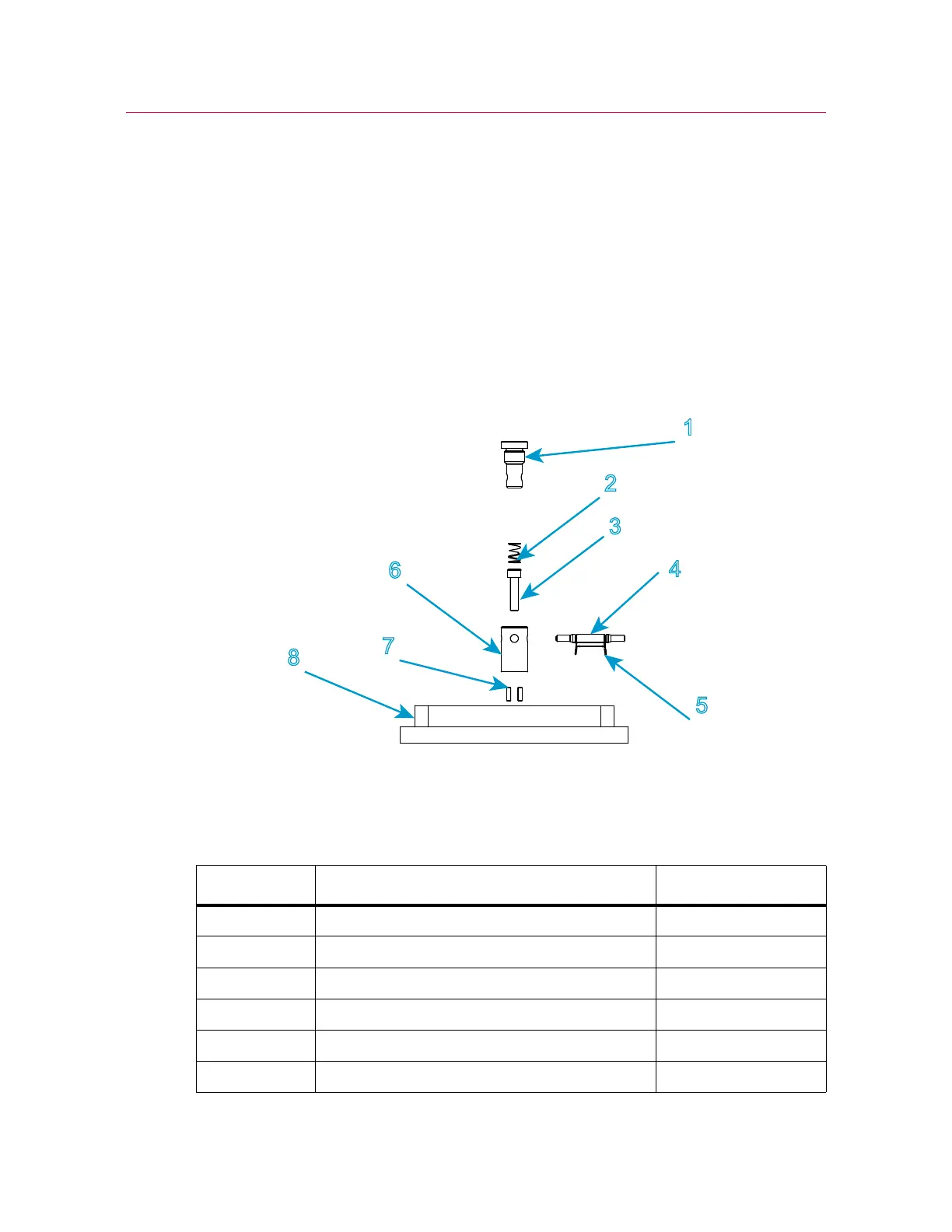
1. Remove the compression spring located inside the adapter.
2. Insert a 5 mm hex key into the base adapter, ensuring that it fits into the screw at the
base of the adapter.
3. Loosen and remove the screw inside the adapter.
4. Lift the adapter away from the base beam.
Re-install the base adapter
Figure 18. Type O base adapter
Legend for Figure 18
Label Component Part number
1Grip
2 Compression spring 66-1-1080
3 M6 screw 201V35
4 Clevis pin T1223-1034
5 Clevis pin clip T1223-1031
6 Type O base adapter



 To Next Page