46
Common Functions
—Continued
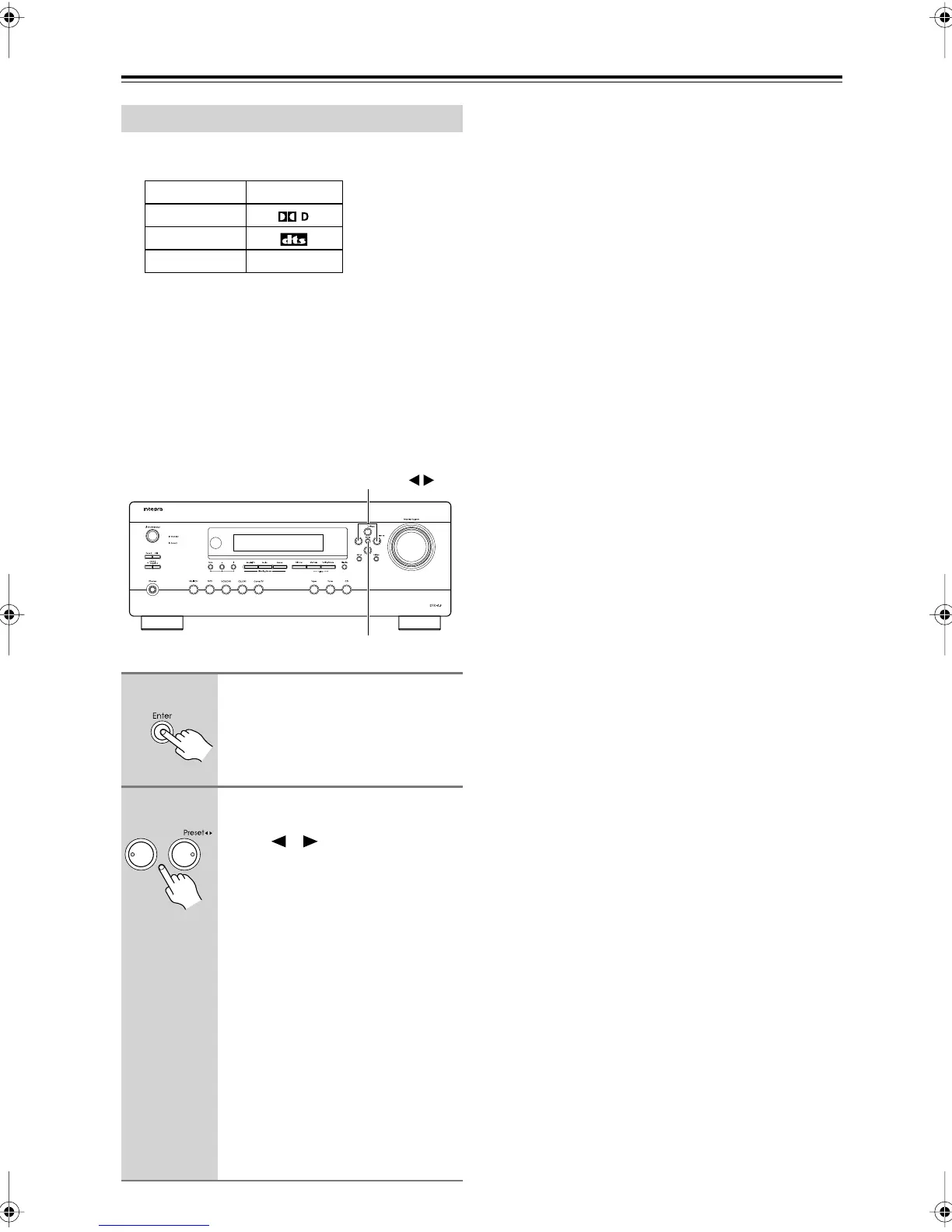
The following table shows the display indicator for each
digital signal format.
Normally, the AV receiver detects the format of digital
input signals automatically. However, if you experience
either of the following issues when playing PCM or DTS
sources, you can specify the signal format manually.
• If the beginnings of tracks from a PCM source are cut
off, try the PCM setting.
• If noise is produced when fast forwarding or rewind-
ing a DTS CD, try the DTS setting.
Specifying the Digital Signal Format
Format Display
Dolby Digital
DTS
PCM
1
Press and hold the AV receiver’s
[Enter] button for about 3 sec-
onds.
2
While “Auto” is displayed (about
3 seconds), use the Left and
Right [ ]/[ ] buttons to select:
PCM, DTS, or Auto.
PCM:
Only 2-channel PCM format
input signals will be heard. If
the input signal is not PCM,
the PCM indicator will flash
and there will be no sound.
DTS:
Only DTS (but not DTS-HD)
format input signals will be
heard. If the input signal is not
DTS, the DTS indicator will
flash and there will be no
sound.
Auto (default):
The format is
detected automatically. If no
digital input signal is present,
the corresponding analog input
is used instead.
PCM
Enter
Preset
DTR-4.9En.book Page 46 Tuesday, April 15, 2008 5:13 PM



 To Next Page