39
Using a Macro function
This procedure will erase all remote controller codes for the other
devices and all macro operations that have been programmed in the
RC-391M (see pages 34, 36 and 37).
1. Open the battery cover and remove the batteries.
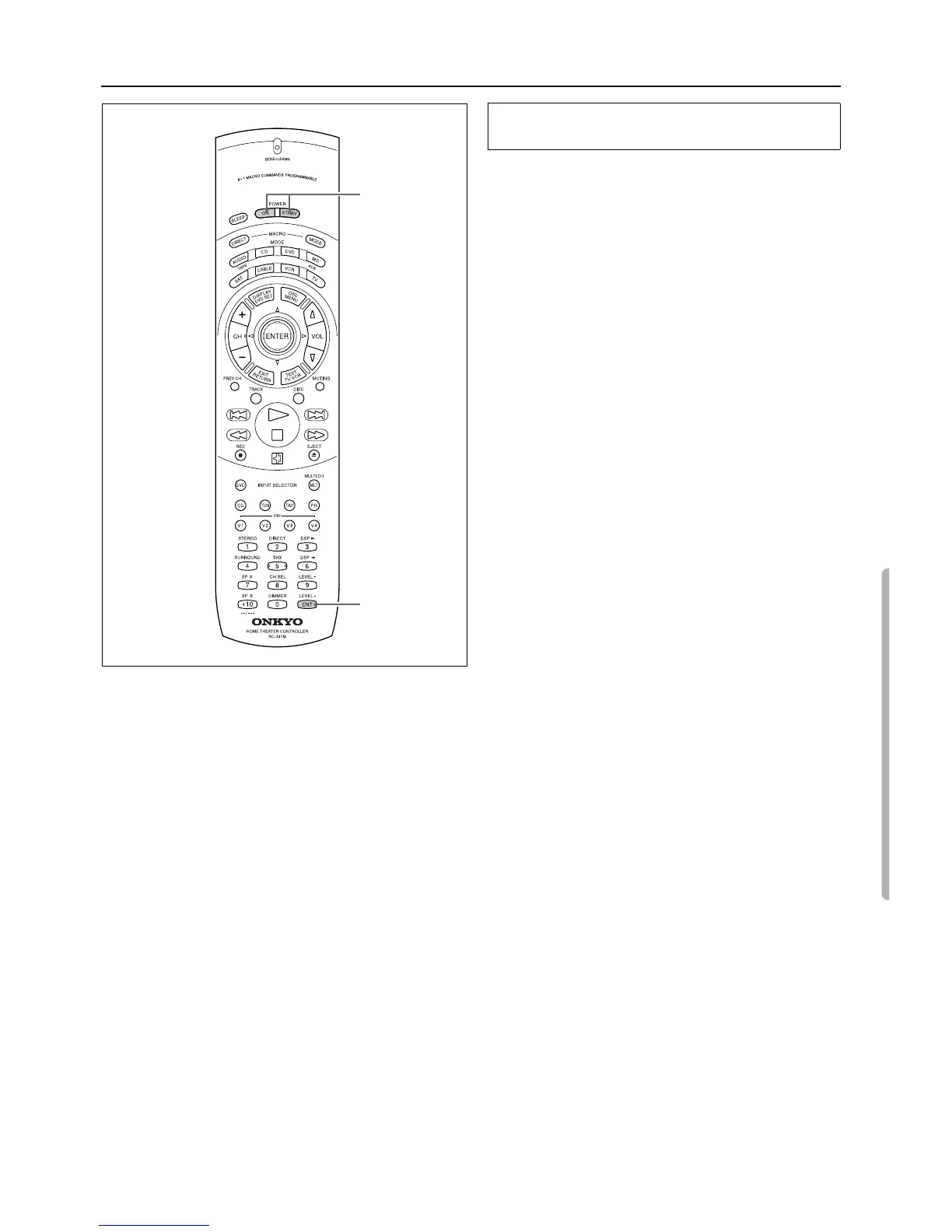
2. While pressing and holding down the POWER ON button
and the POWER STNBY button, insert the batteries in the
correct direction.
After inserting the batteries, release the buttons. The SEND/
LEARN indicator flashes slowly.
3. Press the ENT button.
The SEND/LEARN indicator lights up for about ten seconds,
then turns off. All programmed codes are erased and the button
memories return to the factory presets.
Note:
• Proceed to Step 3 immediately after Step 2. Otherwise, the bat-
teries will be consumed quickly.
• If you press any button other than the ENT button in Step 3, no
codes will be erased. In this case, repeat the steps from the
beginning.
Erasing all codes and operations programmed
in the buttons
2
3



 To Next Page