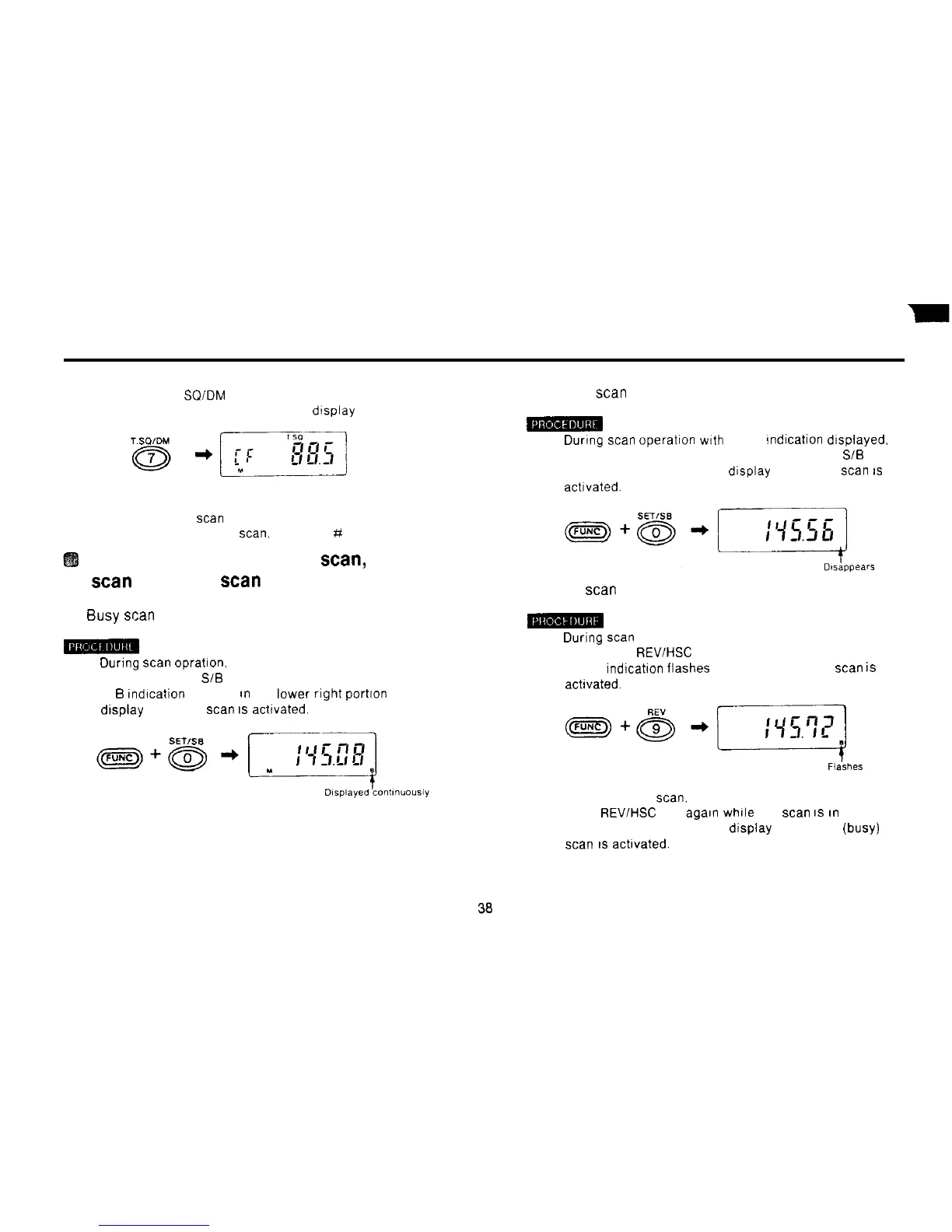
3) Press the 7 T
SQIDM
key
The tone frequency appears on the dtsplay
4) Hold down the FUNC key and press the # CL PS key
Tone frequency
scan
commences
5) To stop tone frequency
scan,
press the # CL PS key.
Switching between pause
scan,
busy
scan
and hold
scan
(1) Busy scan
1) During
scan
opratton. hold down the FUNC key and
press the 0 SET SiB key
A
B
Indtcation appears
an
the lower right portton of the
display and busy
scan
IS
achvated.
(2) Pause scan
1) During
scan
Operation
wtth
the B indtcatton dtsplayed.
hold down the FUNC key and press the 0 SET SiB key
The B dtsappears from the display and pause
scan
IS
acttvated.
(3) Hold scan
1) Durtng
scan
Operation, hold down the FUNC key and
press the 9
REVIHSC
key.
The B indication flashes on and off and hold
scan
is
achvated.
2) To cancel hold
scan.
hold down the FUNC key and press
the 9
REV/HSC
key agaln while the
scan
IS
tn
progress.
The B dtsappears from the dtsplay and pause (busy)
scan
IS
acttvated.



 To Next Page