Additional
Functions
(Extra
Mode)
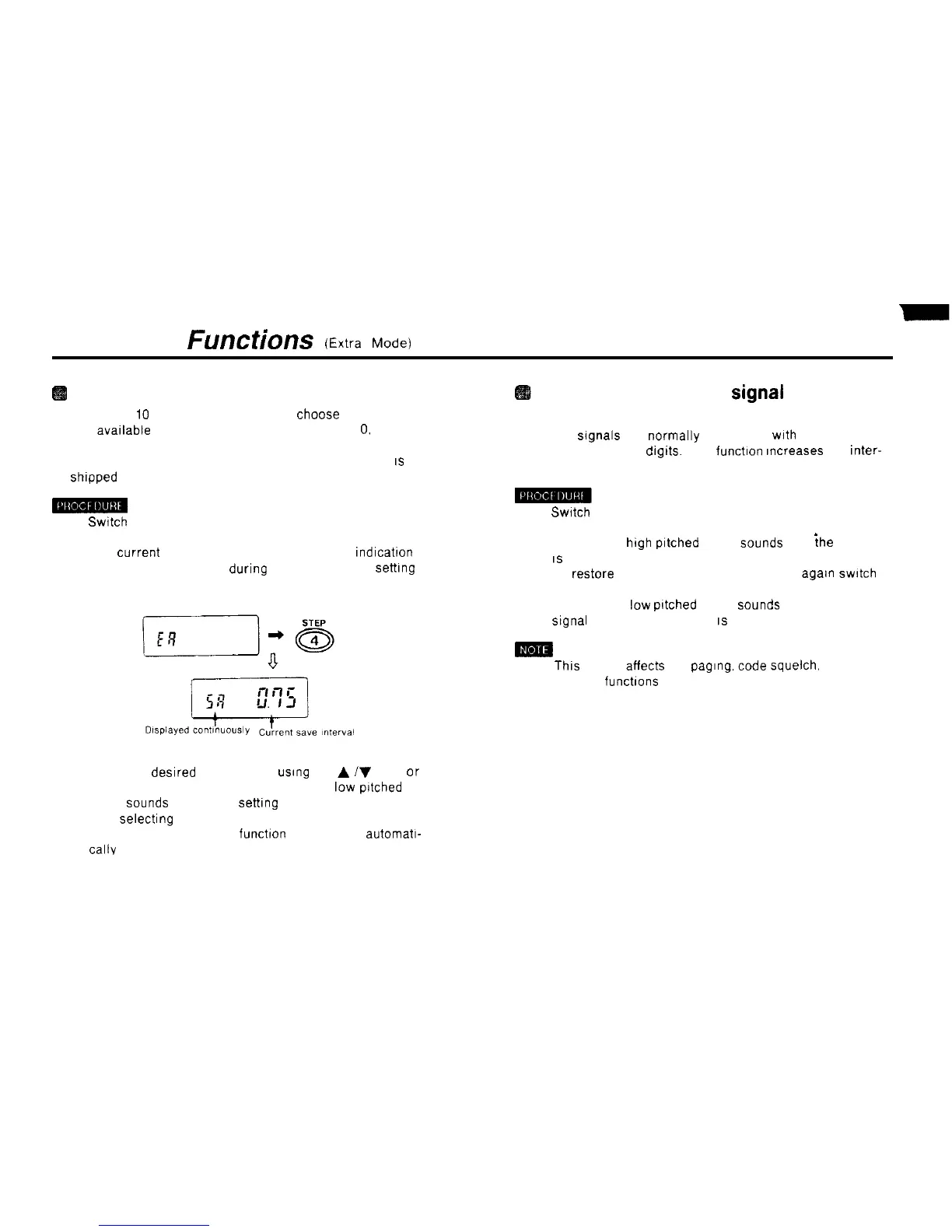
Selecting the save interval
n There are
IO
save tnterval settings to choose from
The avatlable save intervals are 0 25. 0 5, 0.75. 1
0.
1.5, 2.0.
3.0, 5 0, 7.0 and 10.0 seconds.
n The save interval is set to 0.75 seconds when the unit
IS
shtpped from the factory
1)
Switch
to the extra mode.
2) Press the 4 STEP key.
The current save rnterval is displayed A SA
rndrcatron
appears on the display during the save rnterval setttng
process
3) Select the
desrred
save tnterval
usrng
the
A
iV
keys or
the rotary channel selector. A puff (short
low
pitched
beep)
Sounds
at the 0 75
settrng
4) After selectrng the save tnterval, press the # CL PS key
5) The save tnterval setting funchon is cancelled automatt-
callv
Increasing the DTMF
Signal
transmission interval
n DTMF
Signals
are normally transmttted
wtth
an tnterval of
50 msec. between
drgrts.
This
functron
rncreases the inter-
val to 100 msec
1)
Swatch
to the extra mode
2) Press the 5 SAVE key
A pip (short
high
pttched
beep)
Sounds
and
{he
rnterval
IS
set to 100 msec.
3) To restore normal 50 dual msec tnterval, agatn
swrtch
to the extra mode and press the 5 SAVE key
A puff (short
low
pttched beep)
Sounds
and the DTMF
Signal
transmission rnterval
IS
restored to 50 dual msec.
n
Thts
setting affects the
pagrng.
code squelch. DTMF and
memory functrons
54



 To Next Page