19
3.13. Scheduled auto activation and autodeactivation
Note: as of version 2.30, scheduled auto activation will be usable together with auto
activation when idle.
(Programming only by the installer)
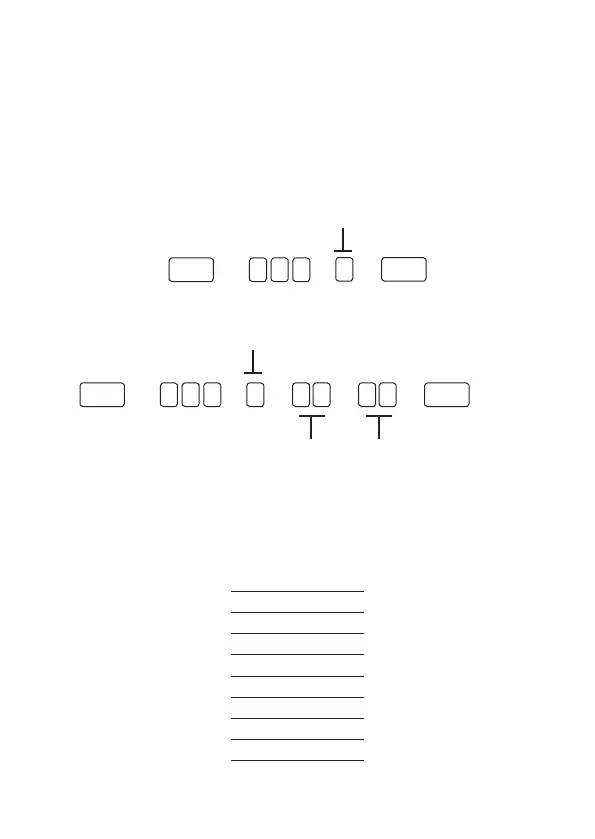
Day of the week adjustment
Day of the week: from 1 to 7
1 = sunday
7 = saturday
Enter + 4 0 2 + ? + Enter
Holidays
Holiday number
from 0 to 9
Enter + 4 0 4 + ? + ? ? + ? ? + Enter
Day with 2 digits
from 00 to 31
Month with two digits
from 00 to 12
Days for scheduled auto activation
Enter + 838 + Enter
Selects the days on which the auto-activation will occur. Key 8 enables the function
for scheduled holidays.
Key
1
Sunday
Key
2
Monday
Key
3
Tuesday
Key
4
Wednesday
Key
5
Thursday
Key
6
Friday
Key
7
Saturday
Key
8
Holiday



 To Next Page