7
2. Quick Access Keys (starting with version
1.6.0)
Press and hold for 3 seconds:
Key 1 = View the center´s version.
Key 3 = view the center’s local IP.
Key 6 = view the center´s MAC.
3. Quick Programming Reference
This quick reference assumes that the alarm center is in programming mode and
presumes that you have read the entire manual and know each function’s result.
Manual available at:
www.intelbras.com.br.
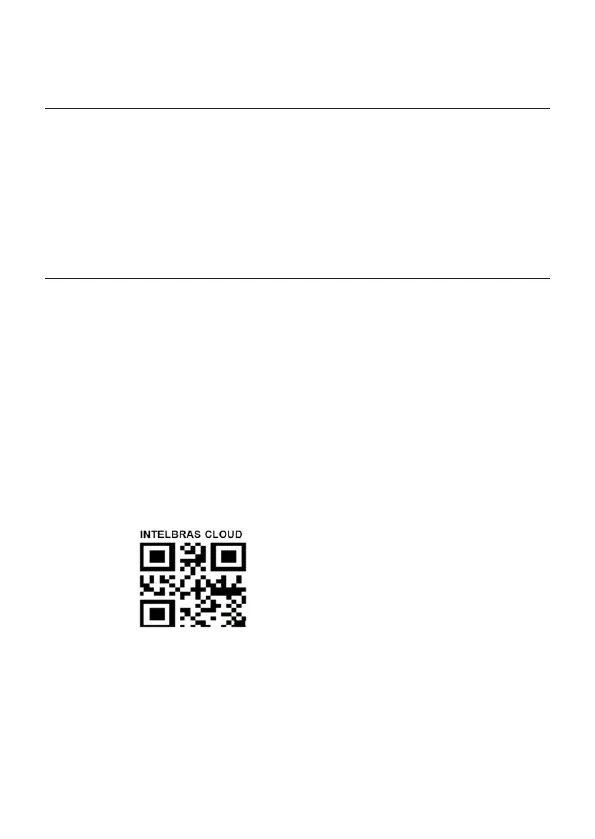
3.1. New QR CODE Label
To maintain the ease of connection between the alarm center and our applications
via Ethernet/GPRS and give more security to customers, we have created a new QR
CODE label model as shown in the image below that has the following elds:
» MAC;
» Random master password with 4 numeric digits;
» Random remote access password with 6 numeric digits;
MAC: XXXXXXXXXXXX
Master Password: XXXX
Password for remote access: XXXXXX
The MAC number, the Master password, and the Remote Access password registered
in the label will be stored in the factory.
This new label and the previously saved passwords will prevent all centers from lea-
ving the factory with the Master password
1234
and the Remote Access password
878787
.



 To Next Page