English
17
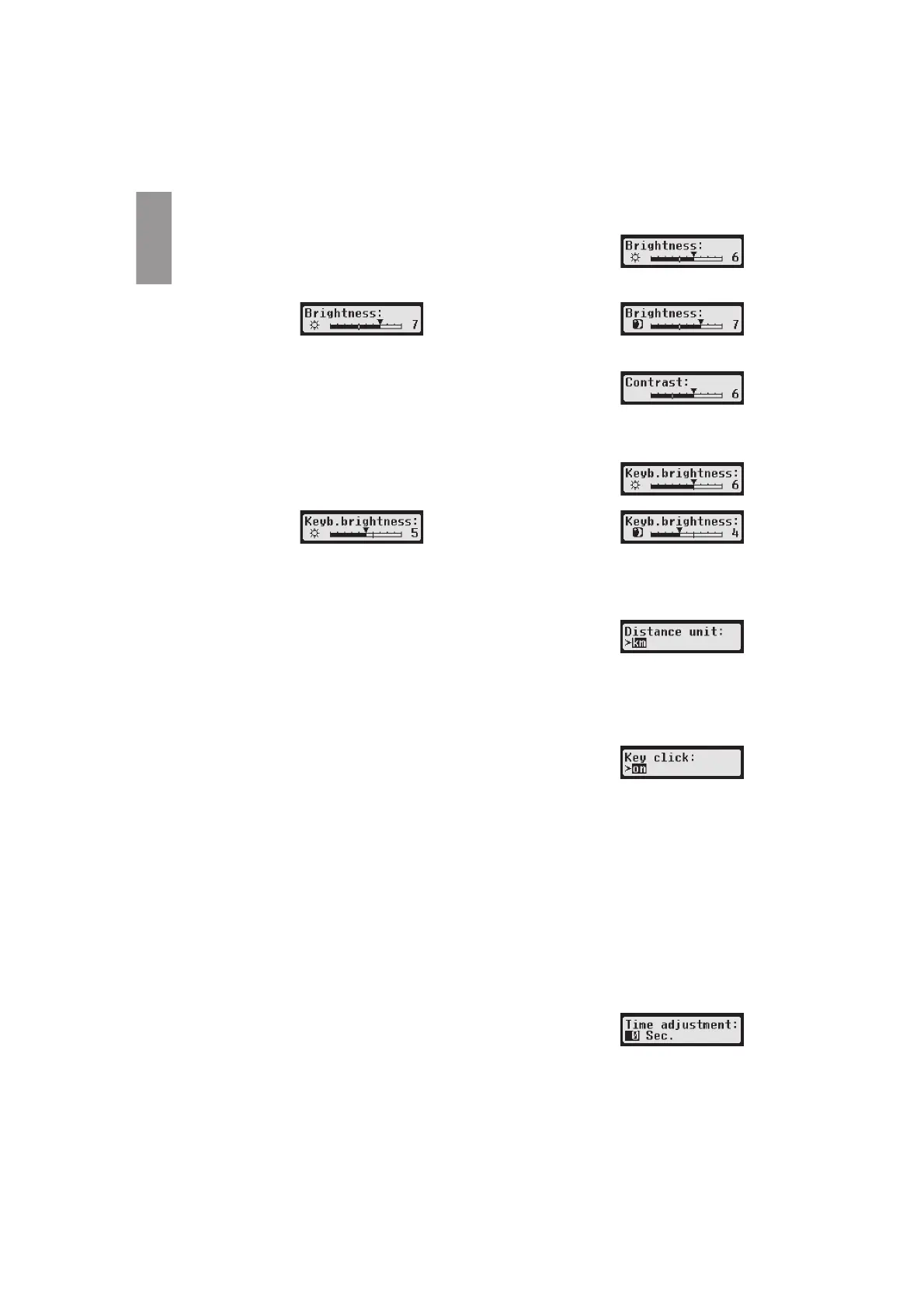
1. Select OK ĺ Settings ĺ Display ĺ Brightness. The current
brightness setting is displayed.
2. Use control keys Ż and Ź to select the required brightness. Press
OK.
Day setting: Night setting:
10.2.3 Display Contrast
1. Select OK ĺ Settings ĺ Display ĺ Contrast.
The current display contrast setting is displayed.
2. Use control keys Ż and Ź to select the required contrast. Press OK.
10.2.4 Keyboard Backlight Brightness
1. Select OK ĺ Settings ĺ Display ĺ Keyb.brightness. The
current brightness setting of the keyboard backlight is displayed.
2. Use control keys Ż and Ź to select the required brightness. Press OK.
Day setting: Night setting:
10.2.5 Distance and Speed Unit Display
This function is used to determine the unit that shall be used for displaying the distance. You can select
either kilometres or miles. The unit for displaying the speed (km/h or mph) changes automatically.ҏ
1. Select OK ĺ Settings ĺ Display ĺ Distance unit. The
current distance unit setting is displayed.
2. Use control keys Ż and Ź to select the required unit. Confirm your
choice with OK.
10.3 Acoustic Signals (Tones)
You can use these menu functions to change the settings for key click, notification tone, warning tone.
1. Select OK ĺ settings ĺ Tones ĺ Key click.
The current key click setting is displayed.
2. Use control keys Ż and Ź to select the required setting. Confirm your
choice with OK.
Set the notification tone and warning tone accordingly.
10.4 Time and Date
Use this menu item and its respective menu sub-items to correct the time, set the time zone, acti-
vate/deactivate the automatic switch to daylight savings time, display Universal Time Coordinated UTC,
change the format of the date display and time format (12h/24h).
Due to legal restrictions the time can only be changed fully in calibration mode by using a workshop card.
Without a workshop card, the time can only be changed by one minute every seven days, and the date
cannot be changed at all.
1. Select OK ĺ Settings ĺ Clock ĺ Time adjustment.
If you have already corrected the time within the last seven days, the time cannot be changed and a
message is displayed to you. Otherwise, the following display appears:
2. Use control keys andto make the required correction. Press OK.
The new corrected time is displayed.


 To Next Page
 Loading...