TL6000, Users
Rev L, June 2008
Page 20 of 22
Serial Output
The TL6000 can be set to output (continuous) to a scoreboard or other external devices
using RS232 or RS485 formats. See mode menu / serial data out. The TL6000 can
also transmit and receive RS232 signals (continuous) to communicate with a Tension
Link remote. The TL6000 can also be set to output (on demand) to a printer.
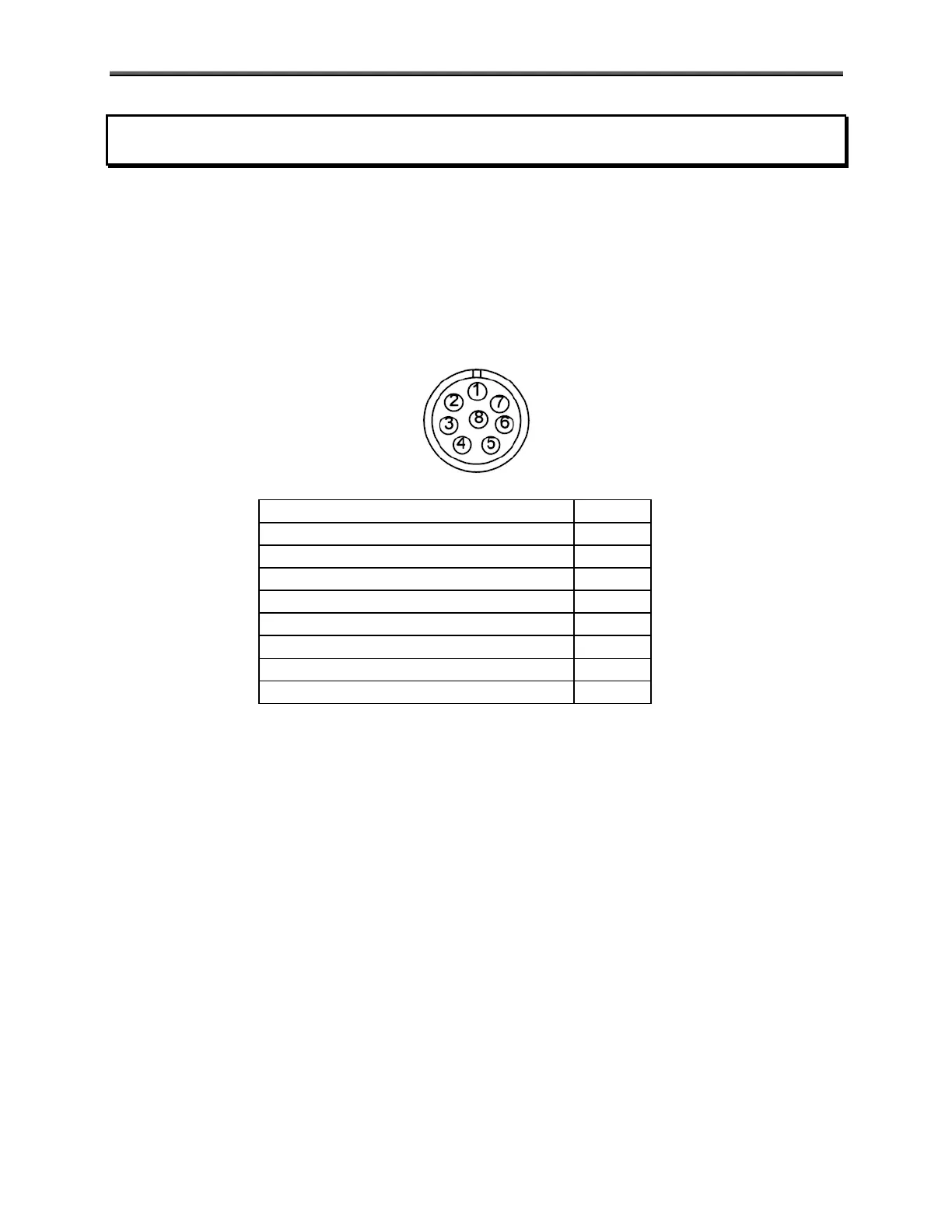
The signal comes out of the 8-pin Serial I/O connector located on the right side of the
unit. The connector has the following pinout:
Signal Pin
RS232-TXD1 (remote) 3
RS232-TXD2 (printer/scoreboard) 4
RS232-RXD 5
GND 6
RS485-A (printer/scoreboard) 7
RS485-B (printer/scoreboard) 8
Set Point #1 (3.3V logic level) 1
Set Point #2 (3.3V logic level) 2
NOTE: If your scale has the wireless option, pins 3 & 5 will be unconnected internally.
The transmitted serial data has the following characteristics:
Fixed 8 Data bits, no parity, 1 stop bit.
Baud rate is configurable. See Mode section.
The RS232 output swings from -6 VDC to 6 VDC.



 To Next Page