Chapter 1 — About the Vehicle Mount Computer
12 CV61 Vehicle Mount Computer (Windows 7) User Guide
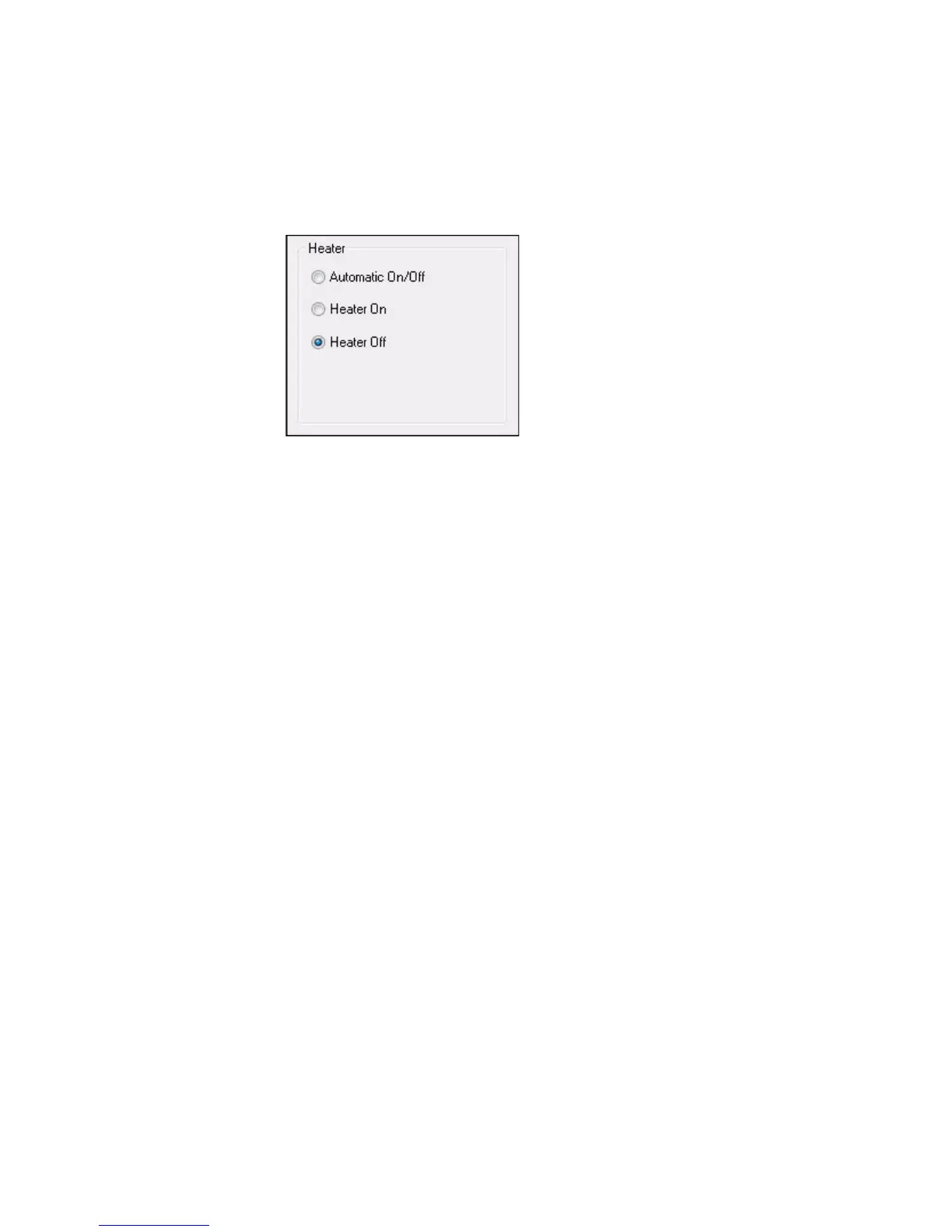
3 Double-tap CV61 Properties. The heater information is shown in
the Heater section of the CV61 Properties screen.
4 Select Heater On, Heater Off, or Automatic On/Off.
5 Tap Apply to save your changes.
6 Tap OK to exit the CV61 Properties menu.
Install an External Antenna
You can purchase an antenna to mount on a wall, forklift, or other flat
surface using either screws or small patches of adhesive-backed hook
and loop fastener material.
Since system performance and antenna polarization are
site-dependent, a permanent mounting location may require some
experimentation. In most fixed installations, you should mount the
antenna initially in a vertically-polarized position, with the cable from
the antenna parallel to the floor and ceiling.
1 Remove the antenna cover.



 To Next Page