Chapter 5 — Troubleshoot and Maintain the Computer
70 CV61 Vehicle Mount Computer (Windows 7) User Guide
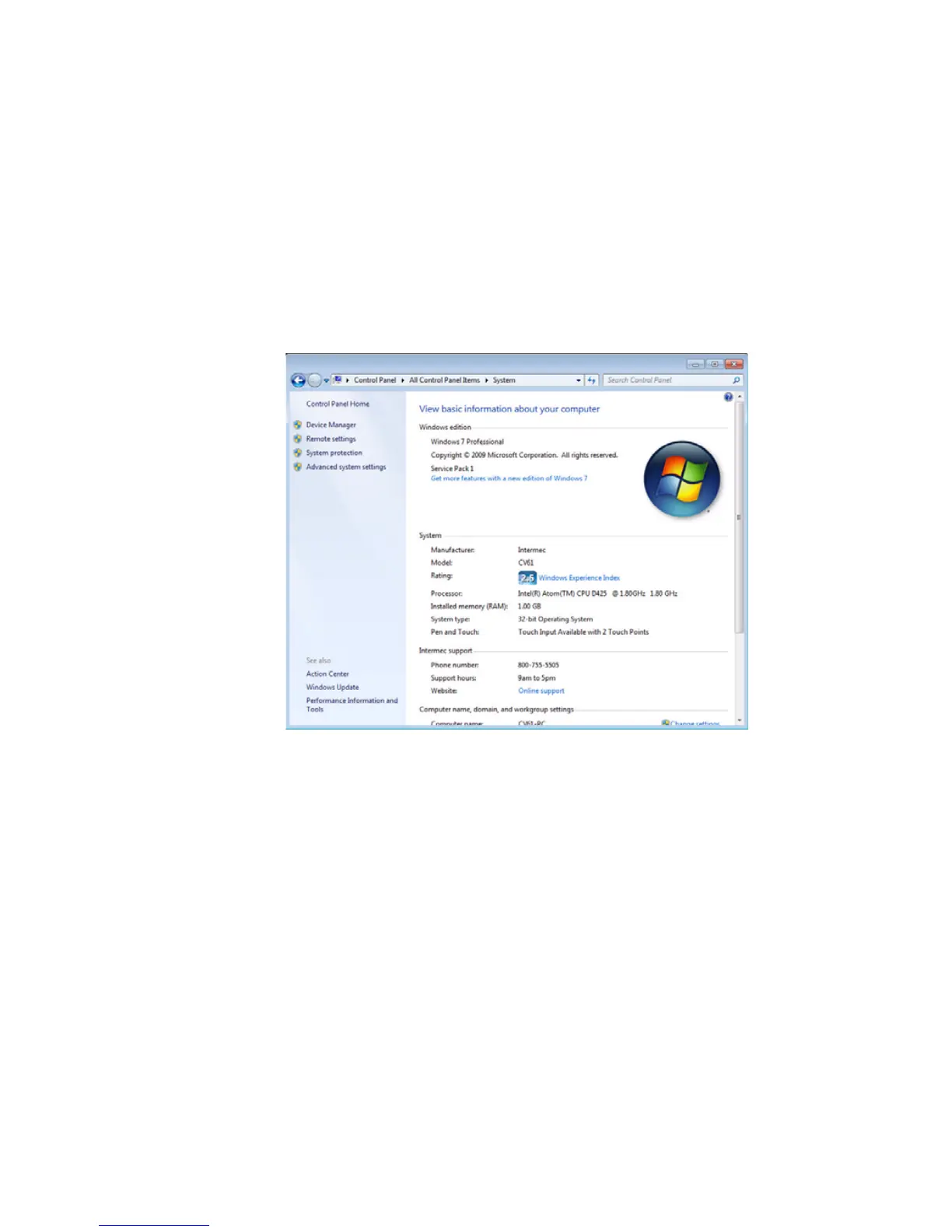
Find Your Service Pack Version
Use the following procedure to find your Service Pack version.
1 Tap Start > Control Panel. The Control Panel appears.
2 In the View by: drop-down menu, select either Large or Small
icons.
3 Tap System. The System screen appears.
Restart Your Computer
If the CV61 or an application locks up, you may need to restart the
computer. There are two ways to restart the computer:
• Reboot
• Reset
Reboot the Computer
If the computer seems to be locked up, try rebooting the computer.
1 Hold down the Power button until the CV61 turns off.
2 Press the Power button again to turn on the CV61.



 To Next Page