Chapter 6 — Upgrade the CV61 Vehicle Mount Computer
CV61 Vehicle Mount Computer (Windows 7) User Guide 81
Install an SD Card
You can use an SD card to increase file storage and install software.
The computer supports an optional 32 GB maximum capacity SD
card. To install an SD card, you need to have a small Phillips
screwdriver.
1 Turn off the CV61.
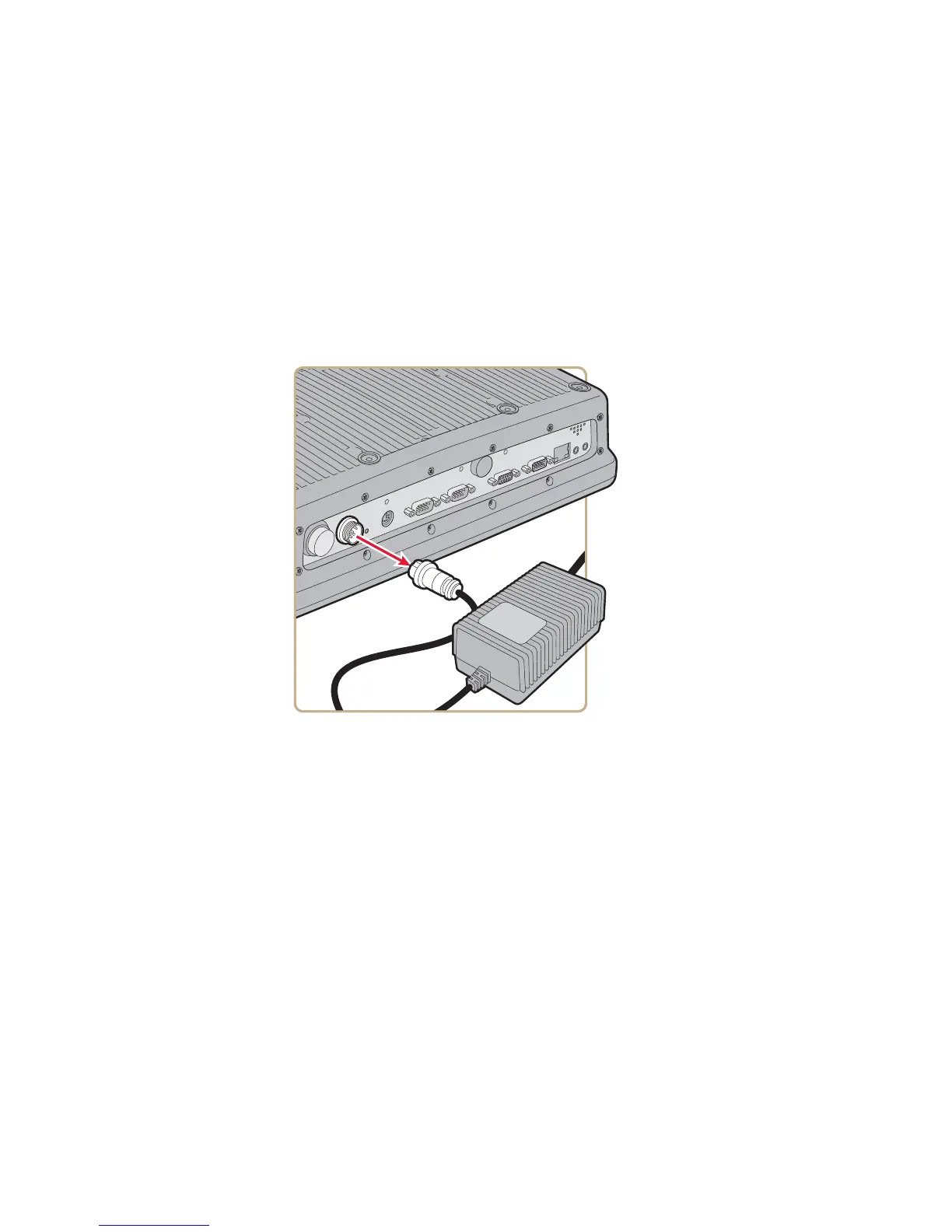
2 Remove the power cord.
3 Using a small Phillips screwdriver, remove the eight screws that
secure the radome cover to the CV61.



 To Next Page