Chapter 6 — Upgrade the CV61 Vehicle Mount Computer
82 CV61 Vehicle Mount Computer (Windows 7) User Guide
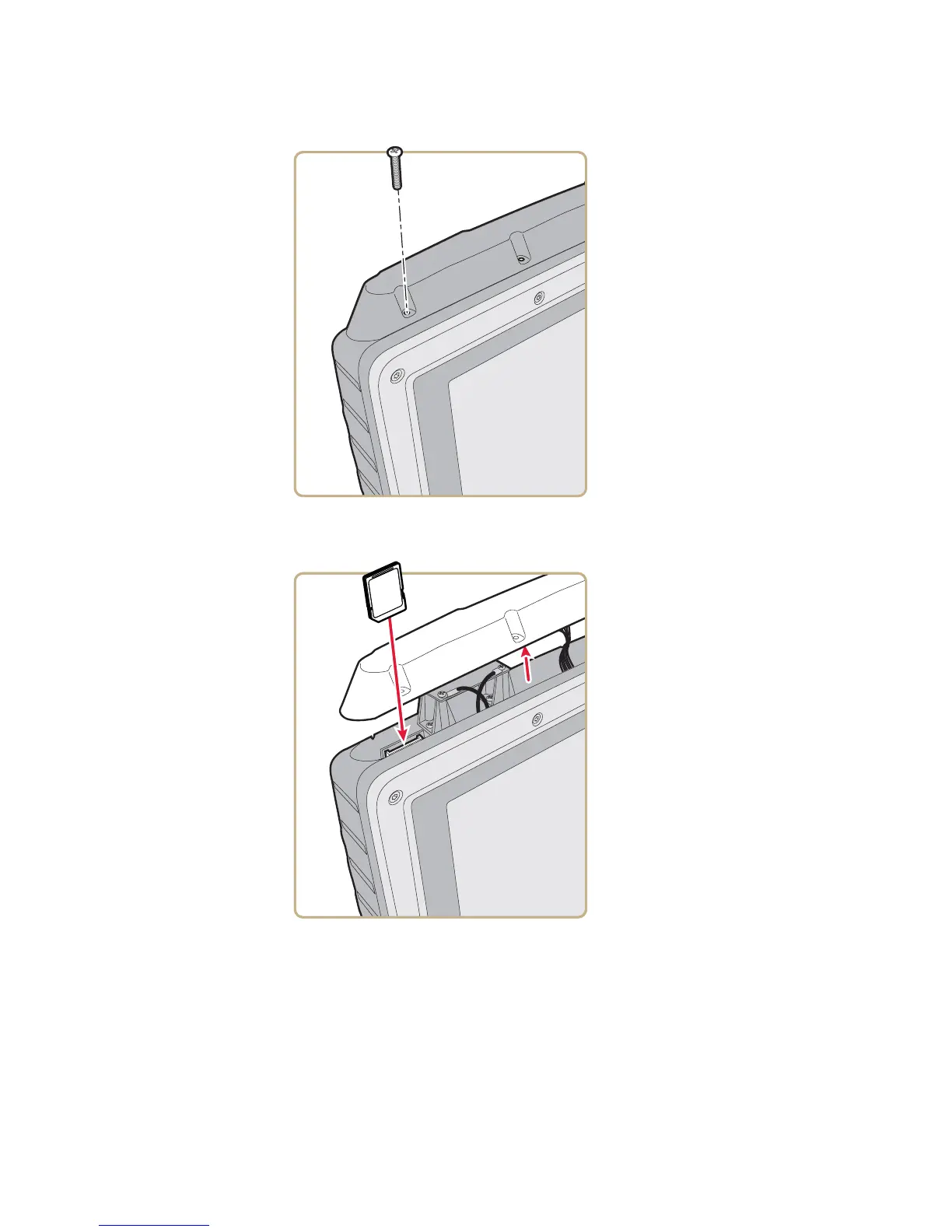
4 Gently lift up the radome cover to expose the SD card slot.
5 Insert the SD card into place.
6 Close the radome cover and replace the 8 screws.
7 Reattach the power cord.
Screw
(8 places)



 To Next Page