Chapter 5 — Troubleshoot and Maintain the Computer
CV61 Vehicle Mount Computer (Windows 7) User Guide 69
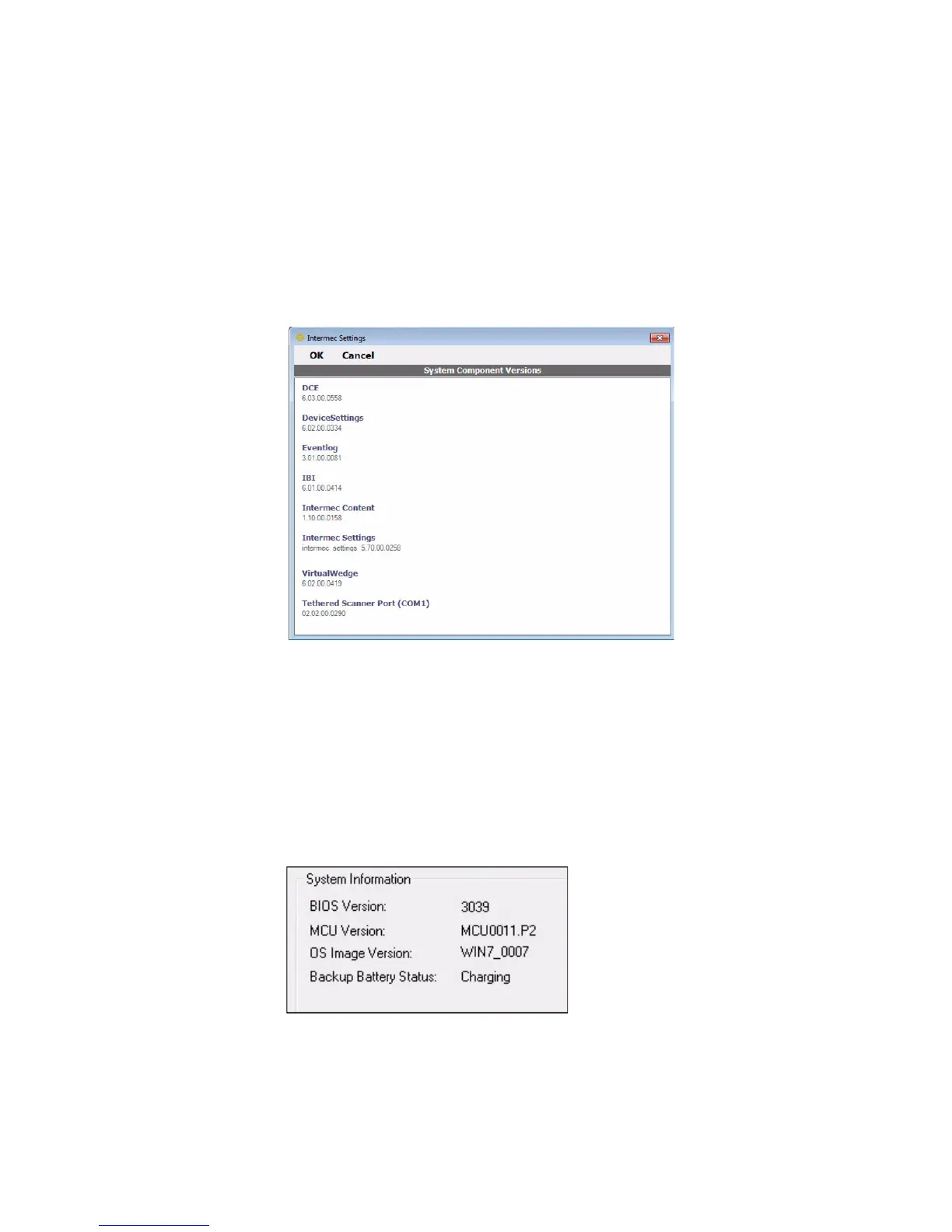
Find Your System Component Versions
Use the following procedure to find your system component versions
on your computer.
• From the Intermec Settings main menu, tap Device Settings >
System Component Versions. The System Component Version
screen appears.
Find Your Operating System, BIOS and MCU Versions
Use the following procedure to find your operating system, BIOS and
MCU versions.
• Tap Start > Control Panel > CV61 Properties. The OS, BIOS, and
MCU versions are shown in the System Information section of the
CV61 Properties screen.



 To Next Page