Chapter 6 — Upgrade the CV61 Vehicle Mount Computer
78 CV61 Vehicle Mount Computer (Windows 7) User Guide
Upgrade Memory
Upgrade the CV61 system memory to increase system performance.
The CV61 supports a maximum of 3 GB of SODIMM memory. You
can purchase your own SODIMM memory or purchase it from
Intermec. For more information, contact your local Intermec
representative. To upgrade the memory, you need the following parts
and tools:
• SODIMM memory
• Small Phillips torque screwdriver
1 Turn off the CV61.
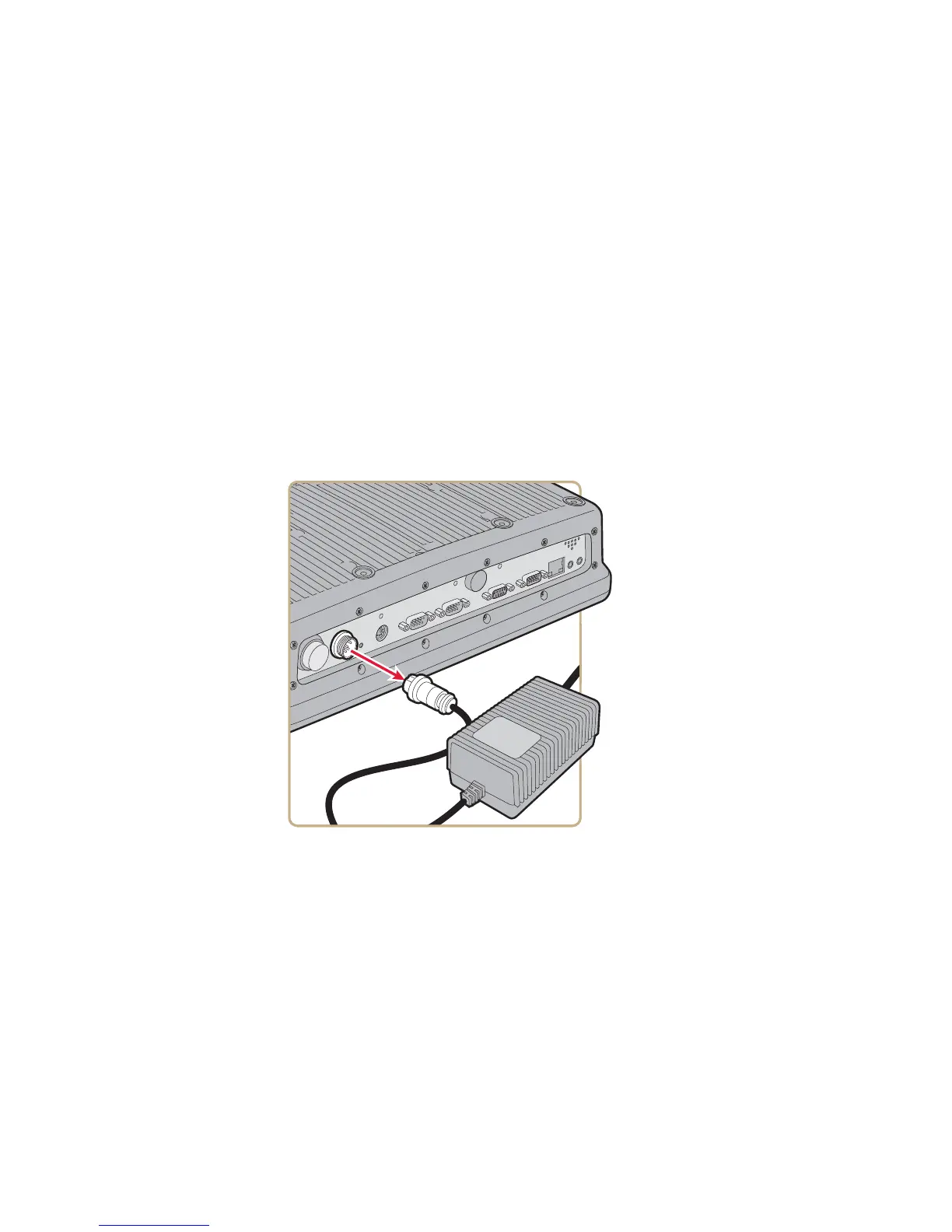
2 Remove the power cable.
3 Remove the eight screws that secure the back cover to the CV61.



 To Next Page