Chapter 4 — Configure the Computer
CV61 Vehicle Mount Computer (Windows 7) User Guide 33
Start Intermec Settings
Intermec Settings is located in the Control Panel.
1 Tap Start > Control Panel.
2 In the View by: drop-down menu, select either Large or Small
icons.
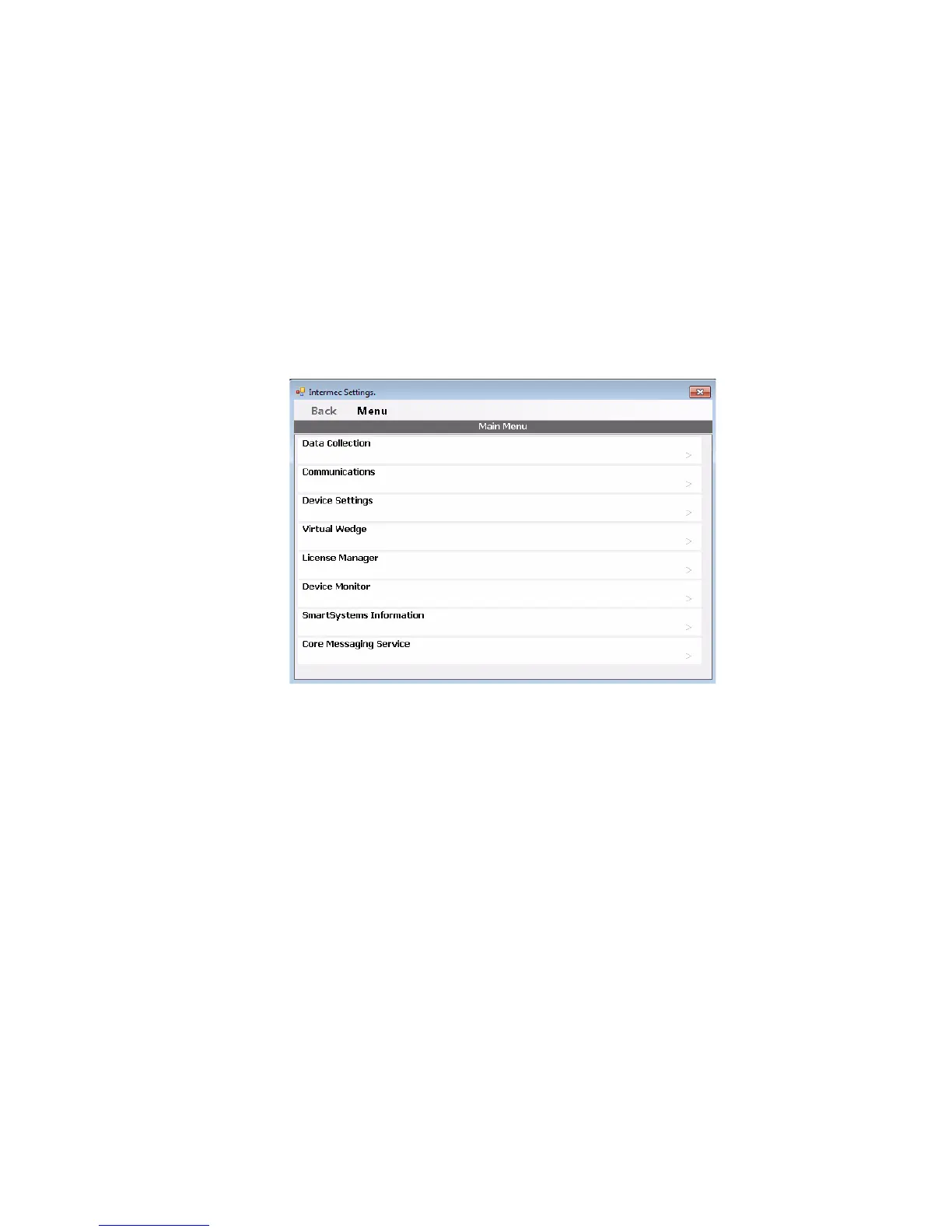
3 Double-tap the Intermec Settings icon. The Intermec Settings
Main Menu appears.
About the Structure of Intermec Settings
Use the tables below to help find the parameters in Intermec Settings
that you want to configure. Each table contains the parameters for one
of the Intermec Settings Main Menu options.
If you see > next to a menu option, there are more screens available in
the next level. If you see ... next to a menu option, there is only one
more screen available.
Most parameters are saved as soon as you tap OK. Some settings
require you to reboot the computer for the changes to take effect.



 To Next Page