Chapter 4 — Configure the Computer
48 CV61 Vehicle Mount Computer (Windows 7) User Guide
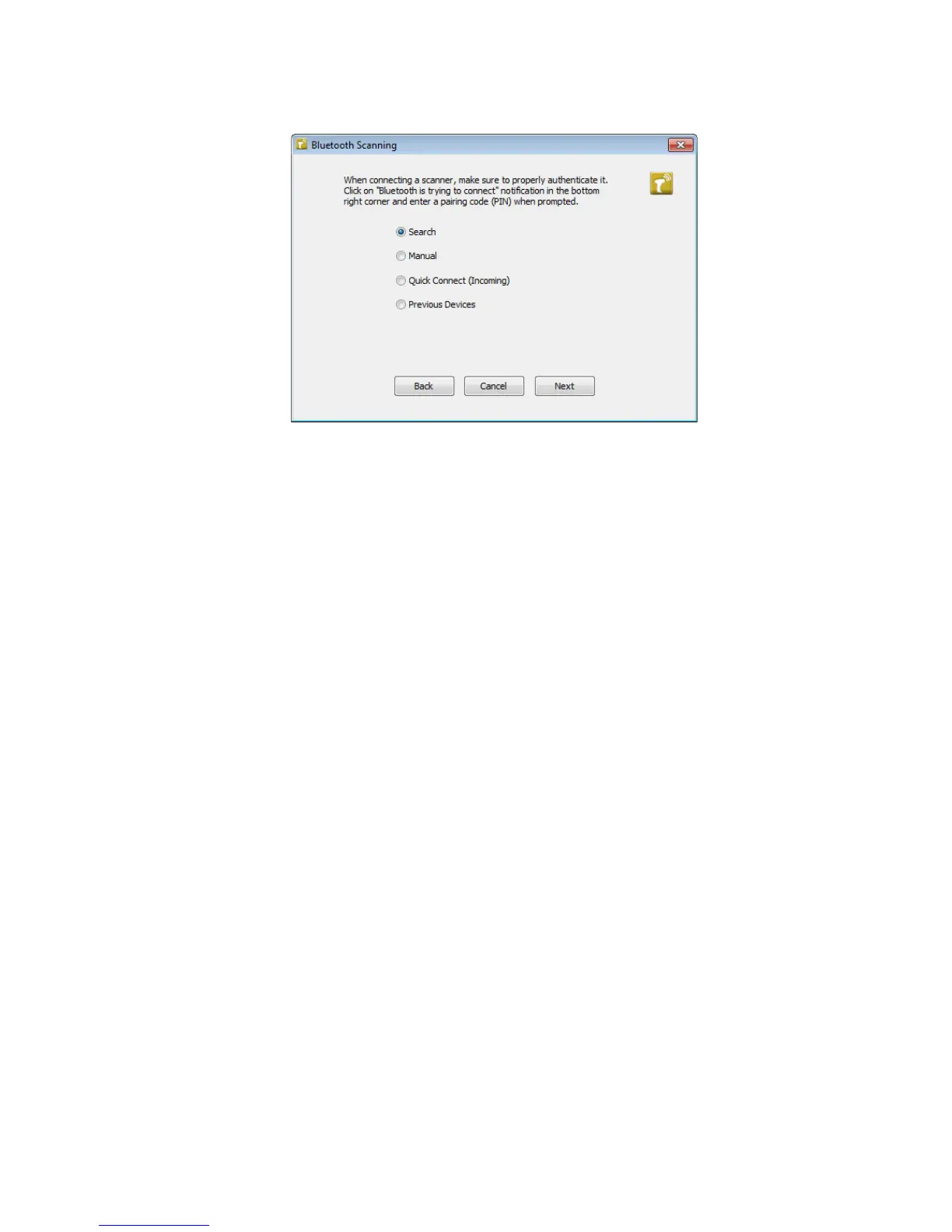
6 Select Search, Manual, Quick Connect, or Previous Devices.
Follow the onscreen instruction to add a wireless scanner.
About Wireless Security
The computer provides five types of security for your wireless network:
• Wi-Fi Protected Access 2 (WPA2™)
• Wi-Fi Protected Access (WPA)
• 802.1x
• WEP
This section explains how to configure wireless security on your
computer. Intermec recommends that you implement WPA2 security
using PSK (Personal) or 802.1X (Enterprise) key management as
appropriate.
You must use either Wireless or Microsoft security to implement your
security solution. For details, see the next section, “Choose Between
Microsoft and Wireless Security.” Intermec recommends that you
always implement WPA2 security using PSK (Personal) or 802.1X
(Enterprise) key management.
If you are using WPA-802.1x, WPA2-802.1x, or 802.1x security, this
section also assumes that your authentication server and
authenticators are properly configured.



 To Next Page