Chapter 4 — Configure the Computer
CV61 Vehicle Mount Computer (Windows 7) User Guide 43
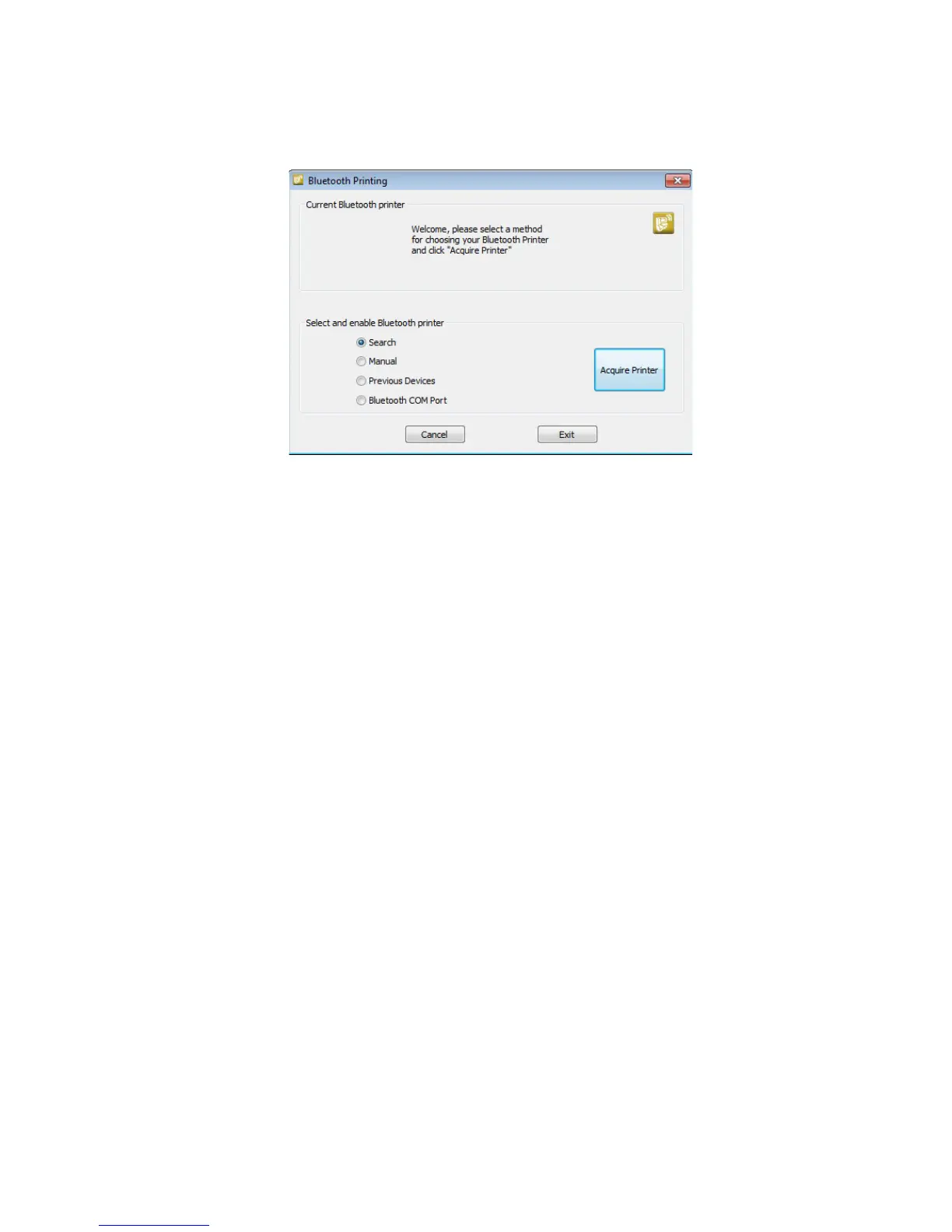
3 Tap Bluetooth Printing.
4 Select Search, Manual, Previous Devices, Bluetooth COM Port
and tap Acquire Printer. Follow the onscreen instructions to
select the current wireless printer.
5 (Optional) Tap Print Test Page. The printer prints out a test page.
Create a VPN Server Connection
You can create a Virtual Private Network (VPN) connection to securely
connect to servers, such as a corporate network, through the Internet.
Before you can create a VPN connection, you need this information
from your network administrator:
• User name
• Password
• Domain name
• TCP/IP settings
• Host name or IP address of the VPN server
After you have located this information, you can create a VPN server
connection.
1 Tap Start > Settings > Control Panel.
2 Double-tap Network and Dial-up Connections.
3 Double-tap Make New Connection.



 To Next Page