Chapter 6 — Upgrade the CV61 Vehicle Mount Computer
74 CV61 Vehicle Mount Computer (Windows 7) User Guide
Upgrade the CV61
Upgrade certain components on the CV61 to increase system
performance or file storage space on the CV61. The CV61 allows you to
upgrade the the hard drive, memory, or install an SD card.
Upgrade the Hard Drive
You can upgrade the CV61 hard drive to increase file storage on the
CV61. To upgrade the hard drive, you need the following parts, tools,
and software:
• SATA 2.5” solid state hard drive
• Small Phillips torque screwdriver
After you install the hard drive, you also need to load Microsoft
Windows 7 and the Intermec system software.
1 Turn off the CV61.
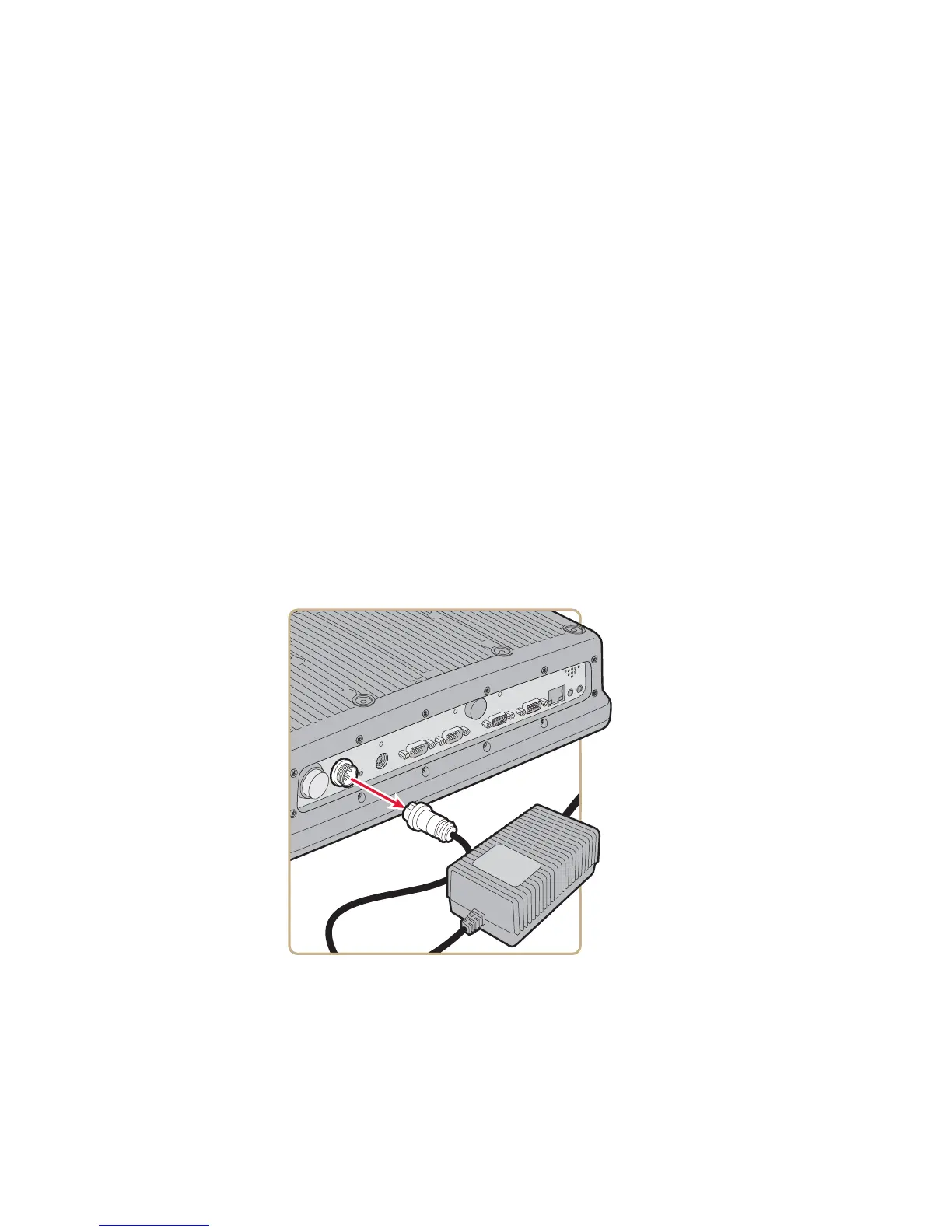
2 Remove the power cable.
3 Remove the eight screws that secure the back cover to the CV61.



 To Next Page