Chapter 1 — About the Vehicle Mount Computer
14 CV61 Vehicle Mount Computer (Windows 7) User Guide
5 Tap Apply to save your changes.
6 Tap OK to exit the CV61 Properties menu.
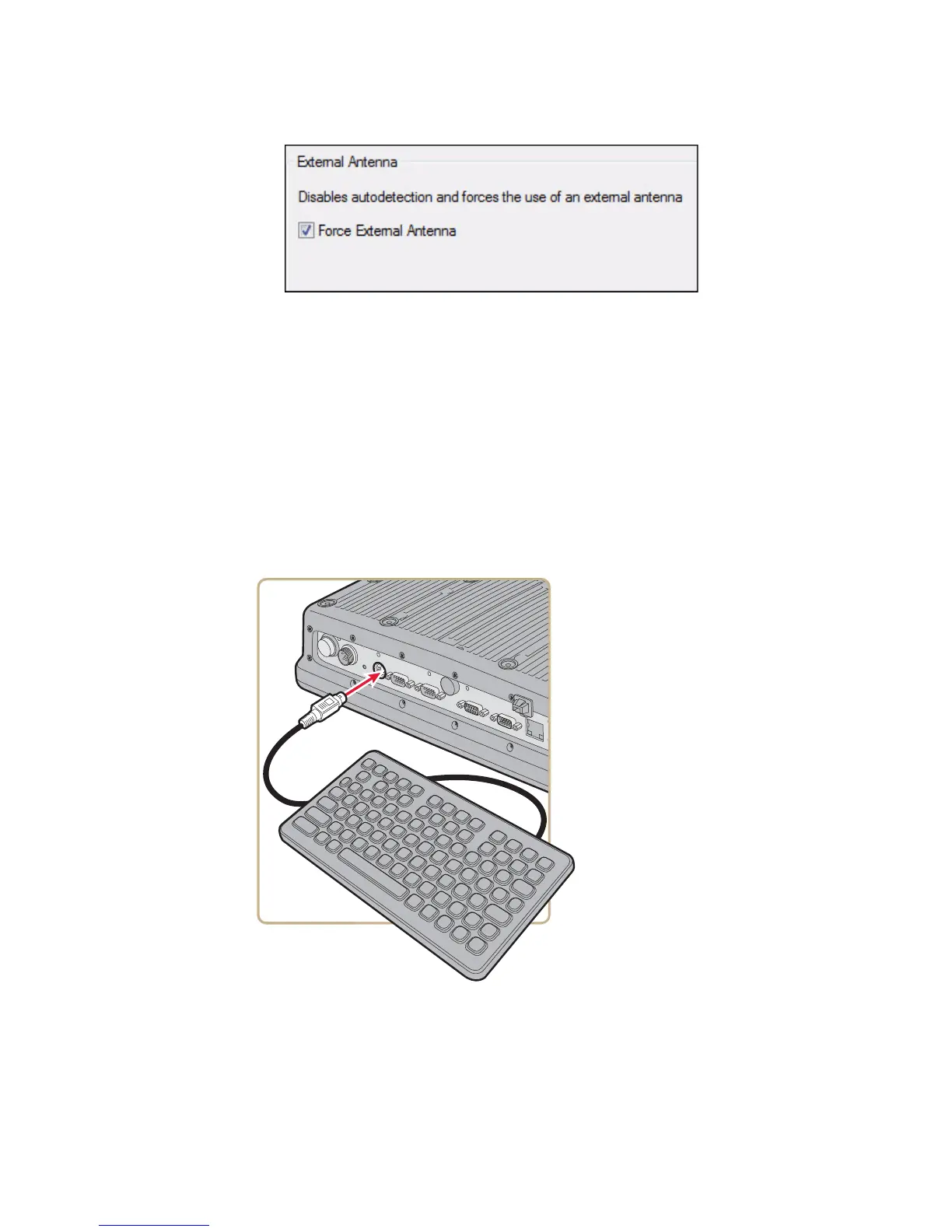
Attach an External Keyboard
You can use either a PS/2 or USB keyboard with the CV61. Intermec
recommends you use the CV61 rugged keyboard to input text. For
more information on purchasing an Intermec keyboard, contact your
local Intermec representative.
CV61 External PS/2 Keyboard



 To Next Page