Chapter 2 — Configuring the CK31
CK31 Handheld Computer User’s Manual 55
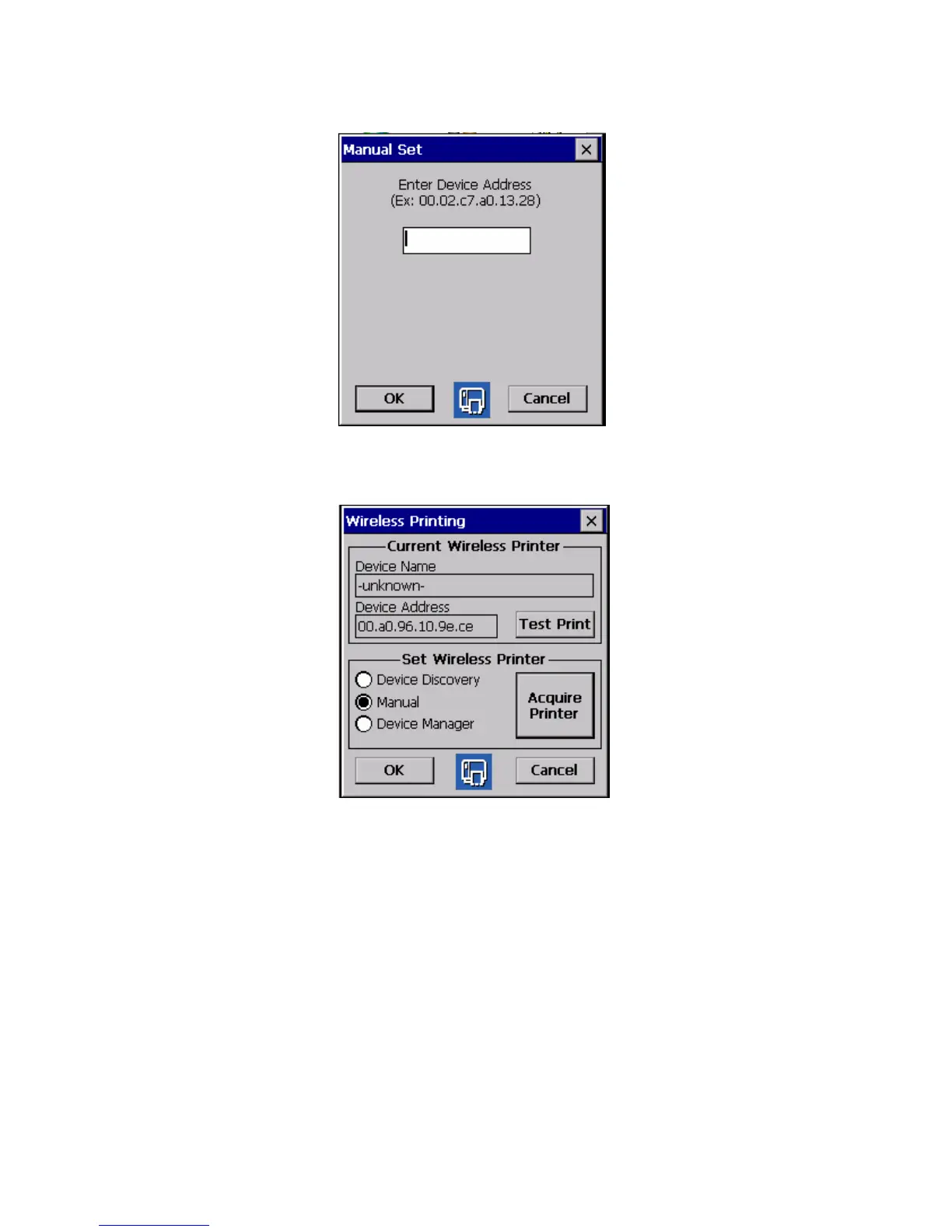
3 Type the address of the printer in the field and tap OK. The
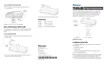
Wireless Printing dialog box appears.
The keyword -unknown- appears in the Device Name field,
because the printer’s name is not sent to the CK31 when you
manually enter the printer address.
4 Tap Test Print. The printer prints a short message, verifying
that the printer has been selected as the current wireless
printer.



 To Next Page