Chapter 5 — Network Support
134 CN3 Mobile Computer User’s Manual
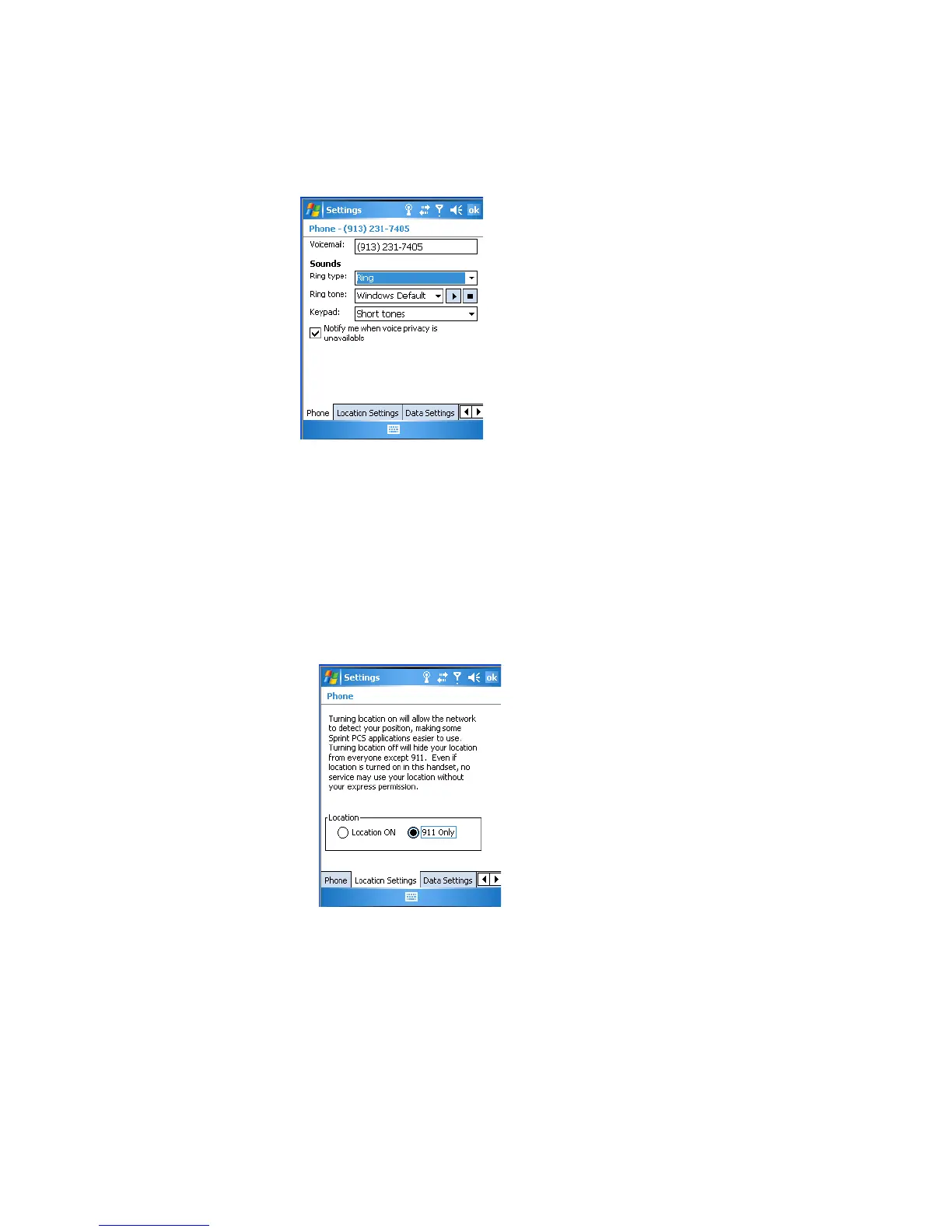
Customizing the Phone
Tap the Phone tab to customize your phone settings such as the ring type
and ring tone to use for incoming calls, and the keypad tone to use when
entering phone numbers.
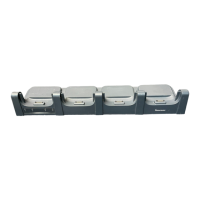
Detecting Your Network Position
Tap the Location Settings tab to allow your network to detect your
position or remain private with the exception of 911 emergencies.
To get detected
•Tap Location ON.
To remain private
•Tap 911 Only. This ensures that no service may use your location
without you giving permission.



 To Next Page