Chapter 5 — Network Support
CN3 Mobile Computer User’s Manual 171
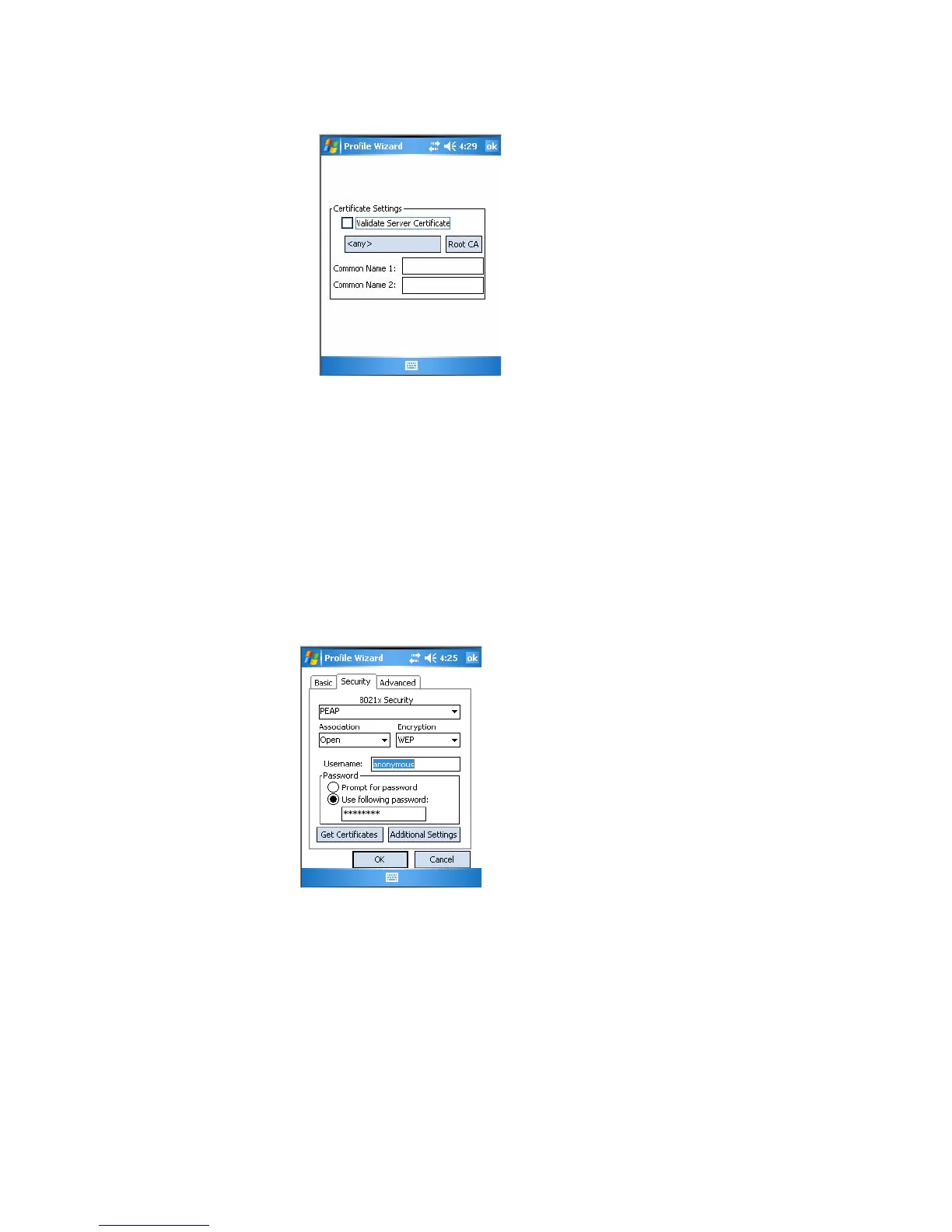
4 Tap ok to return to the Security page.
TTLS (EAP-Tunneled TLS)
This protocol provides authentication like EAP-TLS (see page 170) but
does not require user certificates. User authentication is done using a
password or other credentials that are transported in a securely encrypted
“tunnel” established using server certificates.
EAP-TTLS works by creating a secure, encrypted tunnel through which
you present your credentials to the authentication server. Thus, inside EAP-
TTLS there is another inner authentication protocol that you must
configure via Additional TTLS Settings.
Use “TTLS” to configure EAP-TTLS as an authentication protocol, select
“Open,” “WPA,” “WPA2,” or “Network EAP” as an association mode.
To configure TTLS settings
1 Set 8021x Security as “TTLS,” then choose one of the following:
•Set Association to “Open.” (default configuration)
•Set Association to “WPA.”
•Set Association to “WPA2” and Encryption to “TKIP” or “AES.”
•Set Association to “Network EAP” and Encryption to either “WEP”
or “CKIP.”



 To Next Page