21
CURSR
VERT
HORIZ
DOWN
DATA
RANGE
GAIN
PWR
FORWARD LOOKING SONAR
13.2 Ft
18
37
25
12.5
22.4 KTS
72.6 F
36:52.951 N
121:58.05W
Data Display
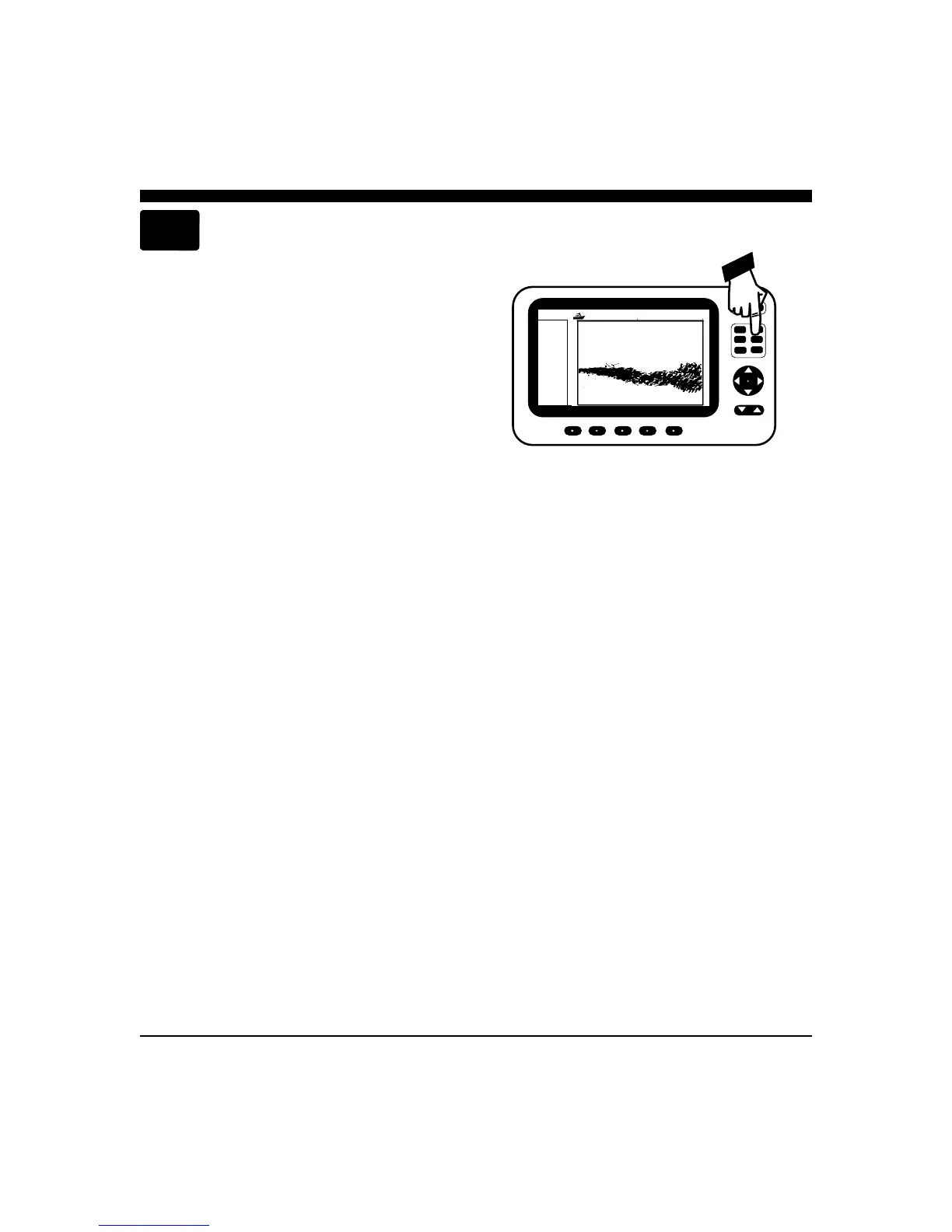
Press the button labeled DATA and the display will split to
show the current depth, speed*, temperature* and Lat/Lon
coordinates* in large digits on the left side of the display
(see drawing at right).
*In order for the iScan 180 to show the speed, temperature
and Lat/Lon coordinates, the unit must be connected to an
NMEA source of this data - such as an active or “smart”
NMEA speed/temp transducer and/or a GPS (for example,
the Interphase Chart Master Series) or other acceptable
source of NMEA data. Please see NMEA INPUTS on
page 31 for more details.



 To Next Page