33
Software Upgrades
You can download software updates to your PC from our
website at www.interphase.tech.com and then upload the
new software to your iScan 180 by using the PC Software
Upgrade Cable (P/N# 04-1057-000). Check out the
Interphase Website for future iScan 180 software upgrades
and detailed instructions for downloading and updating
your software.
To get a PC Software Upgrade Cable, please call Interphase
at (831) 477-4944, Extension 16.
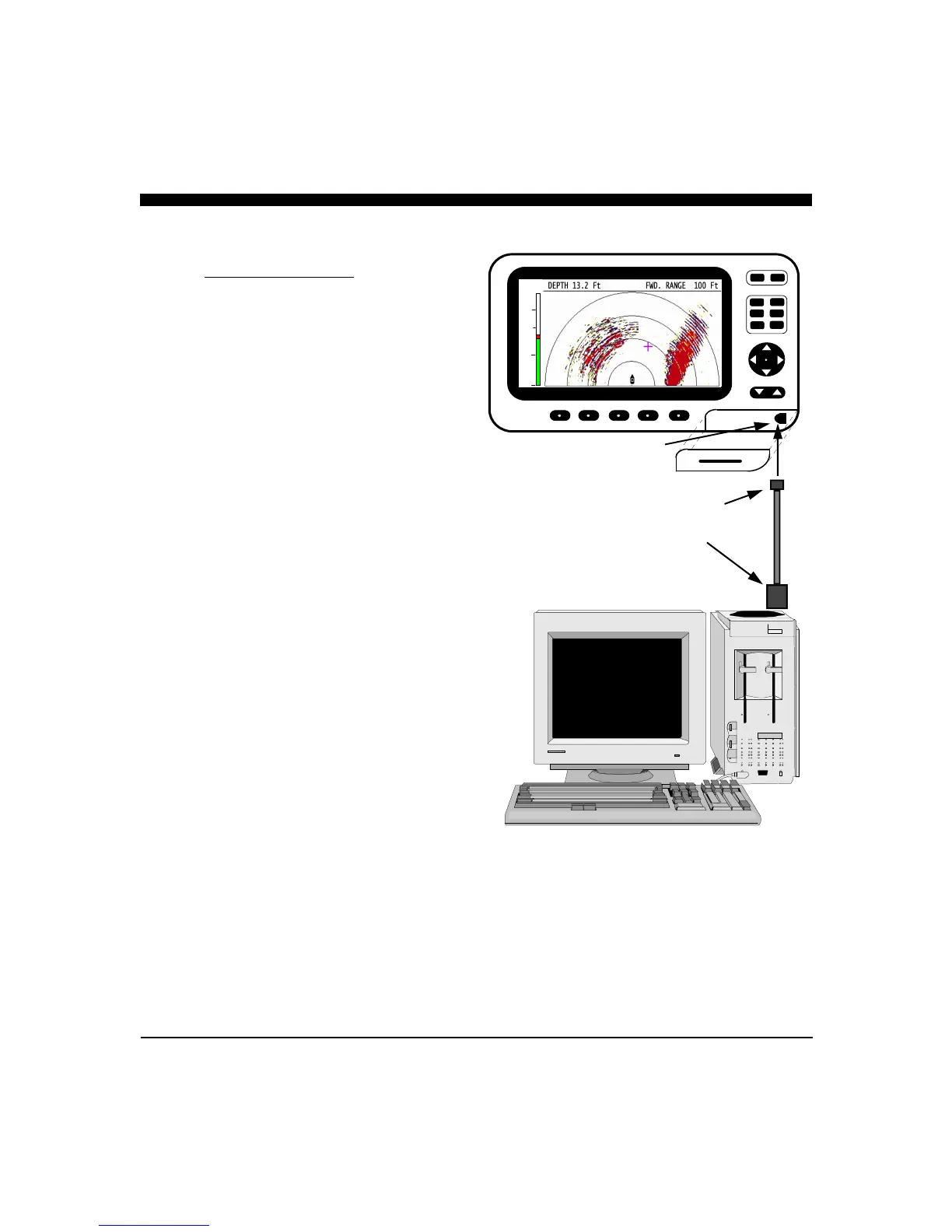
Connect the Mini-USB connector to the port under the
rubber protective cover on the front bottom right corner of
the iScan 180. Connect the other end of the cable to the
USB port of your PC.
Note: Detailed upgrade instructions are available on
our website at www.interphase-tech.com
iScan 180 - Front View
CURSR
VERT
HORIZ
DOWN DATA
RANGE
GAIN
PWR
FORWARD LOOKING SONAR
25.0
12.5
Mini-USB Port
6 Foot Mini-USB - B
to
USB - A cable
Part# 04-1057-000



 To Next Page