EasyManua.ls Logo

Interstate Batteries IB Pulse - User Manual

Default Icon
24 pages
Print Icon
To Next Page IconTo Next Page
Loading...
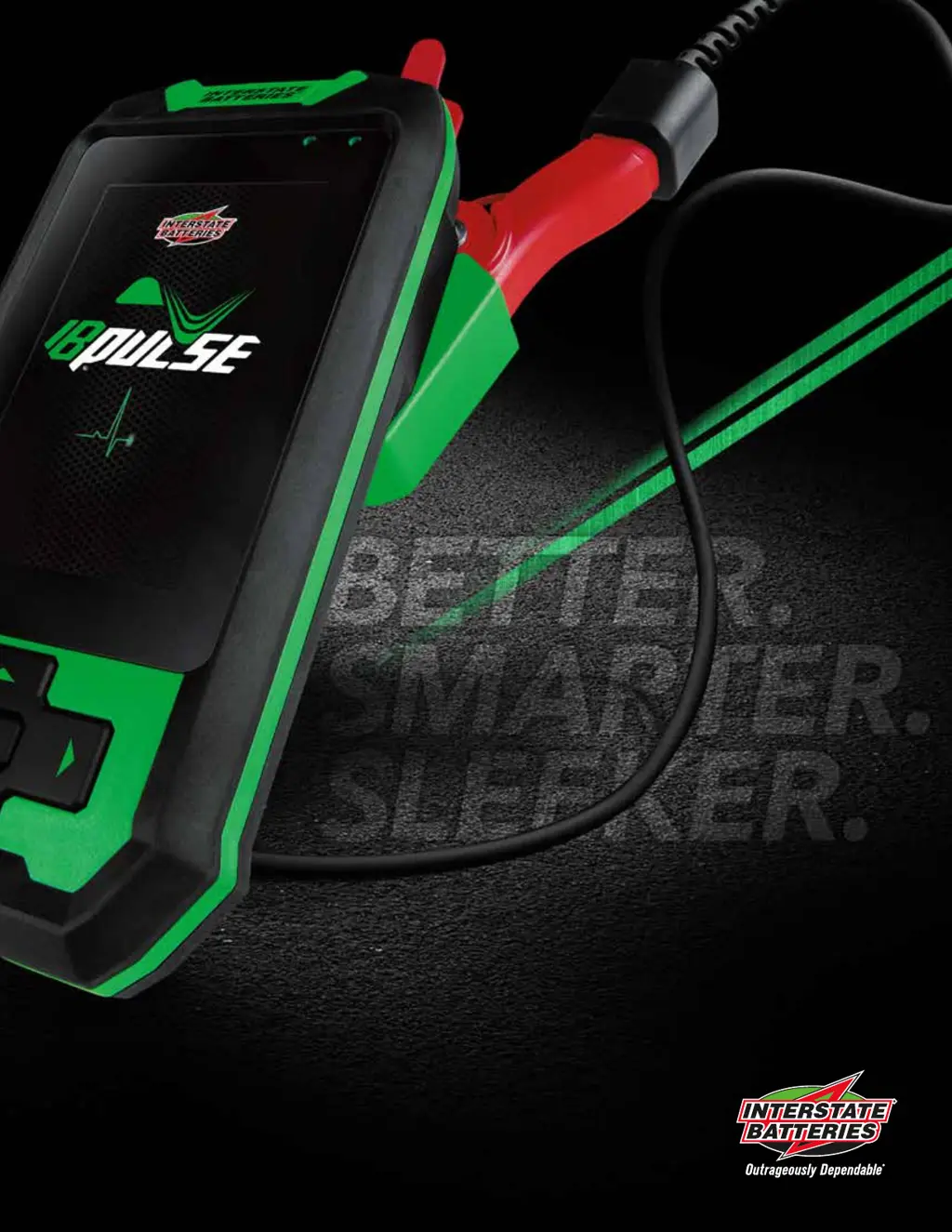
IB PULSE
®
TESTING PROGRAM MANUAL

Table of Contents

Questions and Answers

  • A
    Ashley MayerAug 8, 2025
    Why won't dealer/shop information download to my Interstate Batteries Test Equipment IB Pulse?
    • B
      brooksronnieAug 8, 2025
      If the dealer or shop information fails to download to your Interstate Batteries Test Equipment IB Pulse, it's likely that the IB Pulse isn't connected to the Wi-Fi Hub. To resolve this, verify the Hub connection and setup, check the Ethernet connections, try unplugging the Wi-Fi Hub for a few minutes before restarting it, or delete the Wi-Fi Hub and then reconnect.
  • J
    Joshua WilliamsAug 12, 2025
    What to do if software update doesn’t complete on Interstate Batteries IB Pulse Test Equipment?
    • J
      jbaldwinAug 12, 2025
      If the software update on your Interstate Batteries Test Equipment doesn’t complete or shows as unavailable, it's likely because the IB Pulse isn't connected to the Wi-Fi Hub. To fix this, check the Hub connection and setup. Ensure the IB Pulse is charged to at least 40%, and place it in the charging dock during the update. Also, check the Ethernet connections and try unplugging the Wi-Fi Hub for a few minutes before restarting it.
  • O
    owilsonAug 17, 2025
    How to fix cannot email battery test results from Interstate Batteries IB Pulse?
    • M
      Mr. Joseph HallAug 17, 2025
      If you cannot email battery test results from your Interstate Batteries Test Equipment, it is probably because the IB Pulse is not connected to the Wi-Fi Hub. To fix this, check the Hub connection and setup, move closer to the Wi-Fi Hub, check Ethernet WAN connections, unplug the Wi-Fi Hub and wait several minutes before restarting, or delete the Wi-Fi Hub and then reconnect.
  • L
    Laura WillisAug 21, 2025
    Why does Interstate Batteries Test Equipment Wi-Fi connection disconnects intermittently?
    • S
      Sandra SotoAug 21, 2025
      If your Interstate Batteries Test Equipment Wi-Fi connection drops or disconnects intermittently, it might be due to insufficient Wi-Fi signal strength. Check the Wi-Fi strength, ensure all antennas are securely attached, move the Wi-Fi Hub to a more central location, and move it away from interference from metal objects and walls.
  • T
    travis09Aug 26, 2025
    How to connect Wi-Fi Hub to Interstate Batteries Test Equipment IB Pulse?
    • C
      Courtney WilliamsAug 26, 2025
      If no Wi-Fi Hub is listed in the Wi-Fi section of your Interstate Batteries Test Equipment IB Pulse, it's likely that the Wi-Fi Hub was never paired during setup. To resolve this, connect the Wi-Fi Hub. Go to Setting, then Wi-Fi and select the plus “+” button then select available Hub listed in section. It will be displayed in a HUB-xxxxxxxx format.
  • A
    Angelica MoralesAug 30, 2025
    What to do if no lights on Interstate Batteries Test Equipment Wi-Fi Hub?
    • A
      Anna PittmanAug 30, 2025
      If there are no lights displaying on the front of your Interstate Batteries Test Equipment Wi-Fi Hub, the device is likely not connected to a power source. Check the power source connection. If there is still no LED activity, unplug the device and wait several minutes before restarting.
  • T
    Thomas BentonSep 3, 2025
    Why is my Interstate Batteries IB Pulse Test Equipment not connecting to the internet?
    • U
      upooleSep 3, 2025
      If you see no red light, amber light on Red light on, amber light off or no green lights displayed on your Interstate Batteries Test Equipment Wi-Fi Hub, it indicates that it is not connecting to the Internet. You should check the Hub connection and setup, check Ethernet WAN connections, and try unplugging the Wi-Fi Hub, waiting several minutes, and then restarting it.

Interstate Batteries IB Pulse Specifications

General IconGeneral
BrandInterstate Batteries
ModelIB Pulse
CategoryTest Equipment
LanguageEnglish