13
2 – VIN Scan In Vehicle TestingIB Pulse
Cranking Health Decisions
Decision Action
Cranking
Normal
Starter voltage normal & battery is fully charged.
Low
Voltage
Starter voltage low & battery is fully charged.
Charge
Battery
Starter voltage low & battery is discharged. Fully charge
& repeat test.
Replace
Battery
For REPLACE or BAD CELL, replace battery before
testing starter.
No Start Engine didn’t start & test was aborted or vehicle starting
prole not detected & Starter Test was skipped.
Charging Health Decisions
Decision Action
Charging
Normal
The output from the alternator is normal.
No
Output
No output detected. Check belts to ensure alternator is
rotating when engine is running.
• Check all alternator connections including to the
battery. Clean or replace if necessary and retest.
• If the belts and connections are in good working
condition, replace alternator or external voltage
regulator.
Low
Output
Alternator not providing enough current to power
electrical loads and charge the battery.
• Check belts to ensure the alternator is rotating with
the engine running.
• Check alternator connections to and from the
battery. If loose or heavily corroded, clean or
replace the cable and retest.
High
Output
Alternator voltage to the battery exceeds normal limits
of a functioning regulator.
• Check for loose and normal ground connections.
If no connection problems are found, replace the
regulator.
The normal high limit of a typical automotive regulator
is 14.5 volts +/–0.5. Refer to the manufacturer
specications for the correct limit, which may vary by
vehicle type.
Battery Replacement
Battery
Replacement
The Battery Replacement option is given following a
Replace Battery decision. Use Battery Replacement
to access the Reset Electronics checklist and to look
up correct replacement Interstate battery options.
1. Select Done following a Replace Battery decision. The op-
tion to replace the battery is given.
Battery Replacement can also be accessed through the Last
Test function when Replace Battery is selected.
2. Select Yes to continue.
Based on the entered VIN, any battery replacement notices
and warnings are displayed.
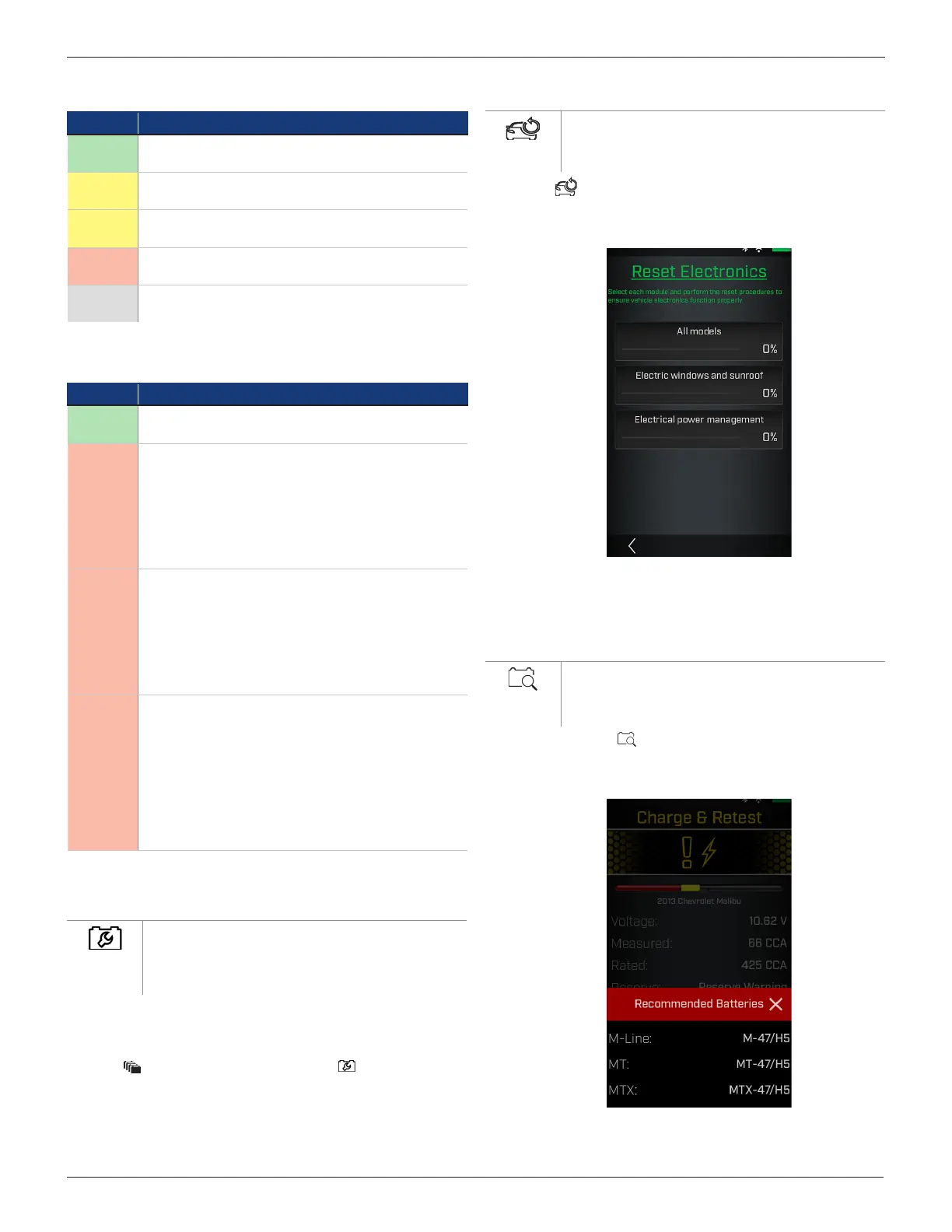
Reset
Reset
Displays a checklist of vehicle-specic procedures
to ensure the vehicle electronics are functioning
properly following the installation of a new battery.
1. Select .
2. Select each module and perform the reset procedures to
ensure the vehicle electronics function properly.
3. Check each item in the list after it has been completed.
4. Select
<
to go back to the Reset Electronics screen.
Lookup Replacement
Lookup
Replacement
Displays a list of recommended replacement batteries
based on the entered data during the testing
process.
1. Select the Reset icon.
A list of recommended replacement batteries based
on the
entered VIN is displayed.
2. Tap X to close the window and return to the Battery Re-
placement screen.



 To Next Page