20
4 – Menu
IB Pulse
About
For technical assistance, replacement parts, or service,
call 877.464.3318.
Serial Number IB Pulse SW Version
Wi-Fi MAC Address Tester SW Version
Conguration Version
Tester Software Version
Select
©
to display software attribution and copyright
information. The tester must be connected to the Internet.
Promotions
Promoons
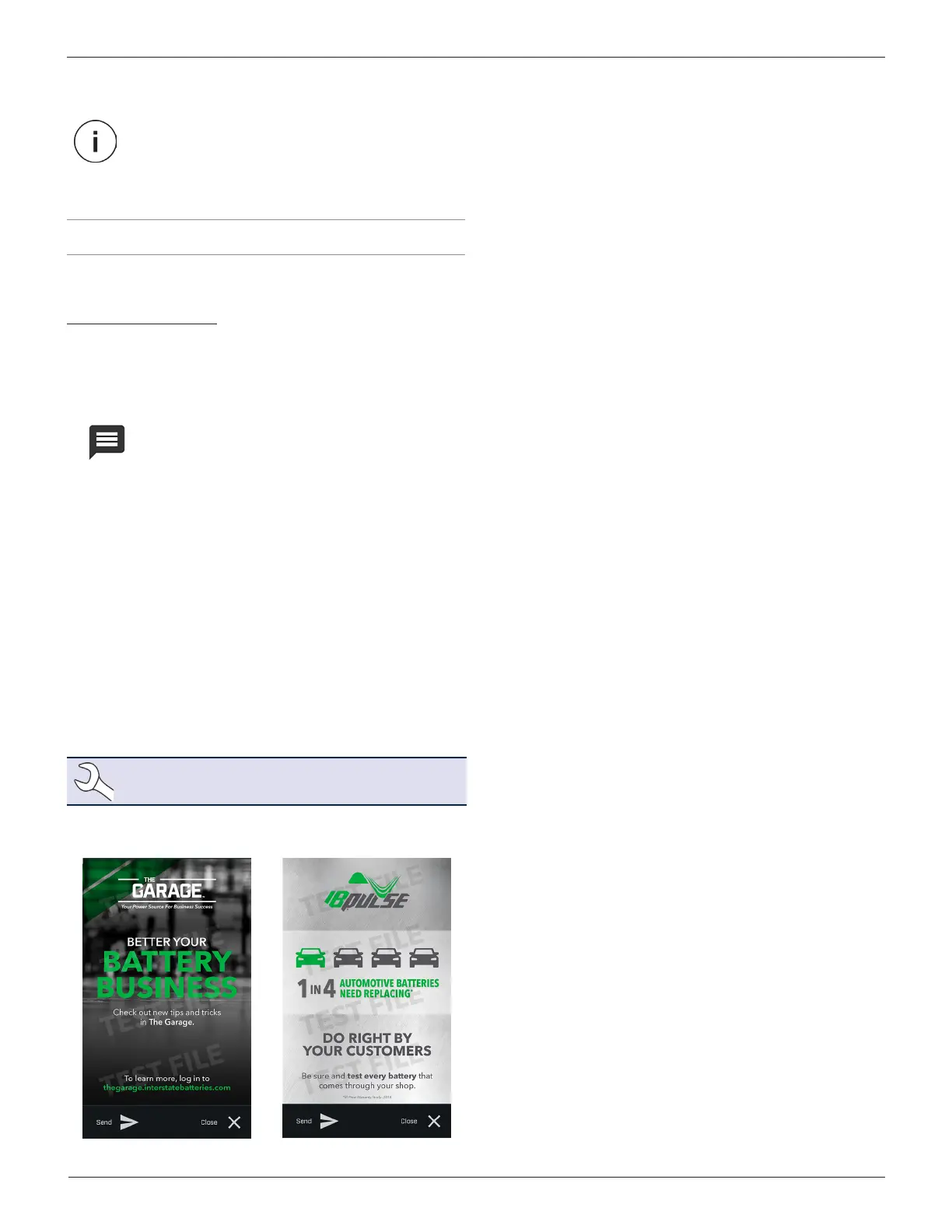
The Promotions displayed on the IB Pulse are
created and controlled by Interstate Batteries.
Users do not have the ability to delete or change
any promotion or promotion schedule.
• Promotions can be automatically displayed whenever a user
logs into the IB Pulse.
• More than one Promotion can be active at one time.
• Every promotion has a specic start and end date.
• View all active Promotions at Menu -> Promotions. Expired
Promotions are removed and cannot be displayed.
• Promotions can be setup for a specic number of displays
for each user. For example, a Promotion will display for the
rst ve days a user logs into the IB Pulse, but still valid be-
yond that time.
• Promotions can also be emailed or printed using a Wi-Fi
printer. Promotions emailed or printed prior to expiration,
are invalid after the expiration date.
NOTE: Promotions cannot be printed using a
Bluetooth printer.
Promotion Samples



 To Next Page