Outdoor Software Defined Radio (OSDR) platform
Installation & Cabling Manual - Edition 3.0
81
Radio Unit Ethernet (S-FTP) Cable, Continued
Procedure,
continued
7
Install the cable holder, as described to Radio Unit Cable Holder
on page 88.
End of procedure.
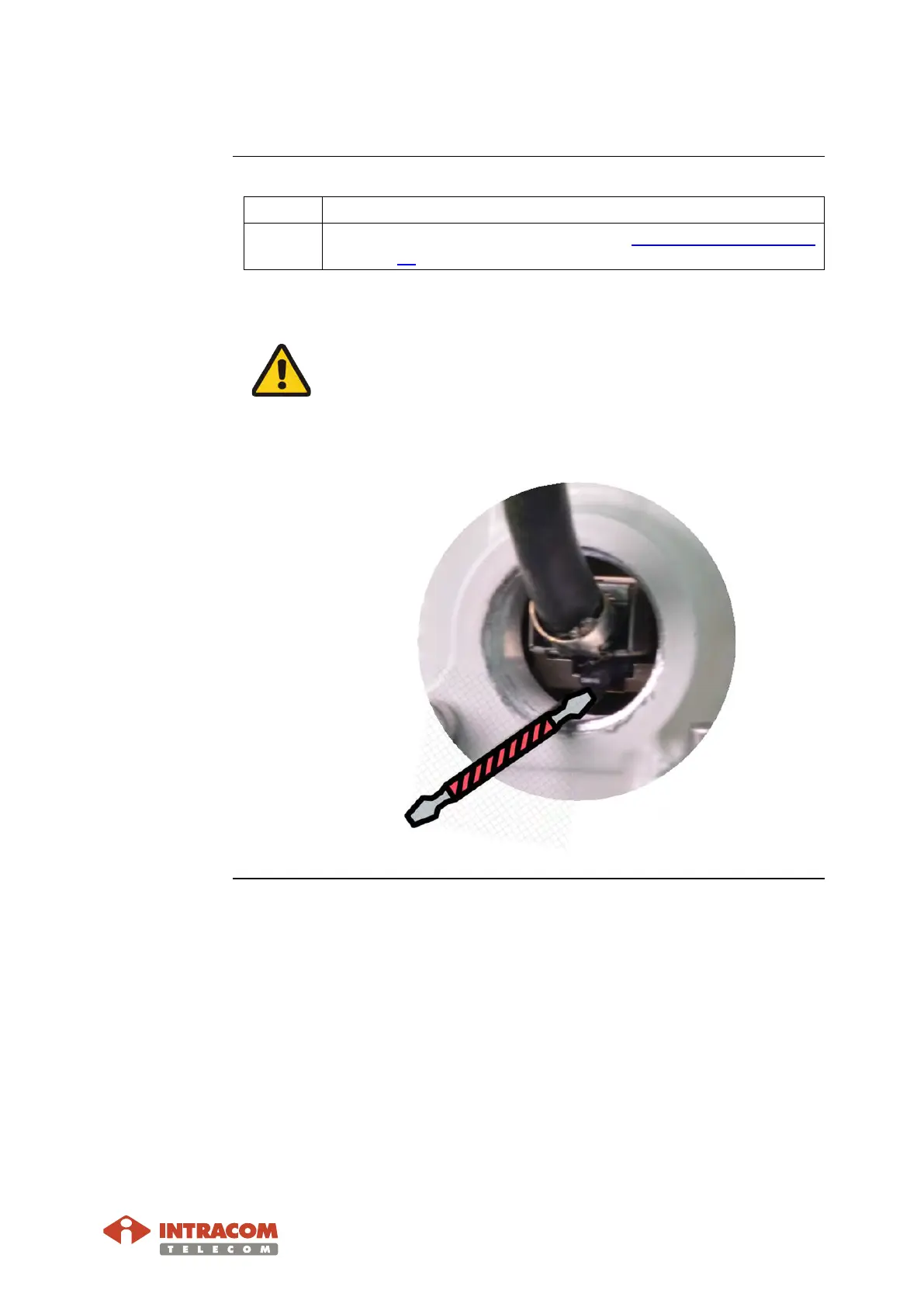
Take care when you unplug the RJ-45 jack. The latter is locked
into the mating receptacle.
After removing the gland parts of the cable use the flat-headed
screwdriver to extract the RJ-45 jack by pressing the clip upwards, as
shown below:


 To Next Page