Service
5.
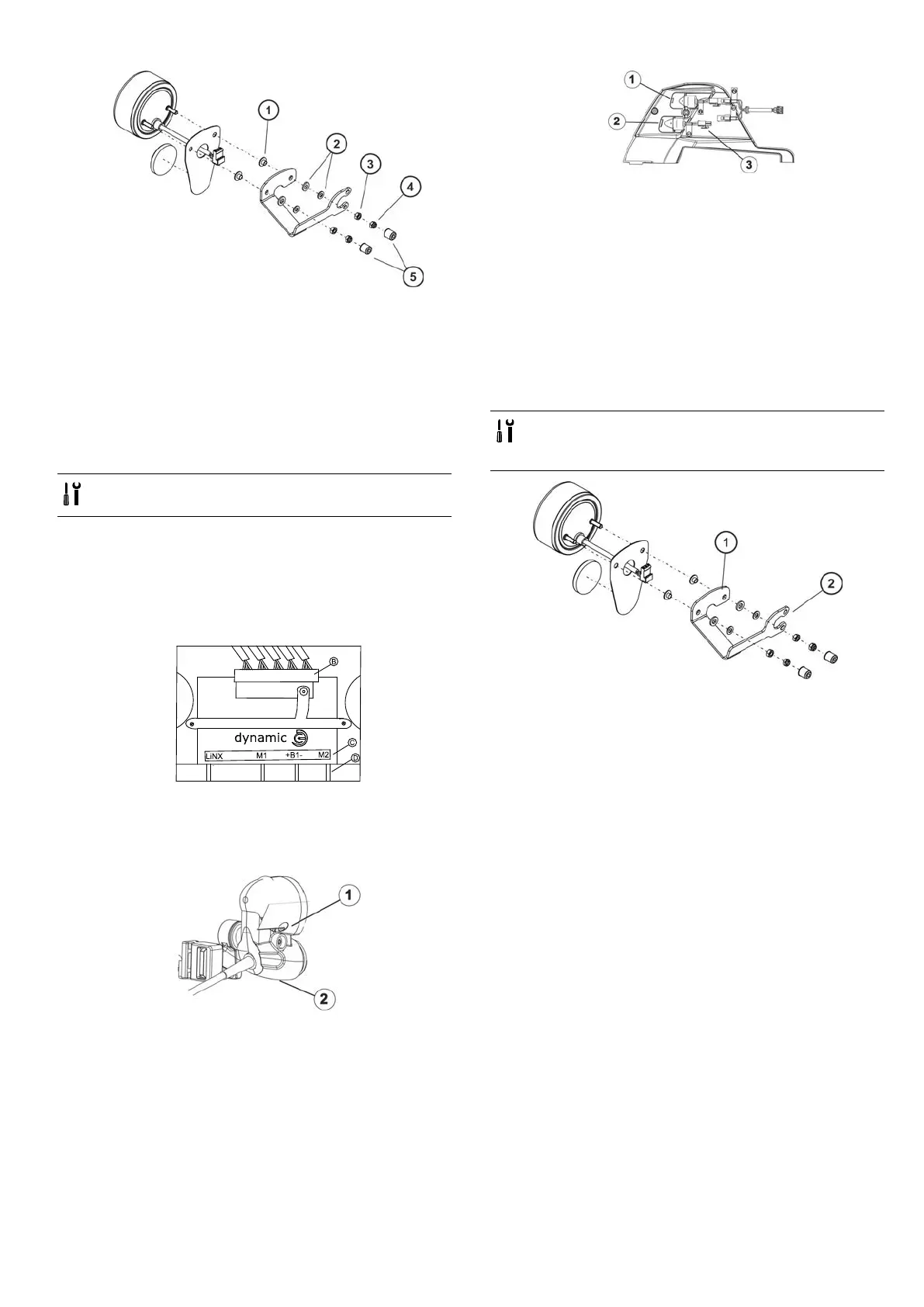
Removetwoprotectioncaps(5).
6.Loosenandremovetwonuts(4)/(3)includingwashers
(2)andprotectioncaps(1).
7.Replacerearlight.
Installingrearlight
1.Installpartsinreverseorder.
2.Testallfunctions.
6.8.9Replacingcompleterearlight-(LEDlightingsystem)
•4mmAllenkey
•13mmsocketwrench
Removingrearlight
1.Removerearshroudasdescribedin6.6.2Removingrear
shroud,page30.
2.Carefullynotelocationofcableandconnectionlocations
ofvariousplugs.Eithermarkeachplugandsocket,or
takeaphotographwithadigitalcamera.
3.
IllustrationshowslightingPCBBforpowermoduleC,
theoptionalcrossconnectorD.
4.LoosencableleadingtolightingPCBfromrearlight
affected.
5.Removeallcabletiesandpullcableoutofwheelchair.
6.
Loosenwingnut(2).
7.Removeglass(1).
8.
Openconnectorplug(3)fortherearlightwhichneeds
tobereplaced.
9.Therearlightsareonlyclampedinbytheplastic
housing.Ifrequired,replacetheredrearlight(2)orthe
indicator(1).Thecablesarelabelledappropriately.
Installrearlight
1.Installpartsinreverseorder.
2.Tightenallscrewsnger-tightagain.
3.Testallfunctions.
6.8.10Replacingrearlampholder-(conventionallighting
system)
•Size2Phillipsscrewdriver
•8mmsocketwrench
•3/16"Allenkey
Removingrearlampholder
1.Removecompleterearlightasdescribedin6.8.8
Replacingrearlightcomplete-(conventionallighting
system),page40.
2.Loosenandremovetwoscrews(2)onchassisincluding
washers.
3.Replacelampholder(1).
Installingrearlampholder
1.Installpartsinreverseorder.
2.Testallfunctions.
6.9Seating
•Forseatsystems—ModuliteandULM,refertothe
correspondingmanual.
•Olderspecicationshavebeendescribedinrevision11
ofthisservicemanual.
1532486-L
41





 To Next Page