to the patient database. In addition, if the thermal printer is available and
correctly configured, the print icon allows the user to access the print menu.
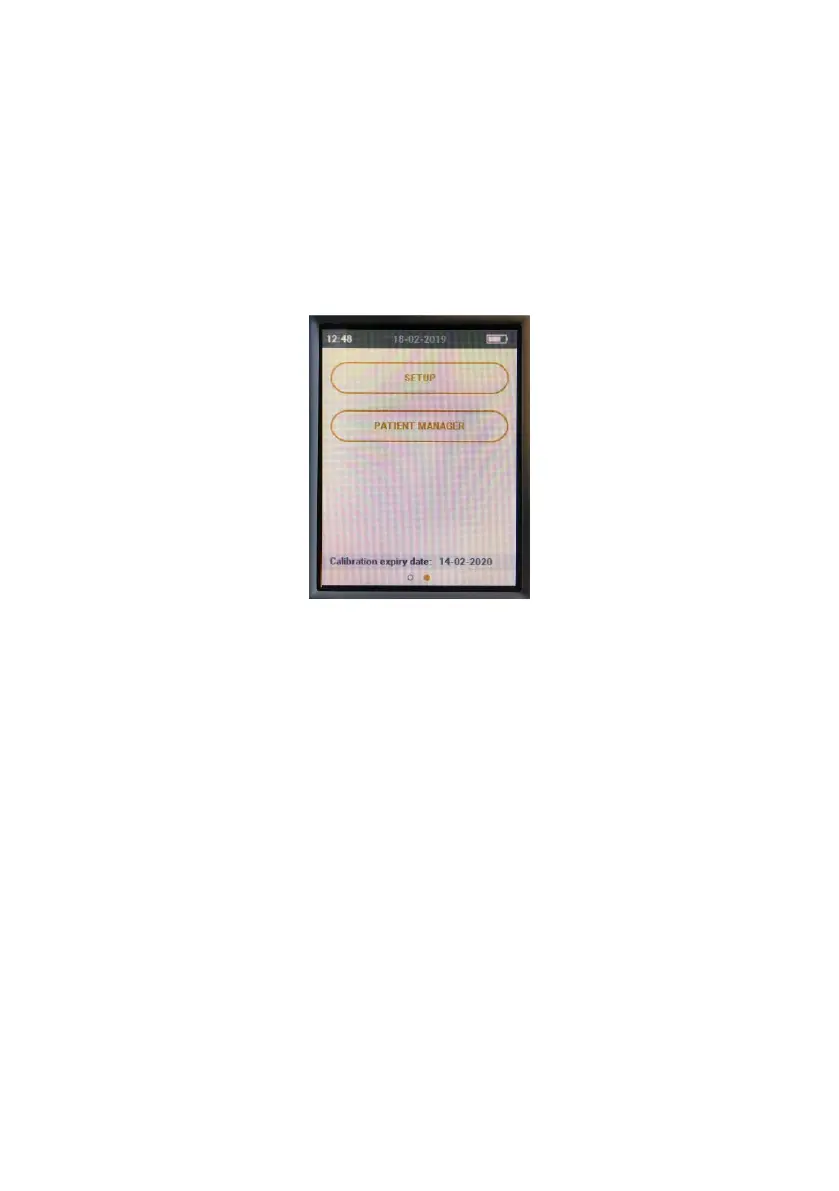
All screens of the software utility show the time at the top left, and the
charge status of the battery at the top right.
Scrolling to the left, the display will show the second page of the main
menu, from which the user can access the setup menu or the patient
management menu, by selecting the relative button in either case.


 To Next Page