The Timpani tympanometer has a number of configuration parameters that
can be changed in the settings window. This chapter describes the general
parameters available, and how to change them.
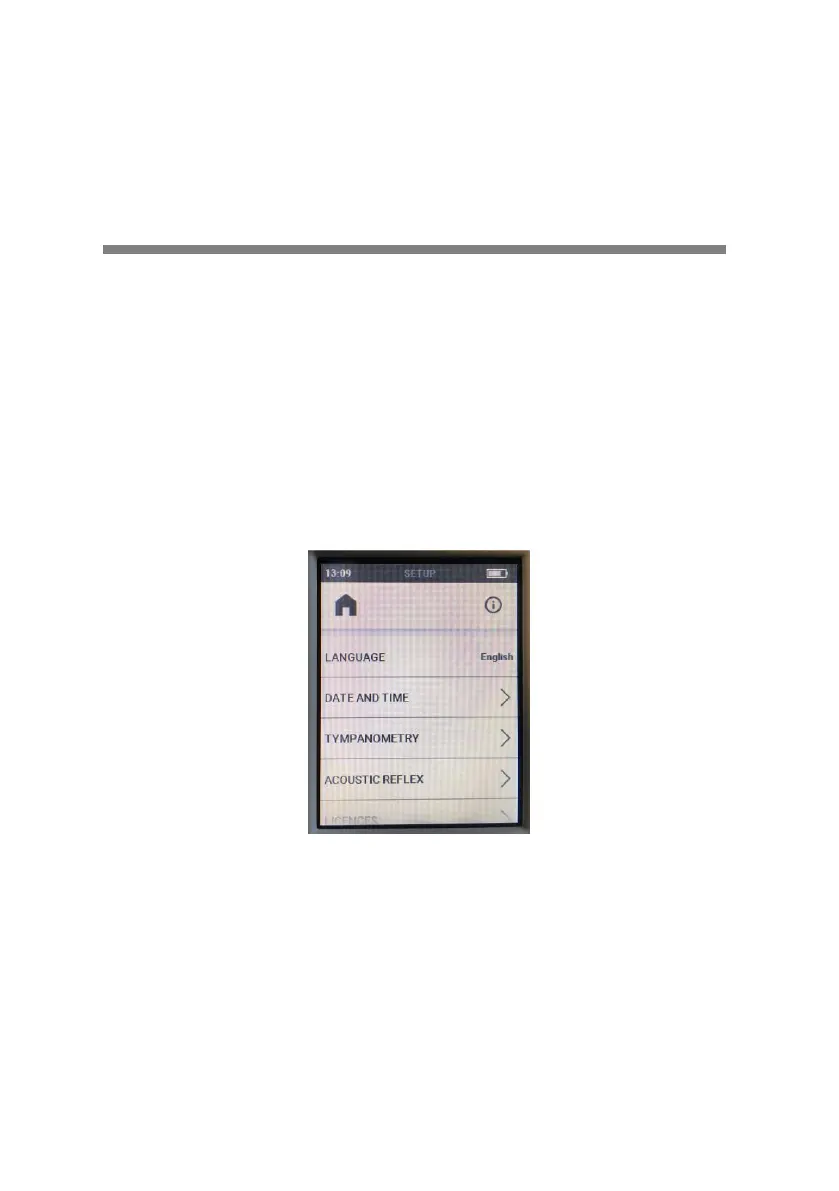
SETTINGS WINDOW
To access the settings window, all the user needs to do is scroll the display
toward the left and then press the Settings button. To go back to the
previous page, press the home icon.
Once the settings window is active, the display can be scrolled up and down
to view the items available for selection. Having selected and edited the
item as desired, press the back icon to return to the settings menu.
To enable changes to certain items, such as specific settings for hearing
tests, and the current date and time, access to a particular window is
required.
For a detailed description of the settings associated with each test, refer to
the chapter describing the test of interest.


 To Next Page