This chapter describes the functionality of saving acquired test data to the
non-volatile memory of the Timpani instrument, and associating the
information with a specific patient.
To access the patient management window, all the user needs to do is scroll
the display toward the left and then press the Patient management button.
CREATE NEW PATIENT
To create new patients and save them in the memory of the instrument,
simply access the patient management screen and select the New patient
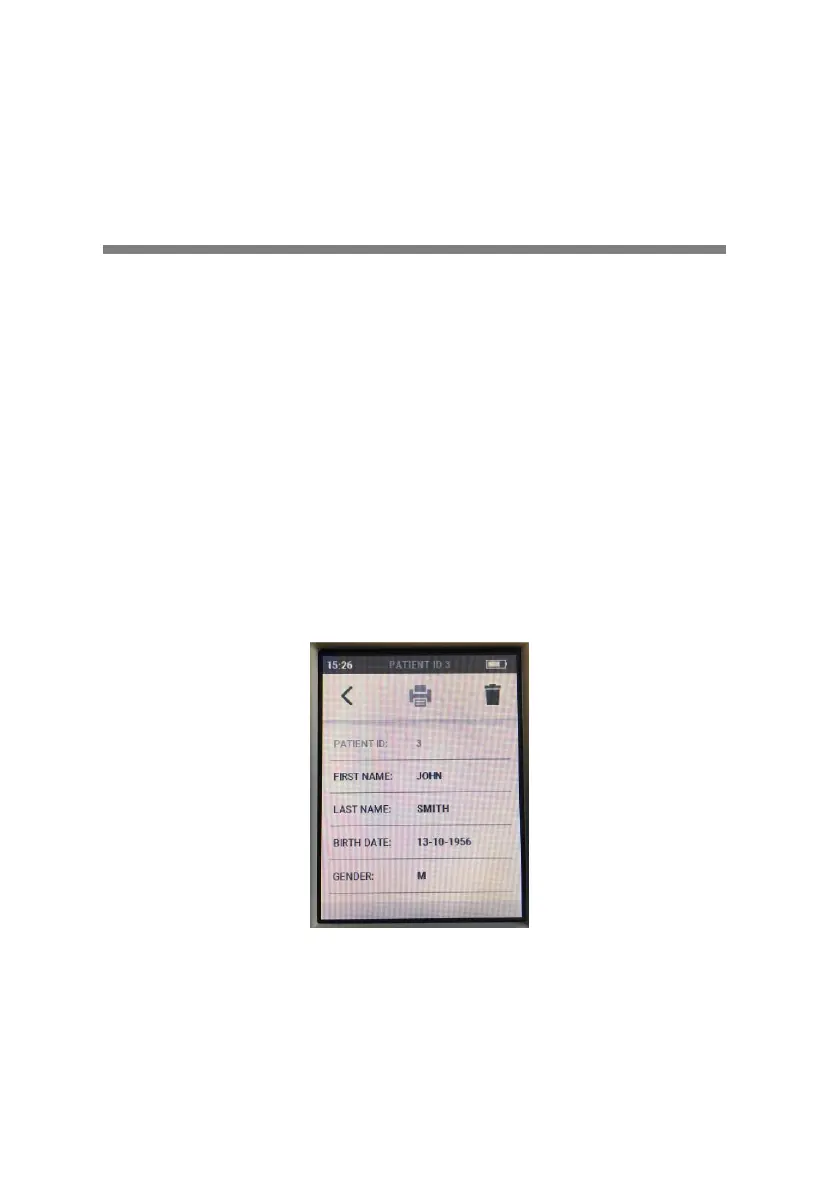
icon. A window will open, in which the user can specify the details of the
patient to be saved, including first name, last name, date of birth and
gender.
Patient details are entered simply by selecting the relative item and typing
the information by way of the keypad.
A new patient can also be created without specifying any personal details:
in this instance the individual is identified by way of a unique code that will


 To Next Page