SERVICE MANUAL ODE-3 FRAME SIZE 3
Page 3 of 23
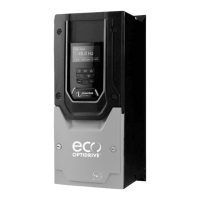
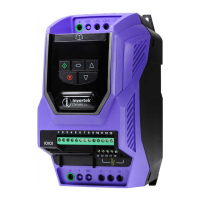
IP20 drive & IP66
Service Request Form
The following information can be used to complete a Service Request Form
Multimeter checks:
Without taking the drive apart these initial checks can give a good indication if there
is a fault on the drive.
Readings are based on a general purpose digital multimeter with resistance readings
+/- 10%.
Control terminal checks:
Set your multimeter to read Ohms
Place Black lead on terminal 1 then the red lead on the remaining control
board terminals:
The following reading should be found depending on the drive supply voltage:
480V 240V
T1 to T2 1.22 M +/- 10% 1.23 M +/- 10%
T 1 to T3 1.22 M +/- 10% 1.23 M +/- 10%
T1 to T4 101 K +/- 10% 99 K +/- 10%
T1 to T5 31.41 K +/- 10% 28.80 K +/- 10%
T1 to T6 102 K +/- 10% 99 K +/- 10%
IP66 used control terminal used
as an example





 To Next Page
