www.ioncamera.com EN - 34
Connecting the Camera to TV in DV mode
Slide the mode switch to position to enter into DV mode. Install a MicroSD into
the DV slot.
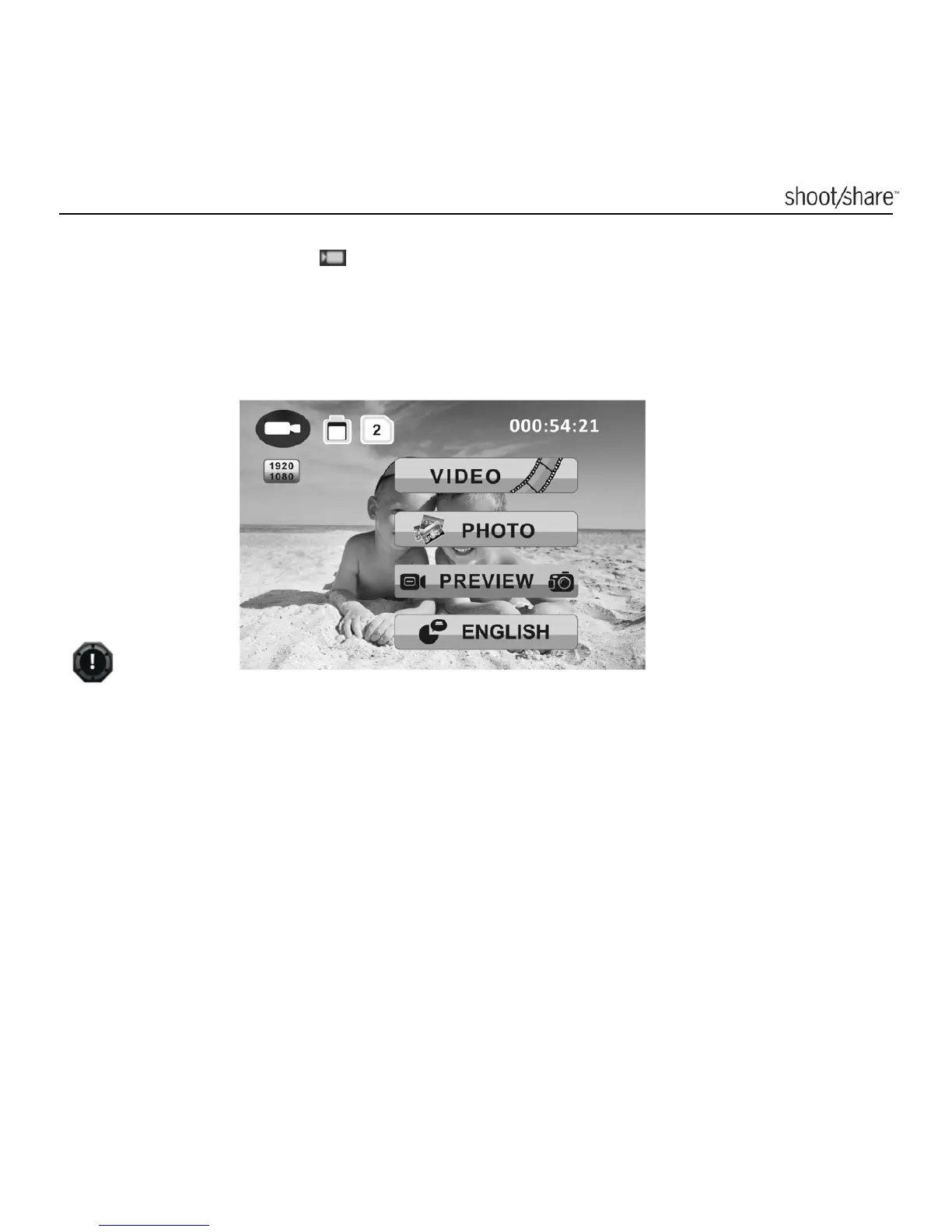
When the camera is connected to the TV in DV mode, you can preview files,
playback, delete files and format the MicroSD card through your TV screen, the TV
menu as shown in the picture below will pop up.
In order to turn off the camera, you will first need to disconnect the camera from
the TV
Please make sure a MicroSD card has been inserted into the corresponding
card slot of the selected mode, or a“No card”message will be displayed on the
TV screen and the background color of the SD card icon will turn from white to
grey.



 To Next Page