www.ioncamera.com EN - 67
Synchronizing the Video and GPS
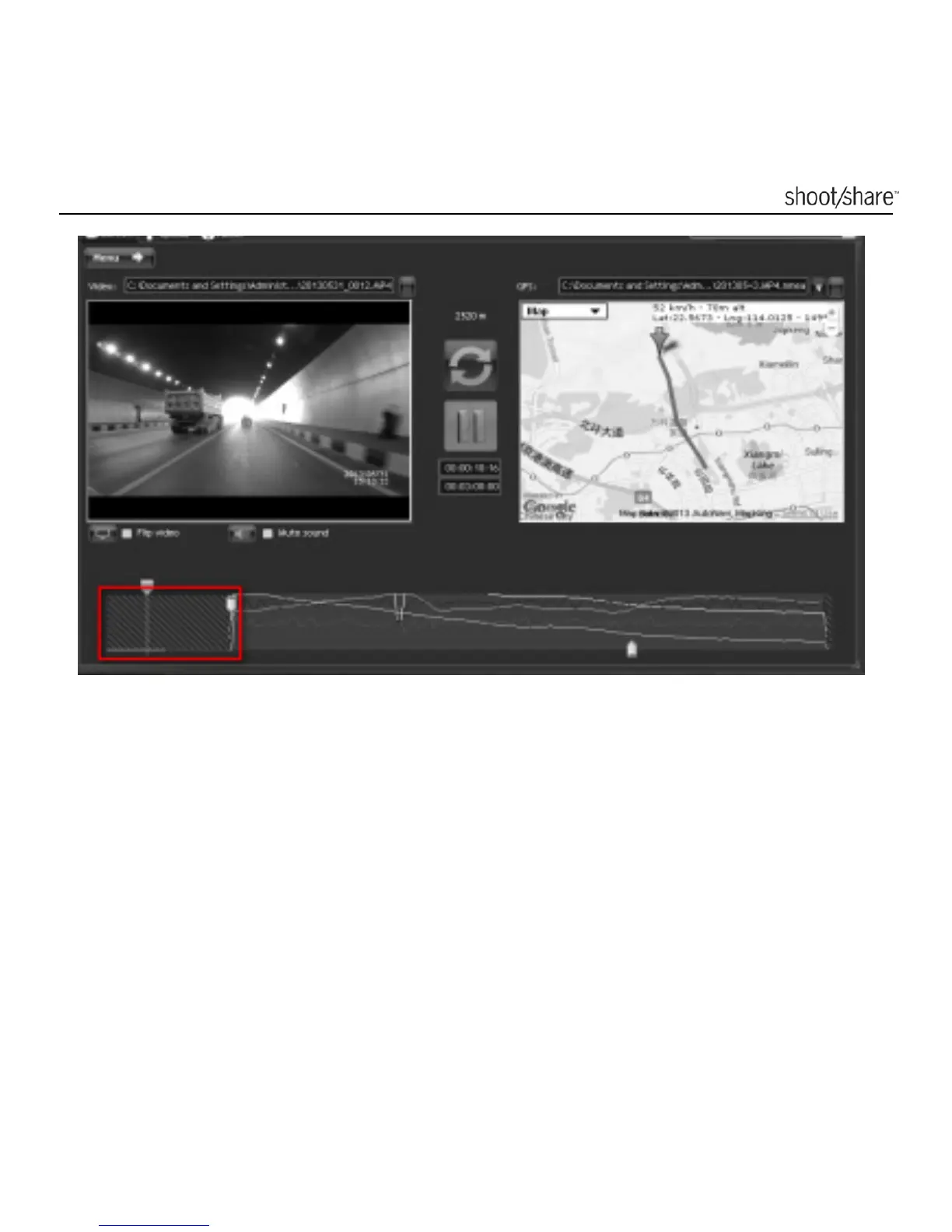
This software is used to associate a video file with a GPS file recorded at the same
time. Both can be started and stopped at a different moment but they need to be
overlapped for a few seconds. When the video and GPS data are not recorded at
the same time exactly, you can define the offset.
You can synchronize them by clicking the Refresh button: in this mode you can drag
and drop the arrow on the map to match the location of the video. You can use a
cross light, a stop sign, or whatever you can see both in the satellite view and in the
video view, as a location marker to synchronize the video. When you are done, exit
this mode by clicking on the refresh button again.



 To Next Page