www.ioncamera.com EN - 68
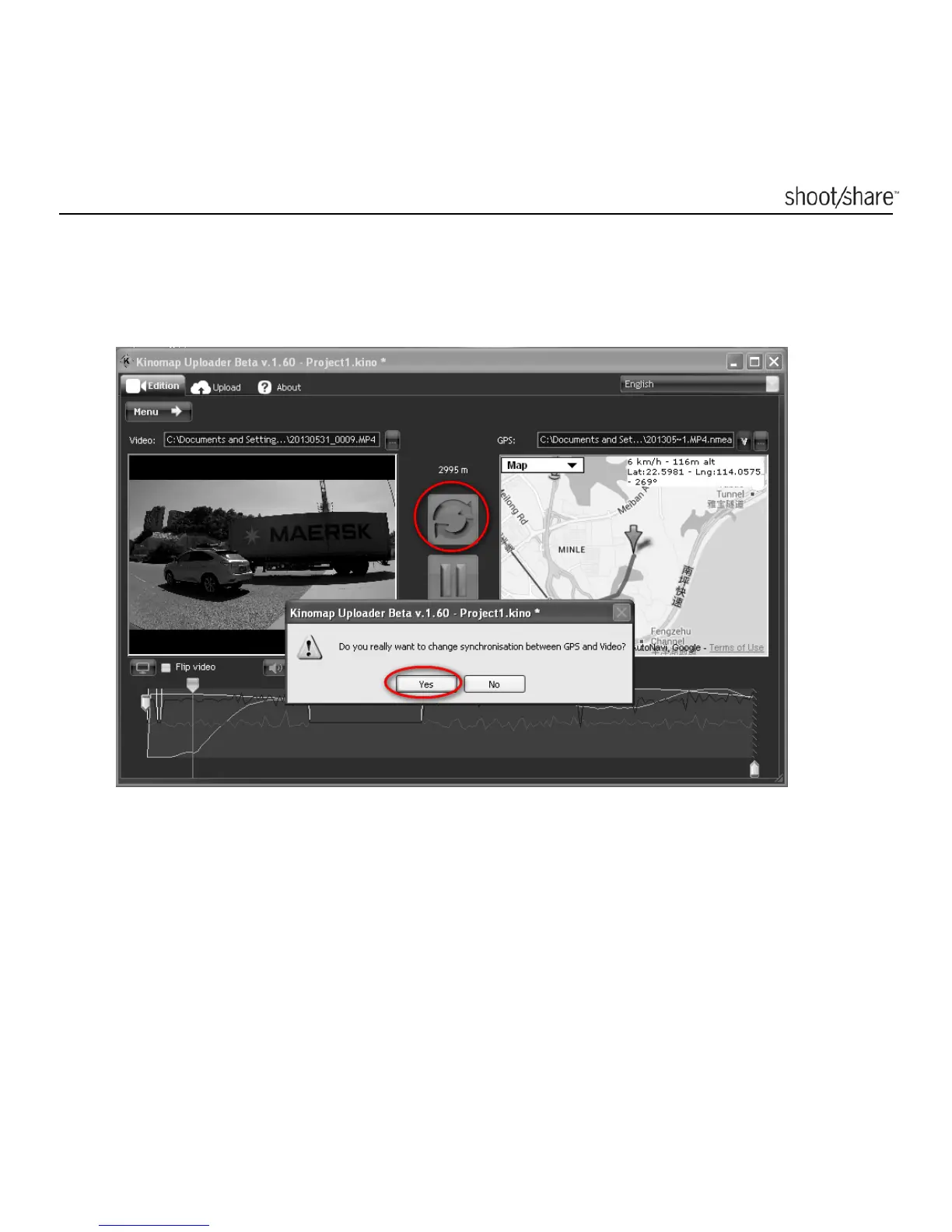
1. Click the Refresh button. In the warning message box that pops up, click “Yes”
to confirm. The arrow on the map will no longer react to the playing of the
video.
2. Drag and drop the arrow on the map to match the location of the video. Click
the Refresh button again to synchronize and resume the movement of the
arrow.



 To Next Page