www.ioncamera.com EN - 44
4. Install the Kinomap software on your computer by double clicking the
“KinomapUploader_X_XX. EXE.
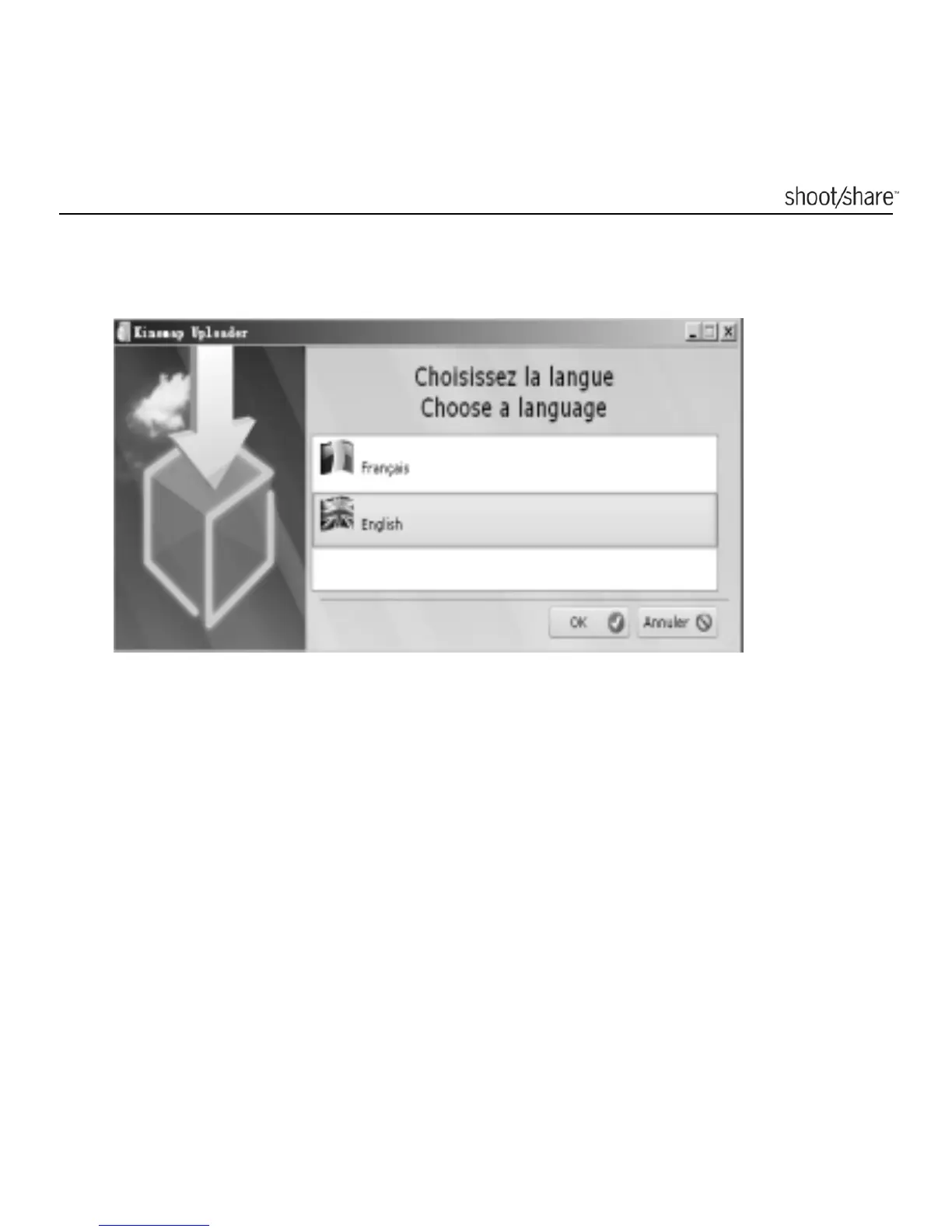
5. Choose a Language and click the [OK] button to confirm.
6. Follow the simple instructions on the "Setup Wizard dialogue box", read the
explanation, click the [Next] button to complete the software installation
process.
7. When the installation is complete, click the [Done] button to exit.



 To Next Page