www.ioncamera.com EN - 49
Notes:
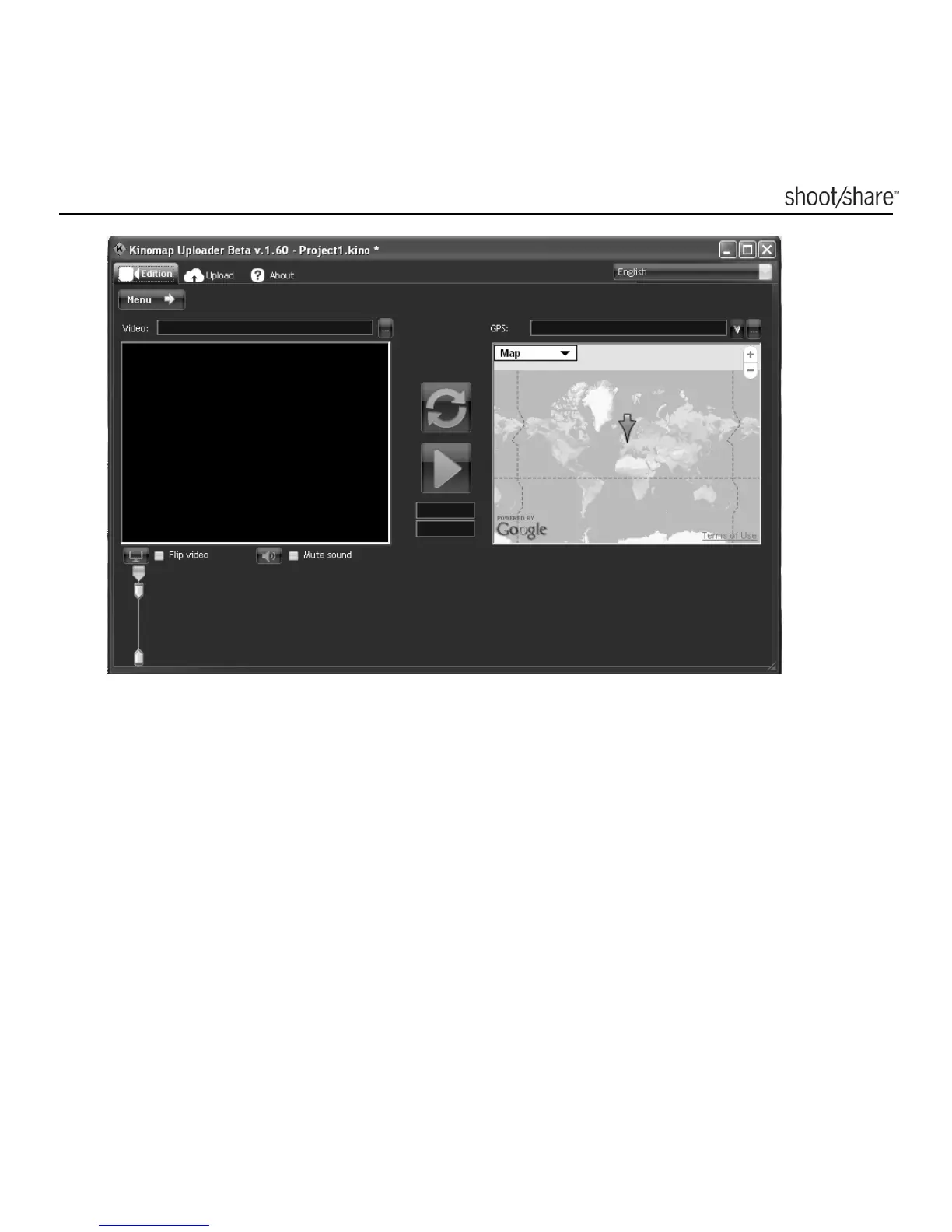
1. The first time you import a video into the software, there will be a pop-up
message reminding you to download a software named FF Show. Follow the
prompt message to download and install the software onto your computer.
2. The version number may vary due to software upgrades.
3. You can see the current software version at the top left corner of the interface.
4. When the software detects a new version, a message “A new version is
available” will appear at the top of the window. Click it to upgrade your current
software version to a newer version.



 To Next Page